Build the states individually
Make a resting portrait first. Use it as the reference for an open-mouth image and blink images. Each request creates artwork; the composer does not automatically produce a complete expression pack.
Create PNGtuber artwork and matching expressions. Preview the images, then prepare them for a separate playback app.
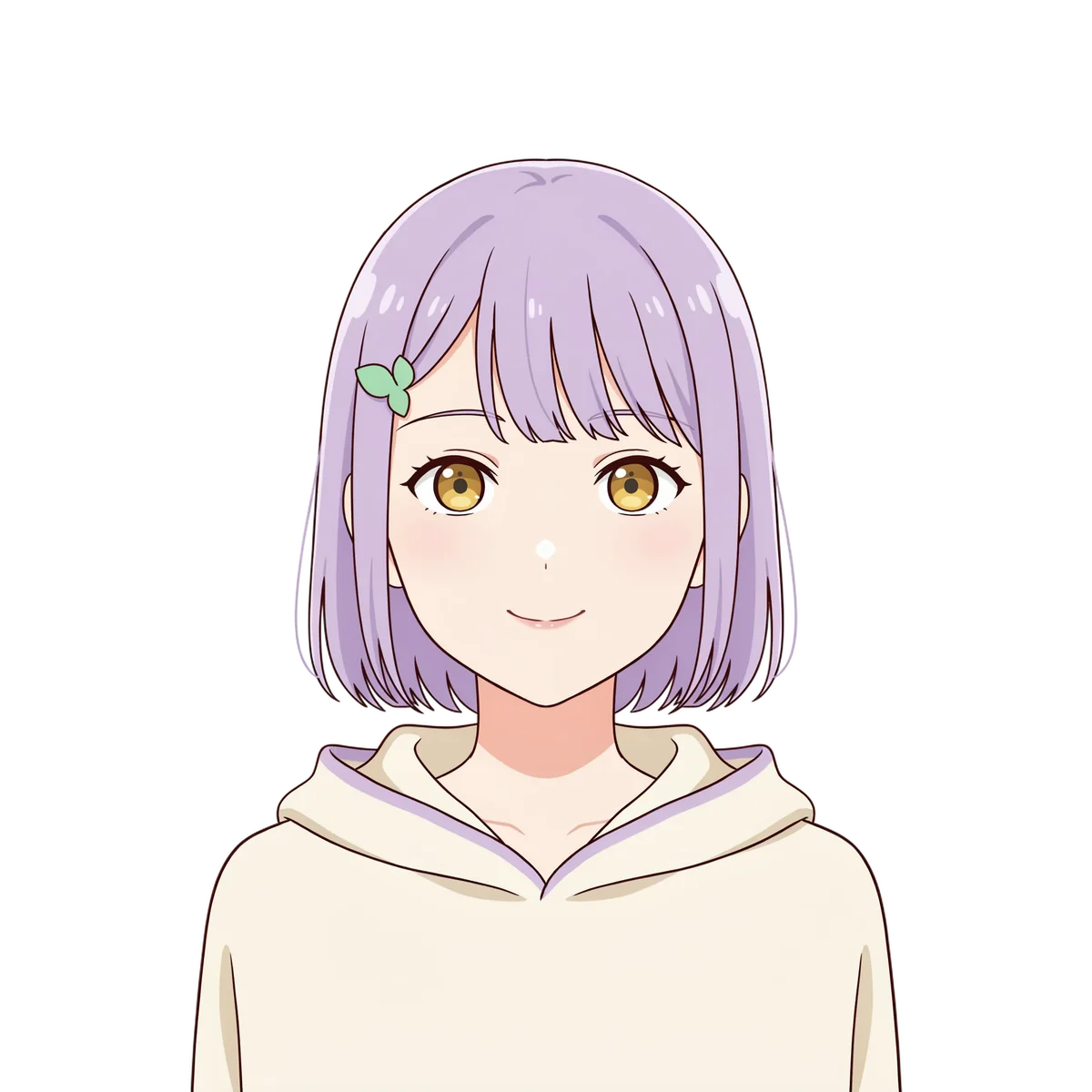
Real output. A repeatable starting point.
This sample starts with one DreamLayer character image. Reference edits create the other expressions, and background removal creates transparent images. Use the buttons to inspect the states; this preview does not listen to your microphone.
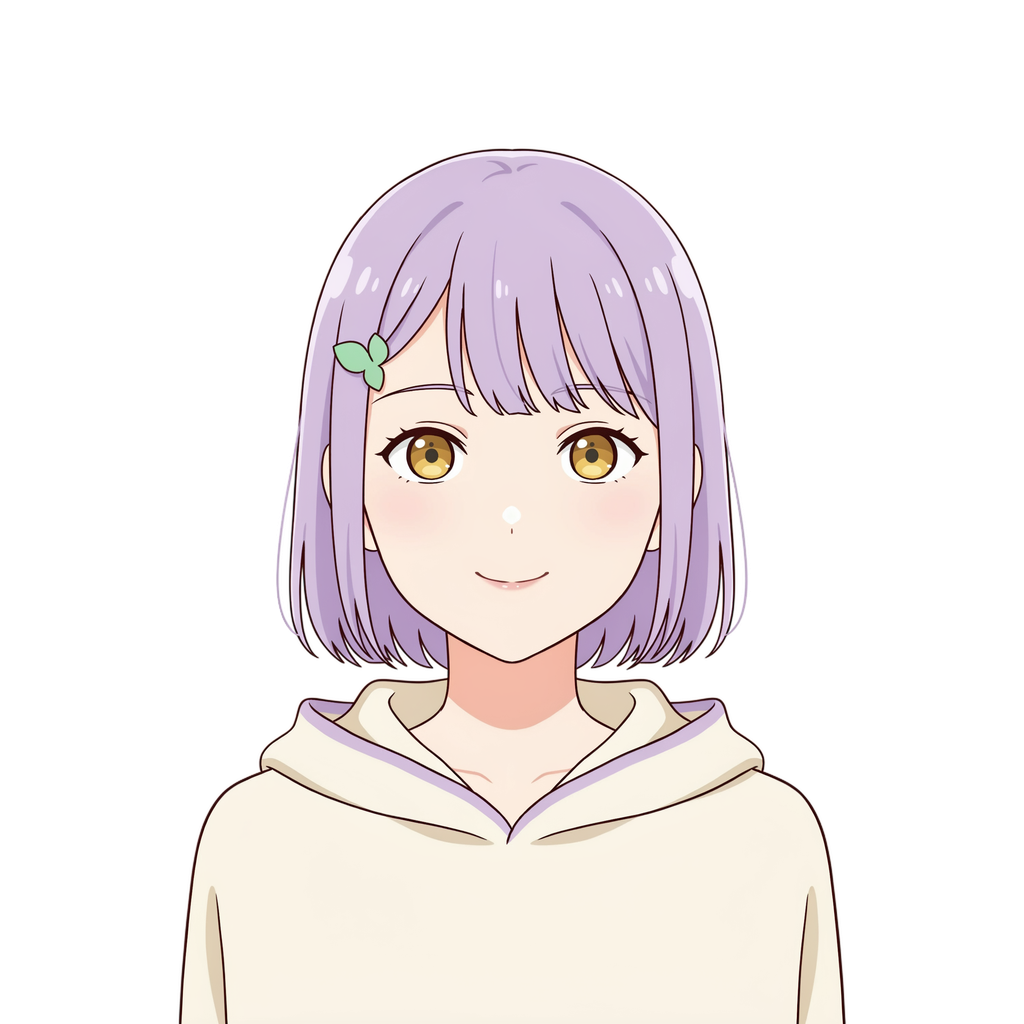
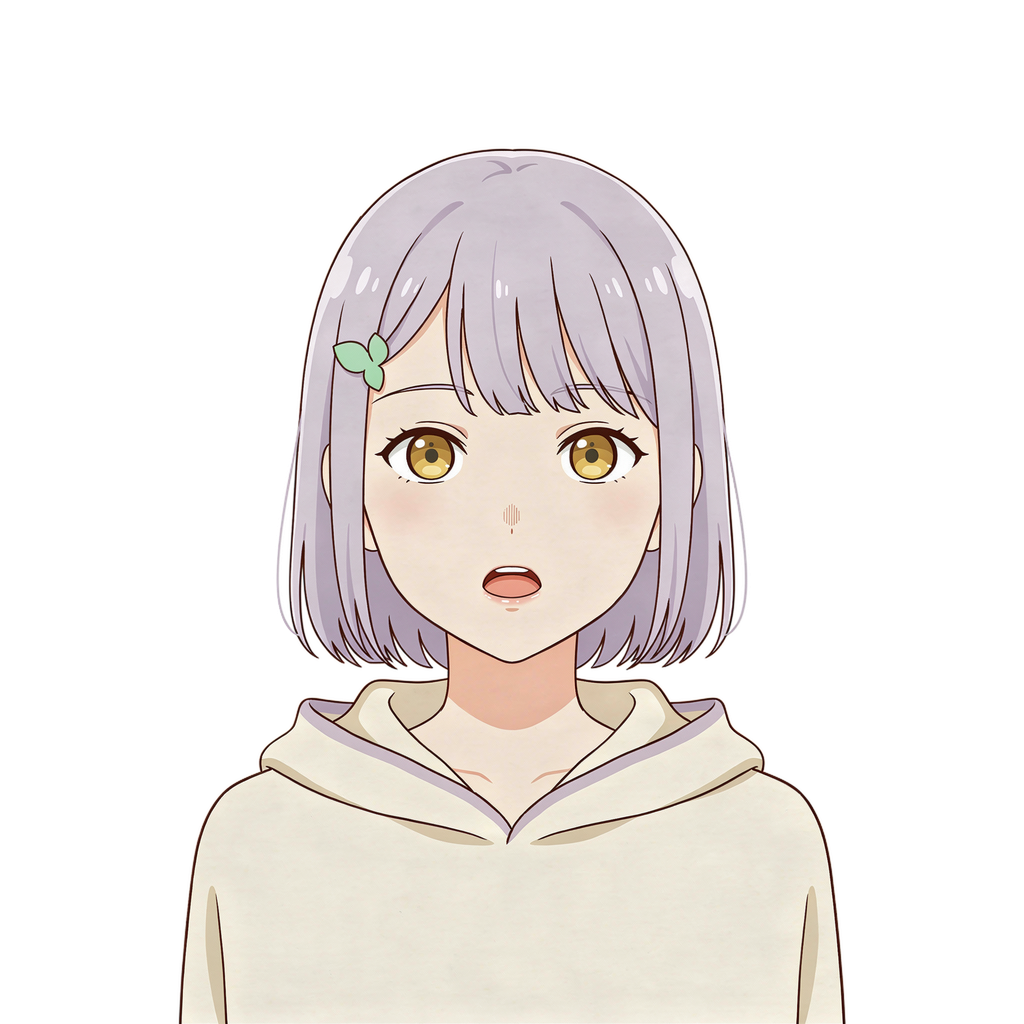
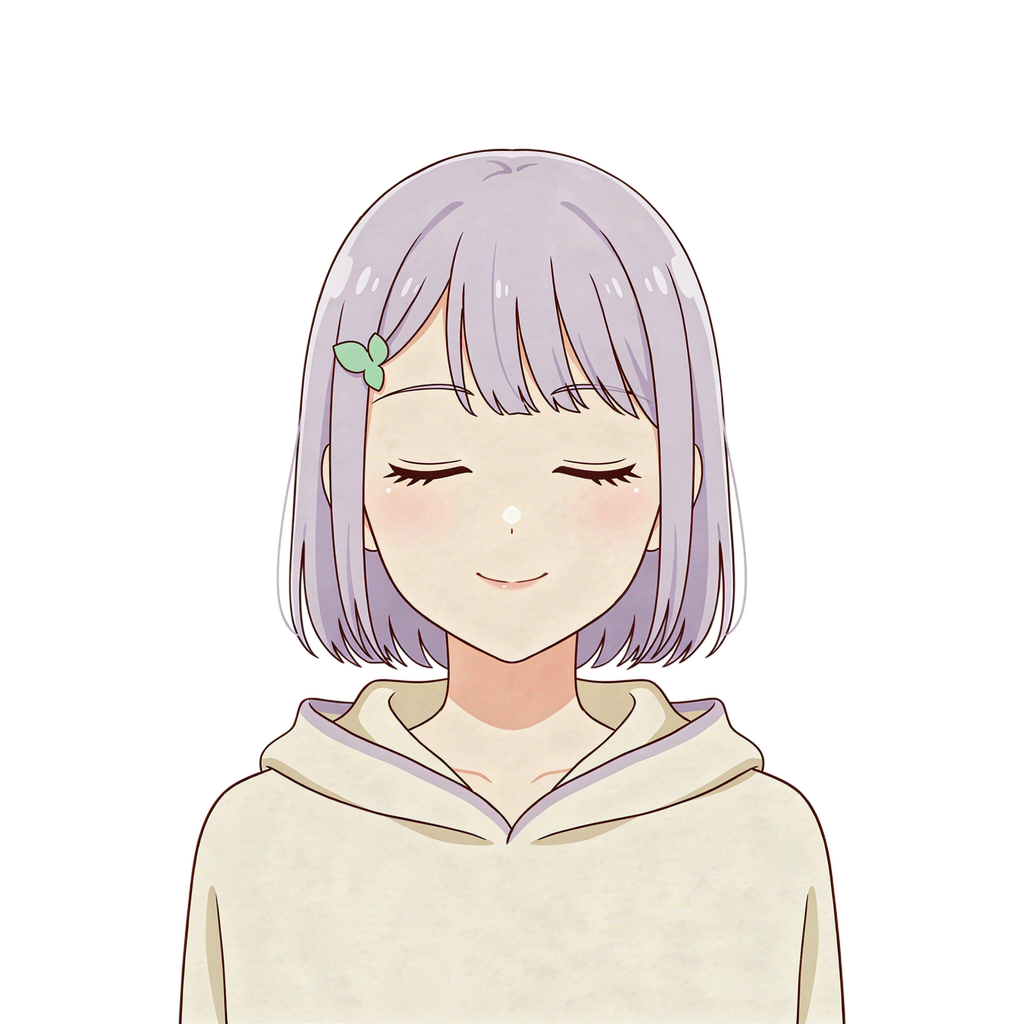
Try the sample
Switch between the transparent example images, or play a short expression loop. You can also import your own PNGs to check the face position and shoulders.
Choose the same canvas dimensions for each image. Files stay in this browser preview.
Expression preview, not microphone playback. The ZIP contains the original sample artwork and setup notes.
Create my PNGtuber artworkStart with a clear resting face and enough margin around the hair and shoulders.
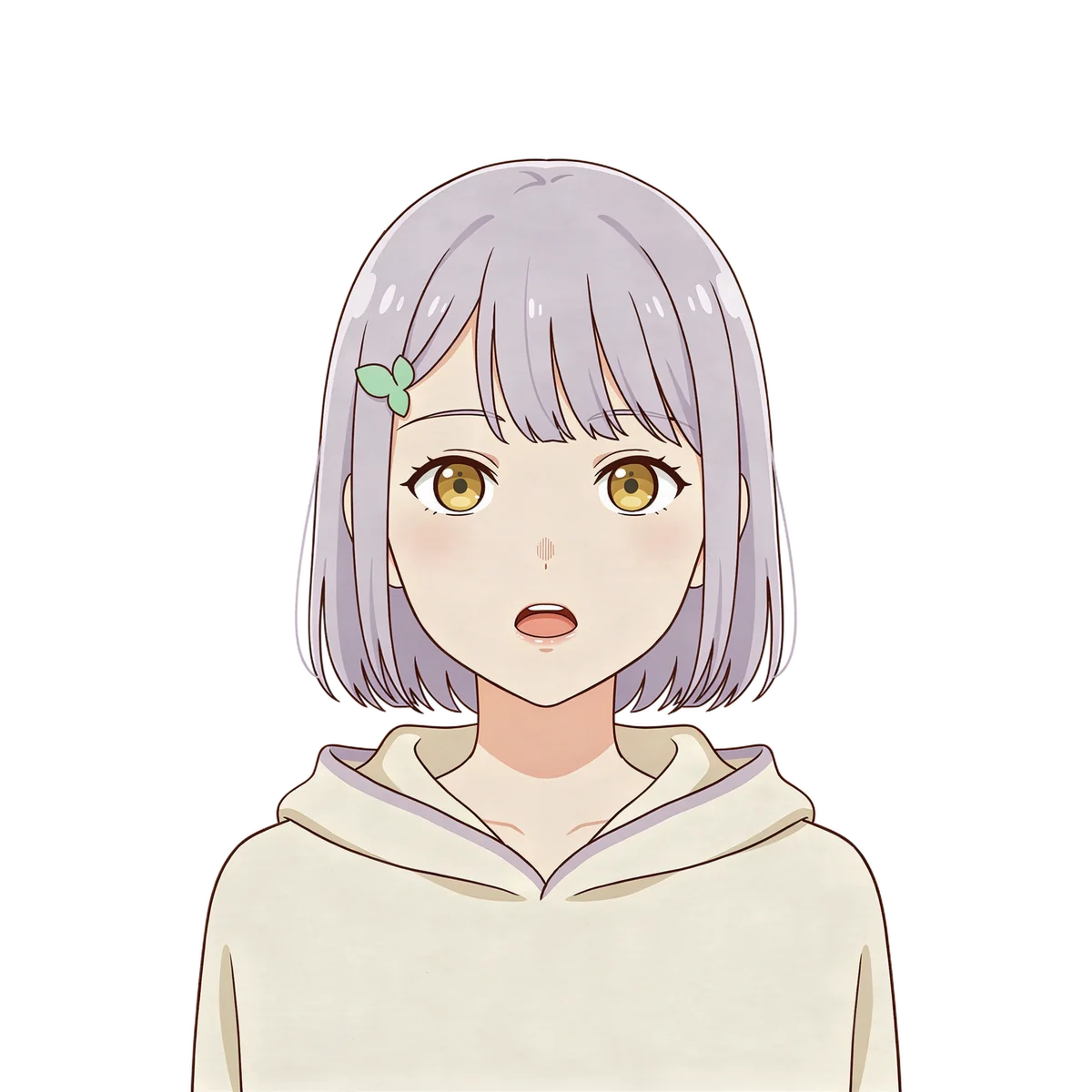
Keep the head, shoulders, canvas, and framing fixed while changing the mouth.
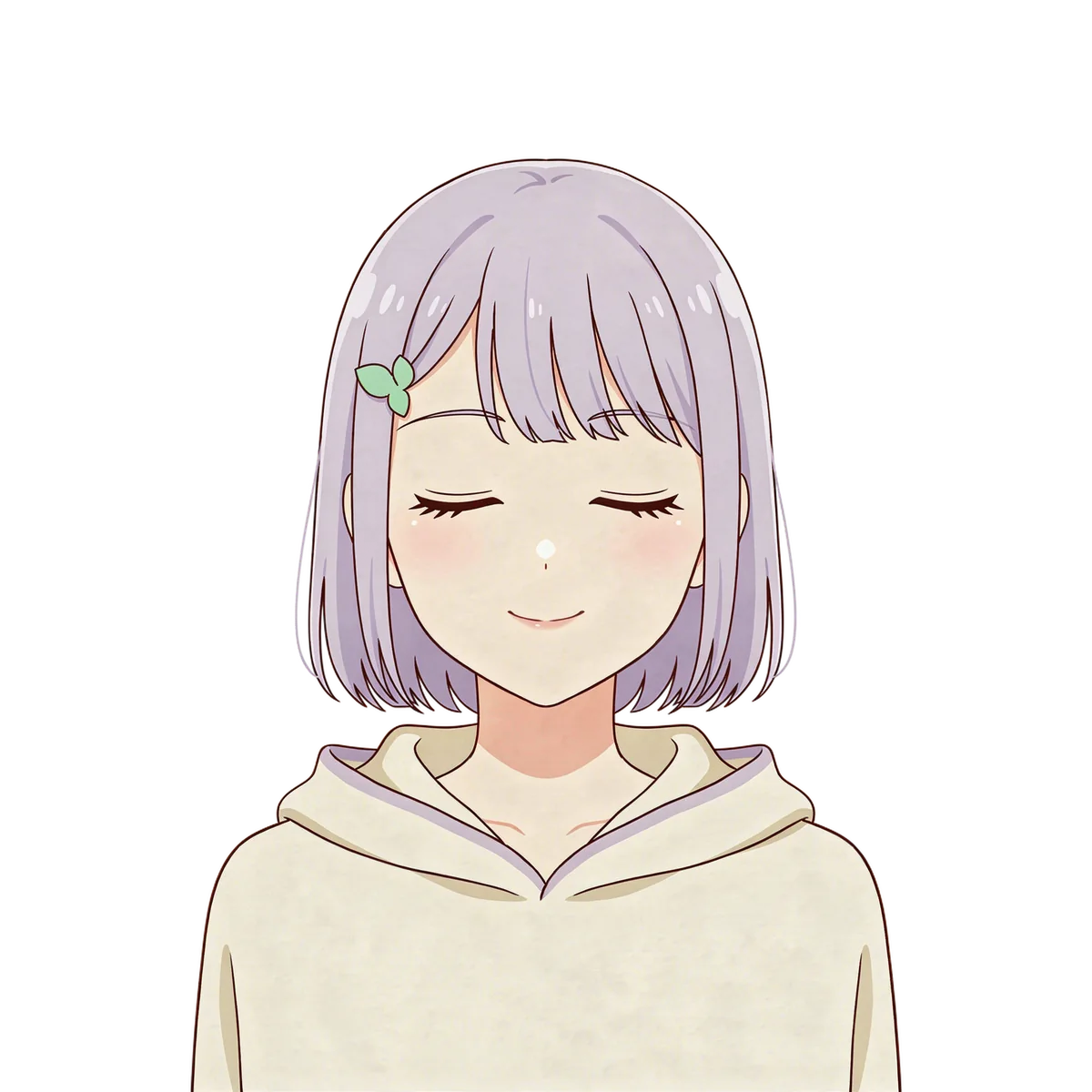
A separate blink image adds another state. Inspect edges and alignment before playback.
Generated examples, not a guarantee of identical results. Reference edits can change small details; inspect each image before using it.
Create your PNGtuber artworkFrom idea to image
Write the appearance, outfit, style, and framing above. Add a PNG, JPG, or WebP reference up to 20 MB if you have one.
Continue and sign in if needed. Review the prompt and reference in the workspace. Continuing from this page does not spend credits.
Generate with App credits. Review the finished image, make a focused edit if needed, and download your result. Reuse an approved image as your next reference.
Make a better first request
Describe what matters most, then give yourself room to refine.
Make a resting portrait first. Use it as the reference for an open-mouth image and blink images. Each request creates artwork; the composer does not automatically produce a complete expression pack.
Remove the background from each approved image in the workspace. Download transparent PNGs, then compare them on the same canvas. Align the eyes and shoulders in an image editor if an edit shifts them.
In veadotube mini, assign images to the mouth-closed, mouth-open, and optional blink slots. Select your microphone, adjust its threshold, and test transitions before adding the app to your streaming setup.
Create an original adult anime PNGtuber portrait, centered chest-up, lavender bob hair, mint leaf clip, amber eyes open, small closed-mouth smile, cream hoodie. Clean bold outlines and flat colors, fixed shoulders, wide margins, plain background.
Use my reference. Change only the mouth to a small open speaking shape. Keep the eyes, head, hair, shoulders, clothing, canvas size and exact framing unchanged.
Use my reference. Change only the eyes to gently closed blinking eyes. Keep the resting mouth, head, hair, shoulders, clothing and exact framing unchanged.
For playback setup, see the official veadotube mini guide ↗. The preview here demonstrates image switching in the browser; it does not certify an external streaming setup.
What you take away
DreamLayer creates individual image files. You assemble and check the expression set. A transparent PNG needs actual background removal, not a drawn checkerboard. This is an artwork tool, not microphone-reactive streaming software or a one-click complete avatar pack.
Use references you have permission to use. Review the terms before publishing or selling your work.
DreamLayer App subscription
Renews monthly. Monthly credits expire each billing month and do not roll over. Credit use varies by task; a pack is not a fixed number of images.
Prefer a one-off pack? 30 credits cost $10.50 USD and never expire.
Sign in if needed, then review your subscription in Stripe.
Compare App packs →Before you create
A PNGtuber uses a small set of character images that a separate application switches between, often in response to a microphone. DreamLayer helps create the images; the playback application handles the switching.
No. Start with one image, then make the speaking and blinking variants as separate edits. Remove backgrounds, download the individual files, and check alignment before assembling your set.
veadotube mini is one option for image-based avatars. Its image slots support resting, speaking, and optional blinking states. Follow its setup documentation for microphone settings and streaming capture; DreamLayer does not provide those playback features.
Use the same canvas dimensions, framing, and shoulder position for every image. Overlay the images in an editor to compare them and move or scale an expression when needed. Reference editing alone does not guarantee pixel-perfect alignment.
Use background removal on your approved artwork and download the resulting PNG. Inspect the edges against both a light and dark background. Asking for a transparent background in a text prompt alone is not proof of an alpha channel.
These tools are for non-explicit character artwork. Explicit sexual content is not supported. Keep your prompts and reference images non-explicit.
Start with your idea