Name the anatomy
Start with species, muzzle shape, ear shape, build, paws, and tail. If you are mixing species, explain which feature comes from each instead of asking for an unspecified hybrid.
Create your fursona, then use their reference to guide new views, expressions, outfits, and scenes.
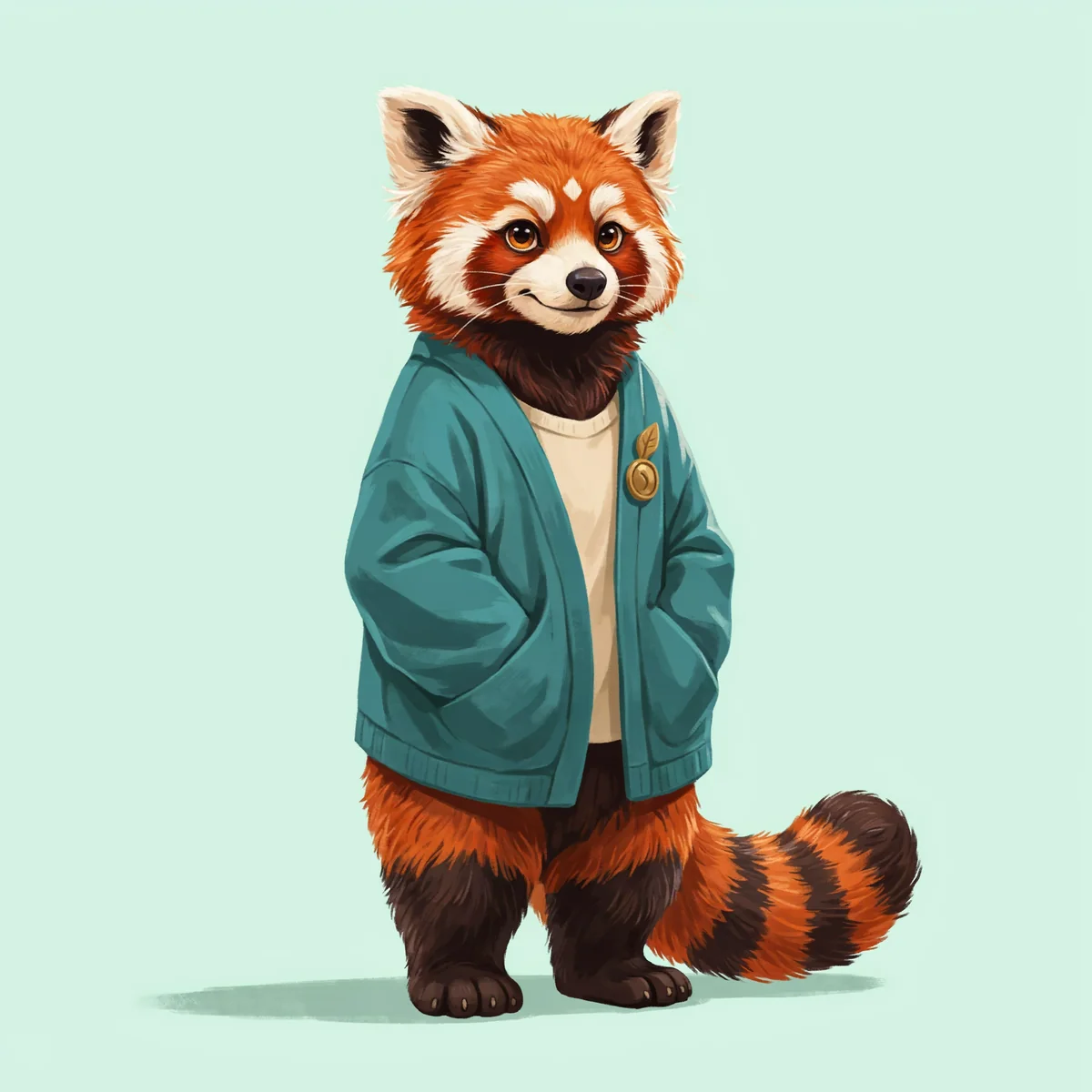
Real output. A repeatable starting point.
We created this red panda in DreamLayer, then used the original design as the reference for each variation below. Follow the cream forehead diamond, rust-orange fur, dark paws, and ringed tail. Review every new view for details that need correcting.
Start with species, body shape, markings, palette, and a familiar outfit.
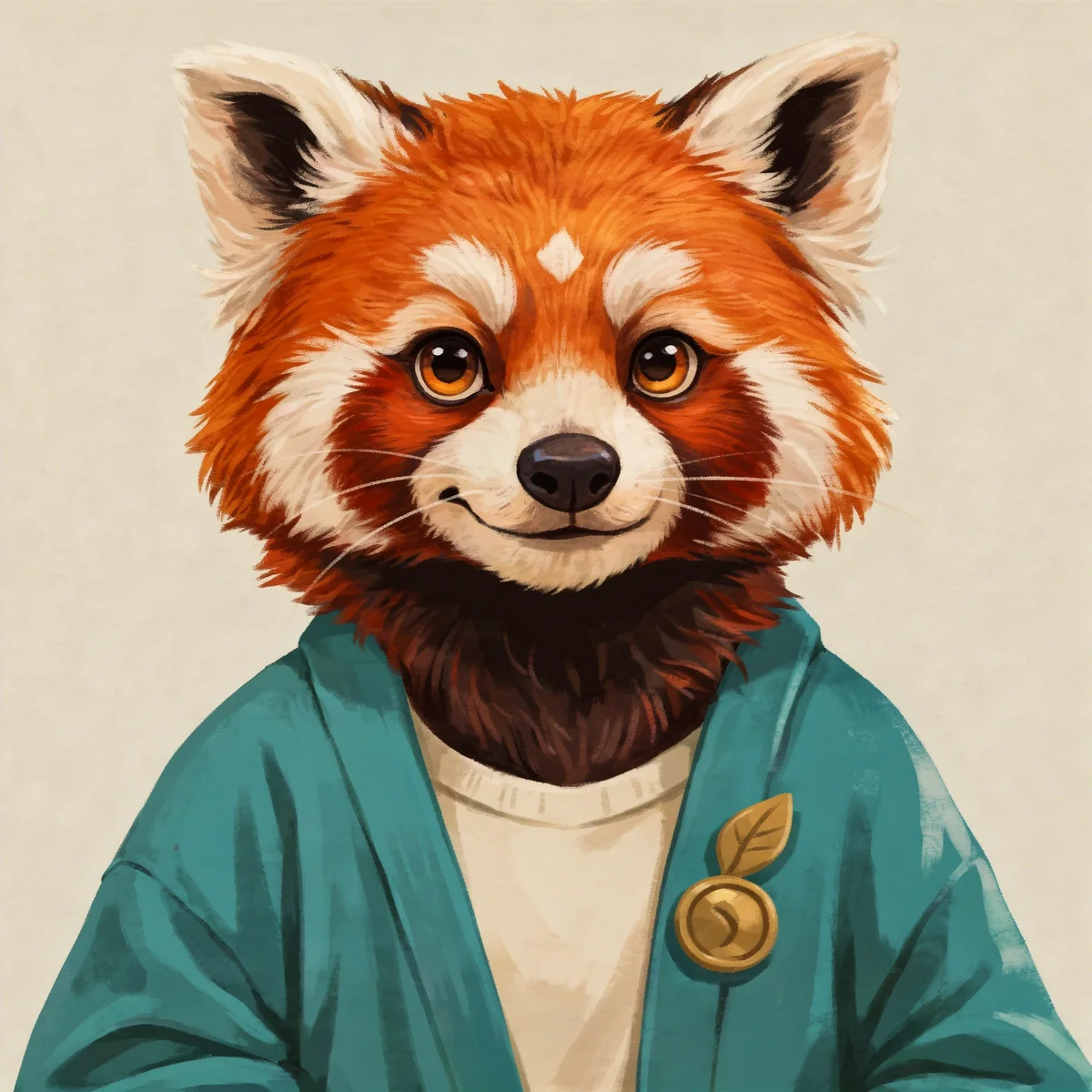
A close portrait makes the facial markings and expression easier to compare.
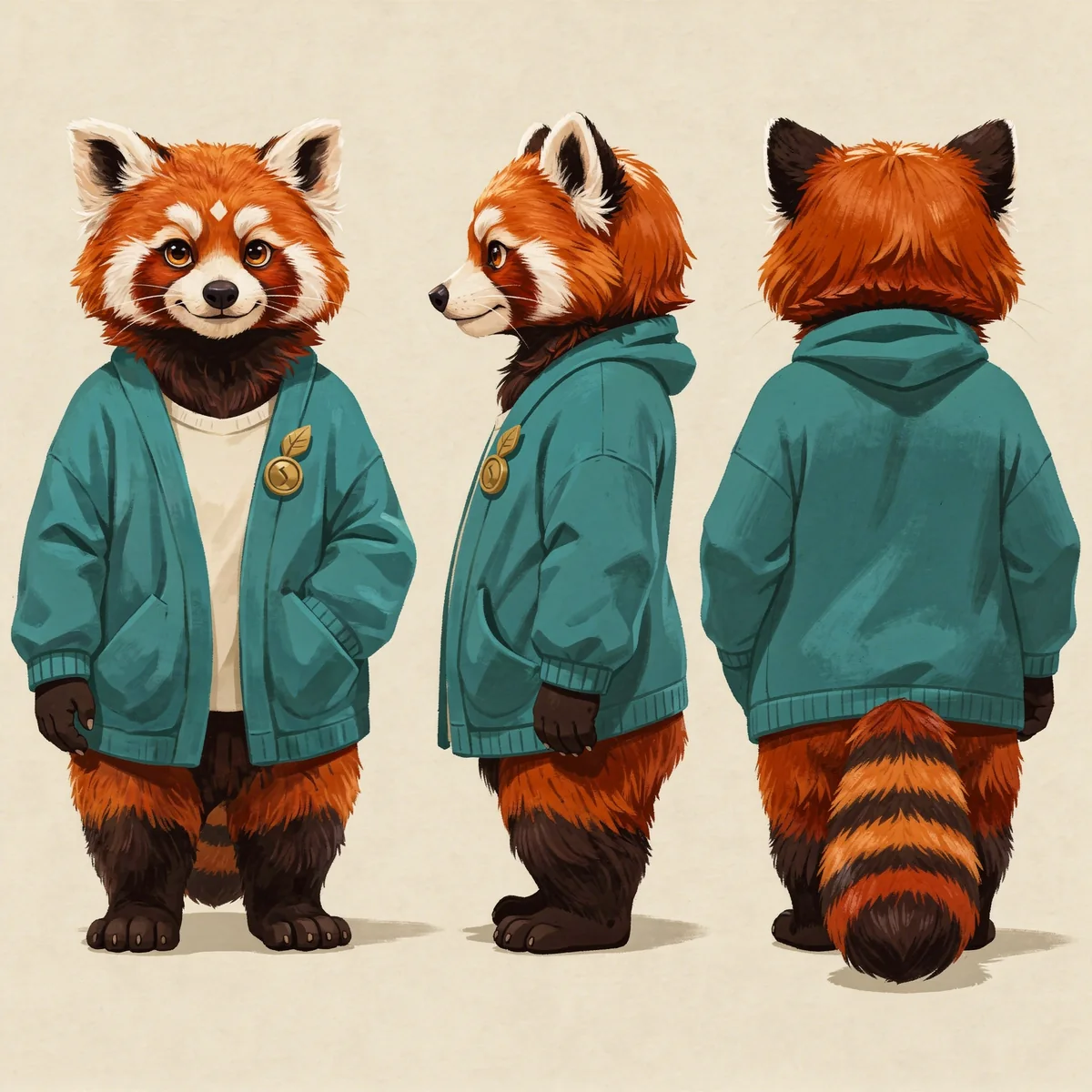
A reference-guided three-view image explores the sides and back. Resolve any invented or inconsistent markings before sharing it.
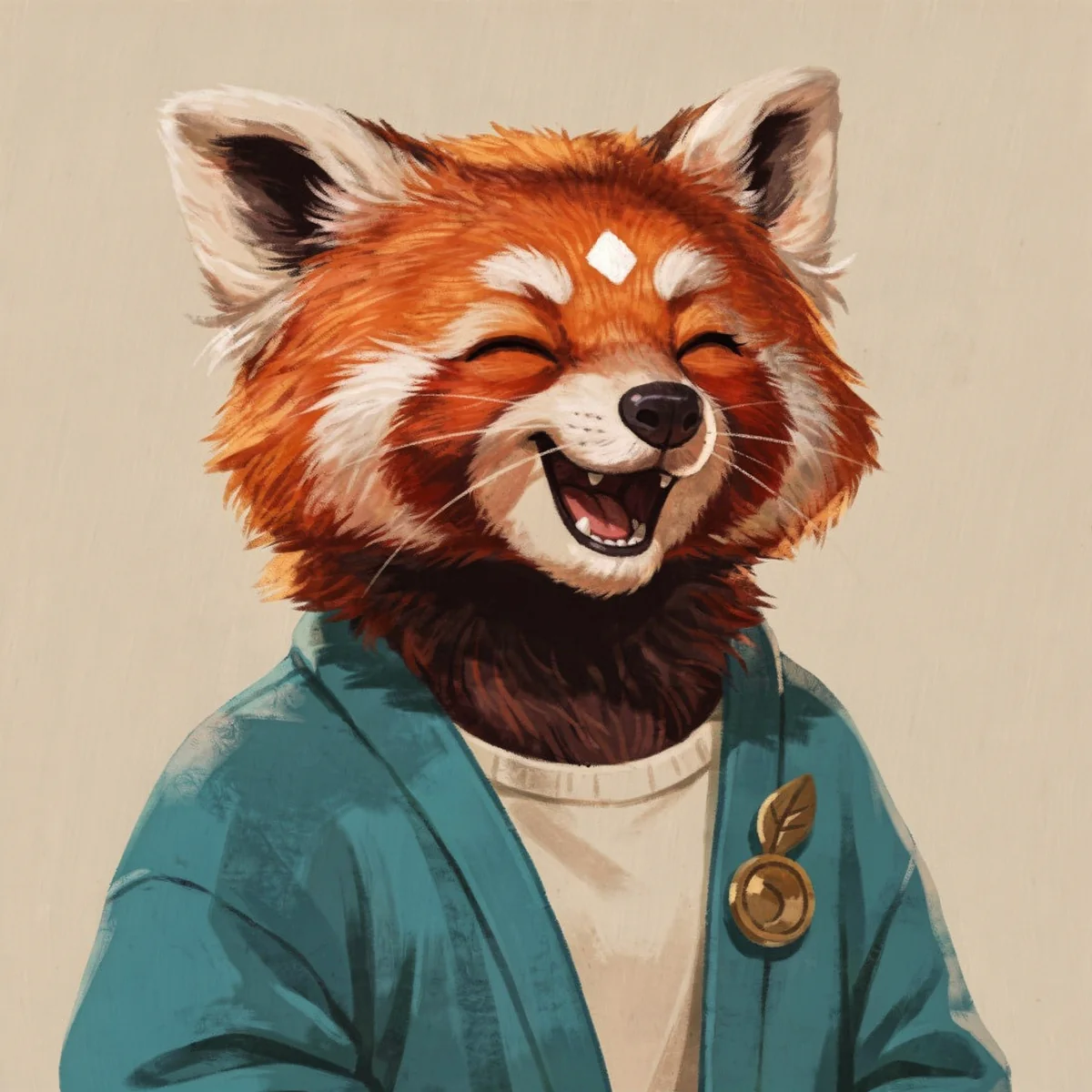
An expression edit changes the mood while carrying the same face and colors forward.
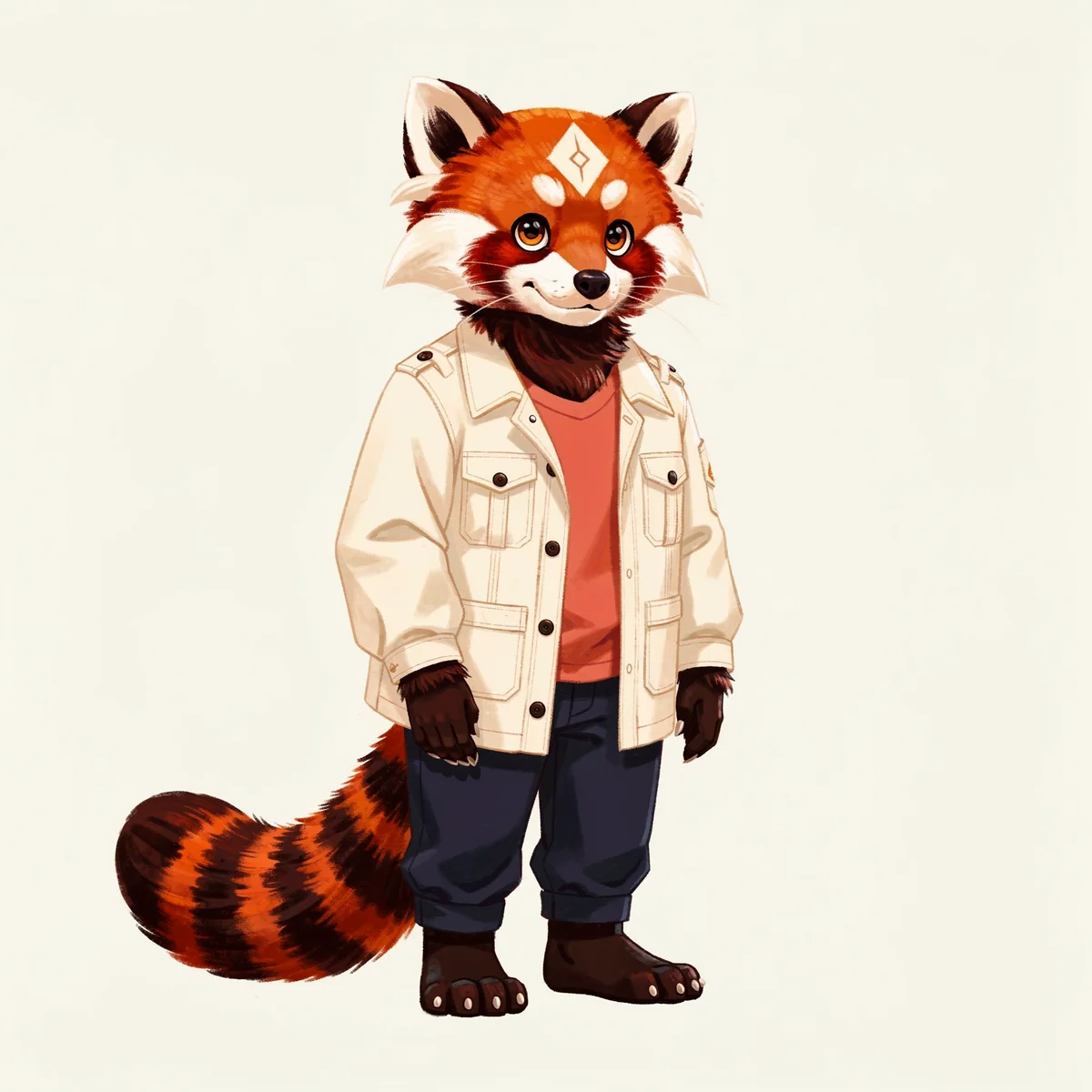
A different outfit can show another side of the persona. Compare the body shape, paws, and tail with the original.
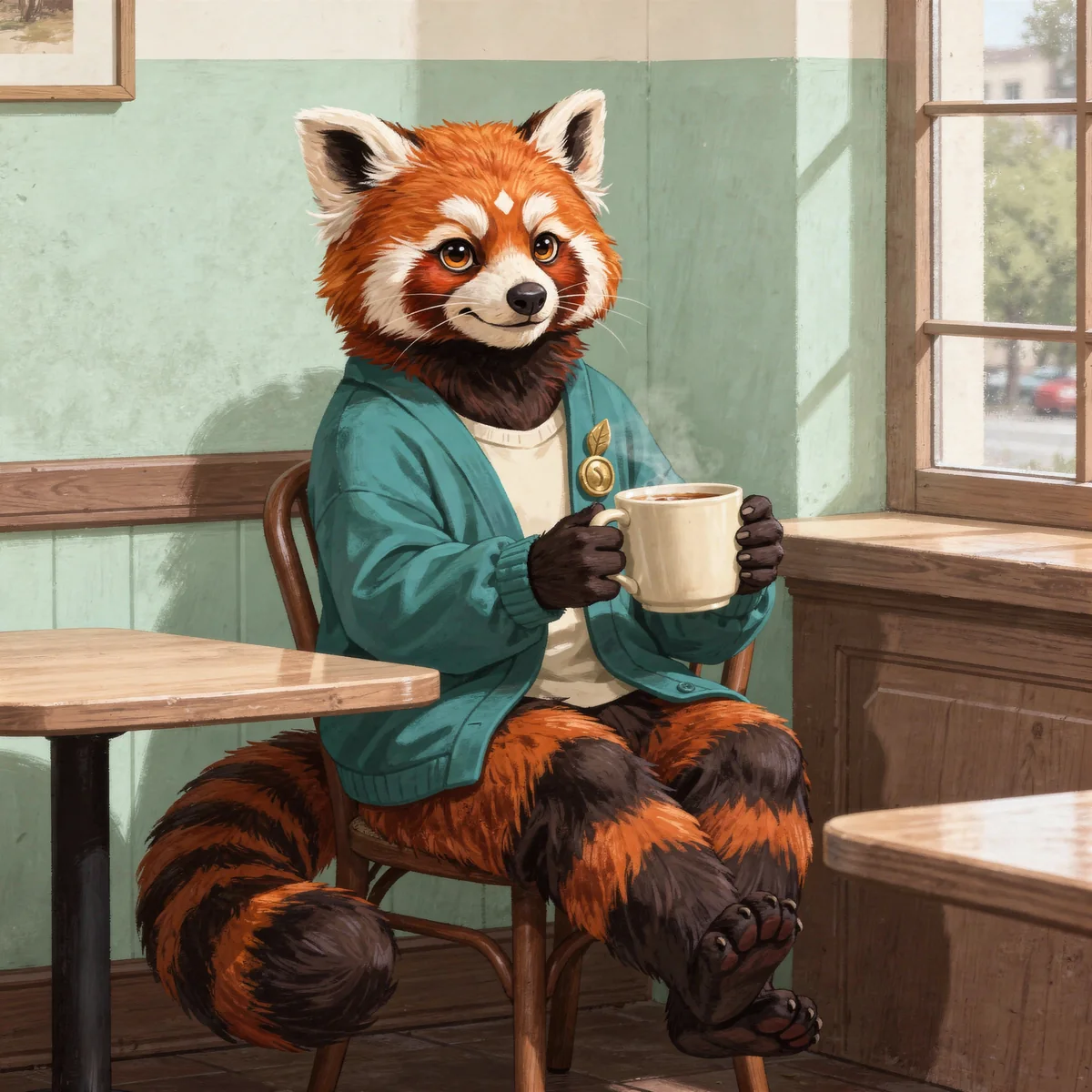
A café setting turns the character design into a moment from their life.
Generated examples, not a guarantee of identical results. Reference edits can change small details; inspect each image before using it.
Create your fursonaDifferent characters. Different energy.
Your fursona can be bold, glamorous, soft, playful, or something entirely your own. These independent designs explore different species, builds, clothing styles, and personalities.
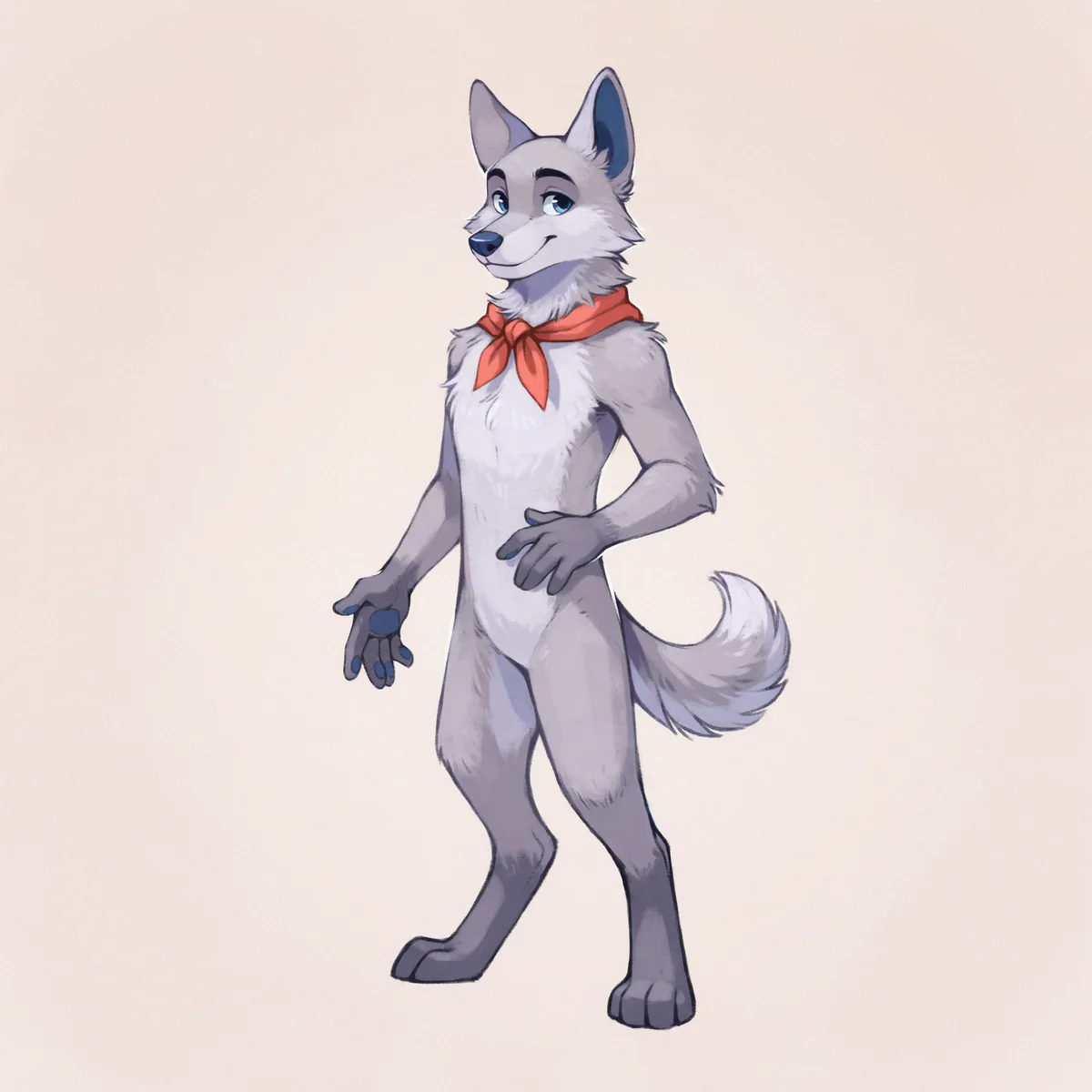
A wolf design uses a longer muzzle, pointed ears, and a restrained palette for a different character identity.
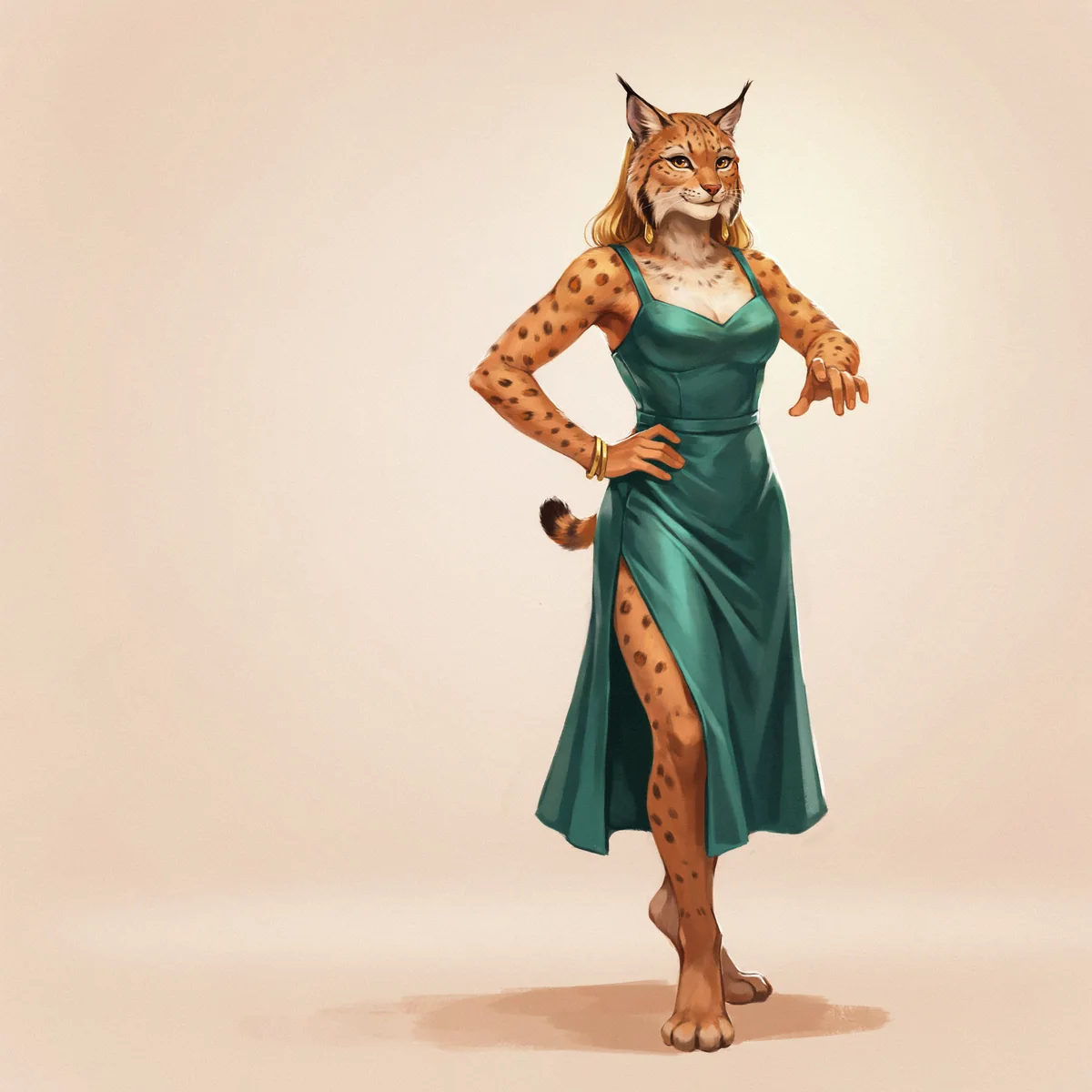
A curvy lynx character pairs distinctive markings with an elegant outfit and confident body language.
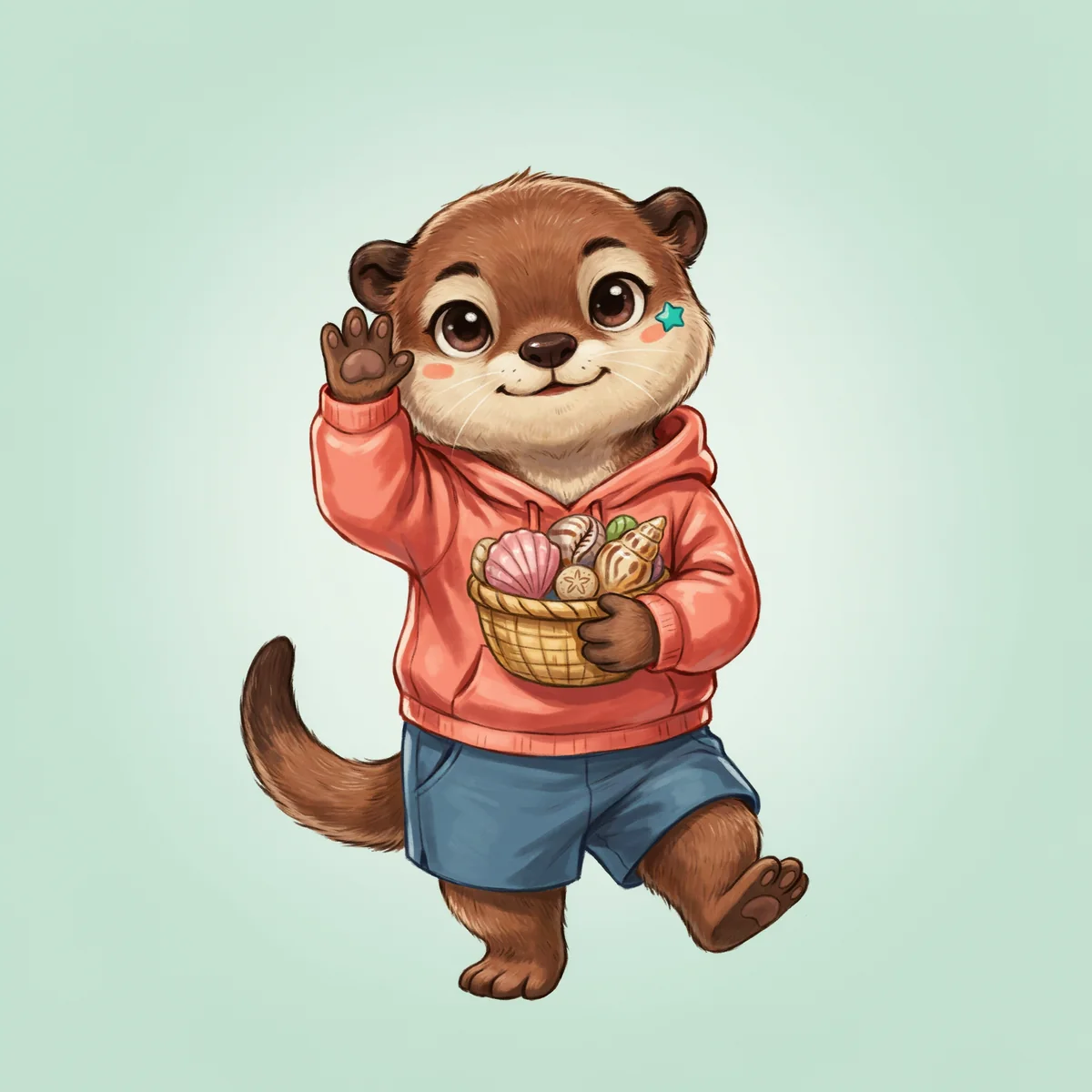
An androgynous otter design explores rounded proportions, expressive features, and a colorful casual style.
From idea to image
Write the appearance, outfit, style, and framing above. Add a PNG, JPG, or WebP reference up to 20 MB if you have one.
Continue and sign in if needed. Review the prompt and reference in the workspace. Continuing from this page does not spend credits.
Generate with App credits. Review the finished image, make a focused edit if needed, and download your result. Reuse an approved image as your next reference.
Make a better first request
Describe what matters most, then give yourself room to refine.
Start with species, muzzle shape, ear shape, build, paws, and tail. If you are mixing species, explain which feature comes from each instead of asking for an unspecified hybrid.
Describe the base fur, chest, muzzle, ear tips, paws, and tail separately. For asymmetric markings, say whether left means the character's left. Keep an approved reference beside each new image.
Check both sides, the number and shape of markings, and any hidden features. A new pose can invent details that were not visible before. Correct those before sending the design to an artist or maker.
Create an original friendly red panda fursona with rust-orange fur, a cream muzzle, a small cream diamond on the forehead, dark paws and a fluffy ringed tail. Teal cardigan, cream shirt, brass leaf brooch. Full-body illustrated design on pale mint.
Create an original silver wolf fursona with tall ears, a navy patch on the left ear, ice-blue eyes, white chest fur and a coral neckerchief. Full-body upright pose, clean illustrated shapes, plain background.
Use my fursona reference. Keep the same species, face markings, fur colors, paws, tail and cardigan. Show the character seated by a café window holding a mug, in the same illustration style.
What you take away
Make individual portraits, full-body fursona concepts, and scene illustrations. Download the results from the workspace and build a reference collection. Artwork does not automatically include a fursuit pattern, production-ready reference sheet, or 3D model.
Use references you have permission to use. Review the terms before publishing or selling your work.
DreamLayer App subscription
Renews monthly. Monthly credits expire each billing month and do not roll over. Credit use varies by task; a pack is not a fixed number of images.
Prefer a one-off pack? 30 credits cost $10.50 USD and never expire.
Sign in if needed, then review your subscription in Stripe.
Compare App packs →Before you create
It is a tool for developing artwork of an animal-inspired character. In DreamLayer, you describe the species, appearance, markings, clothing, and style rather than selecting from a fixed set of dress-up parts.
You can request those species or describe a combination. Give clear anatomy and color instructions. The red panda and wolf examples on this page show two different directions; other designs need their own review.
Not necessarily. A reference improves guidance, but exact marking placement and small details can drift. Describe the important features again and compare each new image against your approved design.
Yes, if you have permission to use it. Upload a PNG, JPG, or WebP image and describe the change. Keep your original drawing so you can compare colors, proportions, and markings.
No. This is AI-assisted image creation. It does not replace an artist agreement or register ownership of a character. Review the applicable terms and any reference permissions before publishing or selling artwork.
These tools are for non-explicit character artwork. Explicit sexual content is not supported. Keep your prompts and reference images non-explicit.
Start with your idea