Choose a visual direction
Describe the finish: crisp cel shading, soft painted color, bold manga-inspired lines, or a simpler chibi design. State whether you want a portrait or a full-body image.
Choose their hair, outfit, and expression. Create anime artwork from your idea, then refine it with a reference.
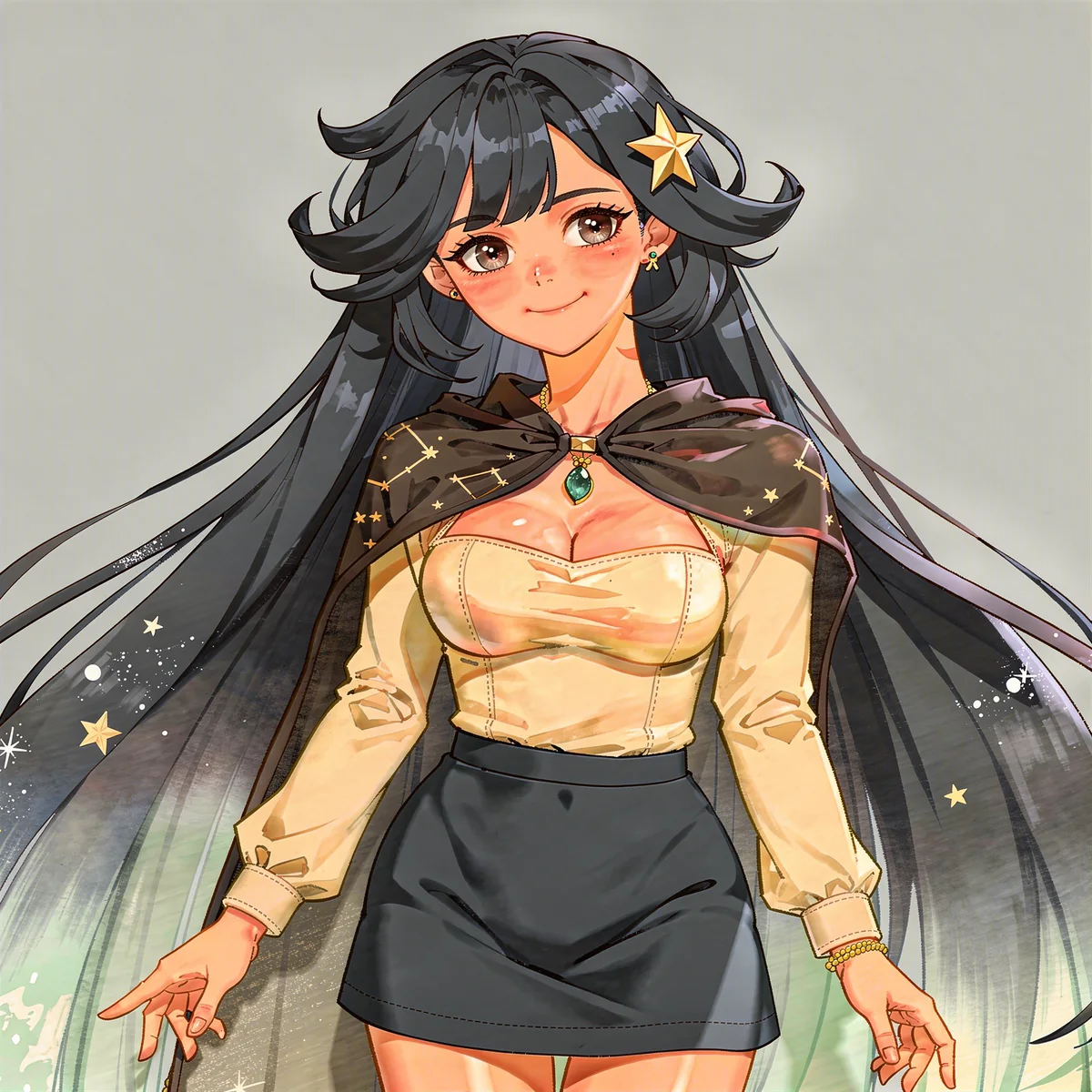
Real output. A repeatable starting point.
We developed this long-haired character in DreamLayer, then used her full-body design as the reference for a portrait and an expression edit. Compare the star clip, pendant, hair colors, and outfit across the images.
A close portrait makes the facial features, hair shape, and signature accessories easier to compare.
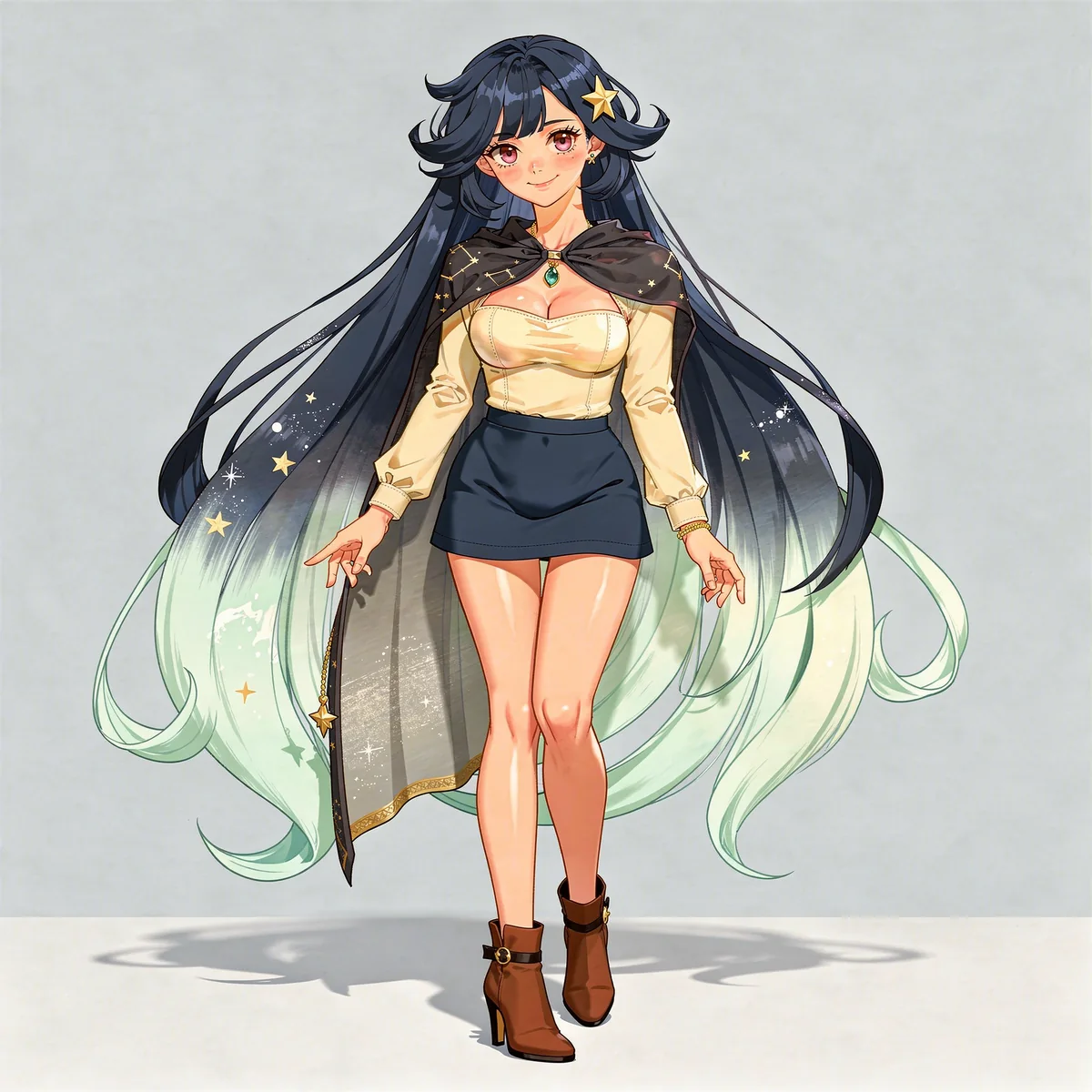
The full-body design brings the miniskirt, footwear, silhouette, and color palette together.
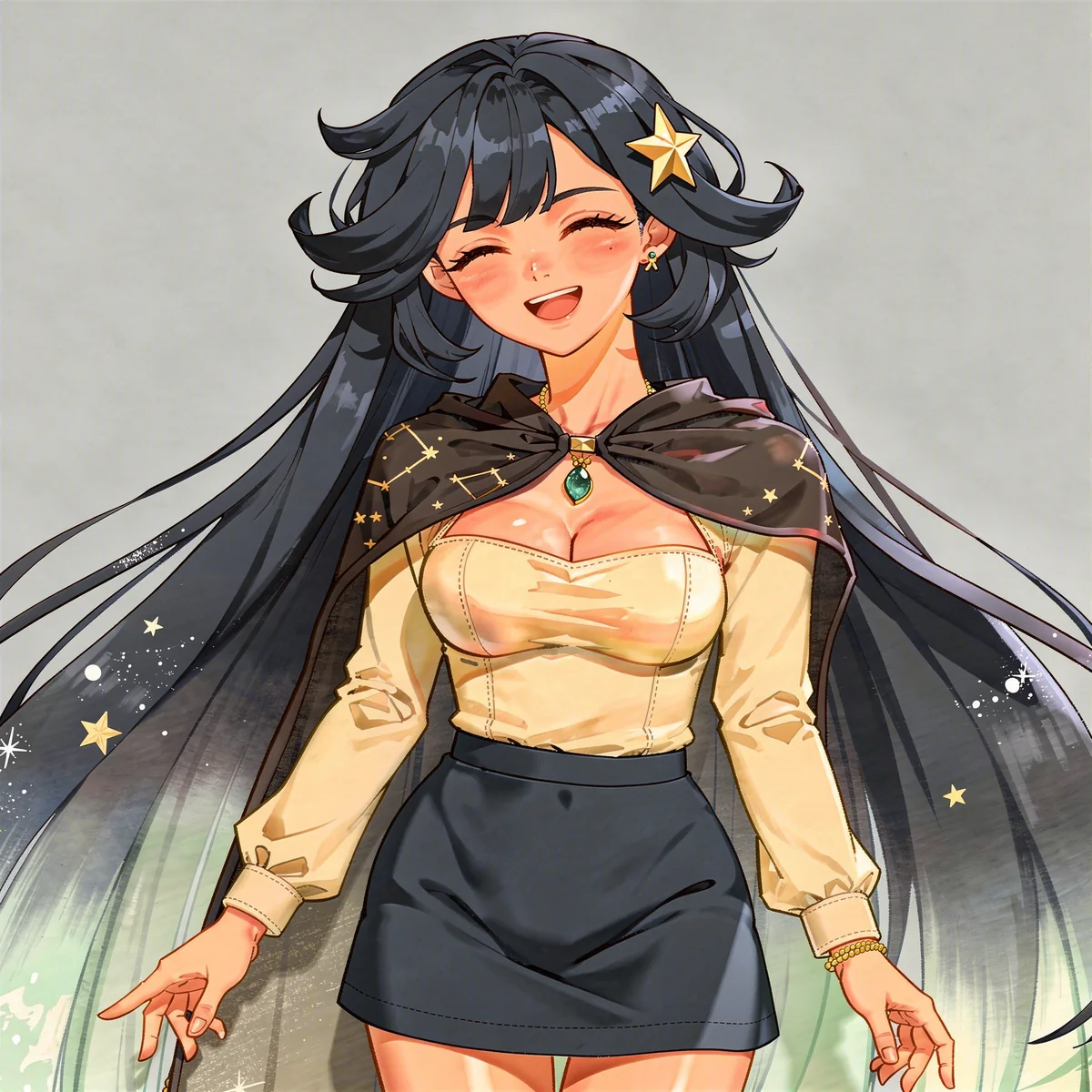
A reference-based expression edit changes the mood. Compare the face, hair, and outfit with the original design.
Generated examples, not a guarantee of identical results. Reference edits can change small details; inspect each image before using it.
Create your anime characterDifferent characters. Different energy.
From adventurous and understated to elegant and glamorous. Choose the appearance, outfit, and personality that fit your character.
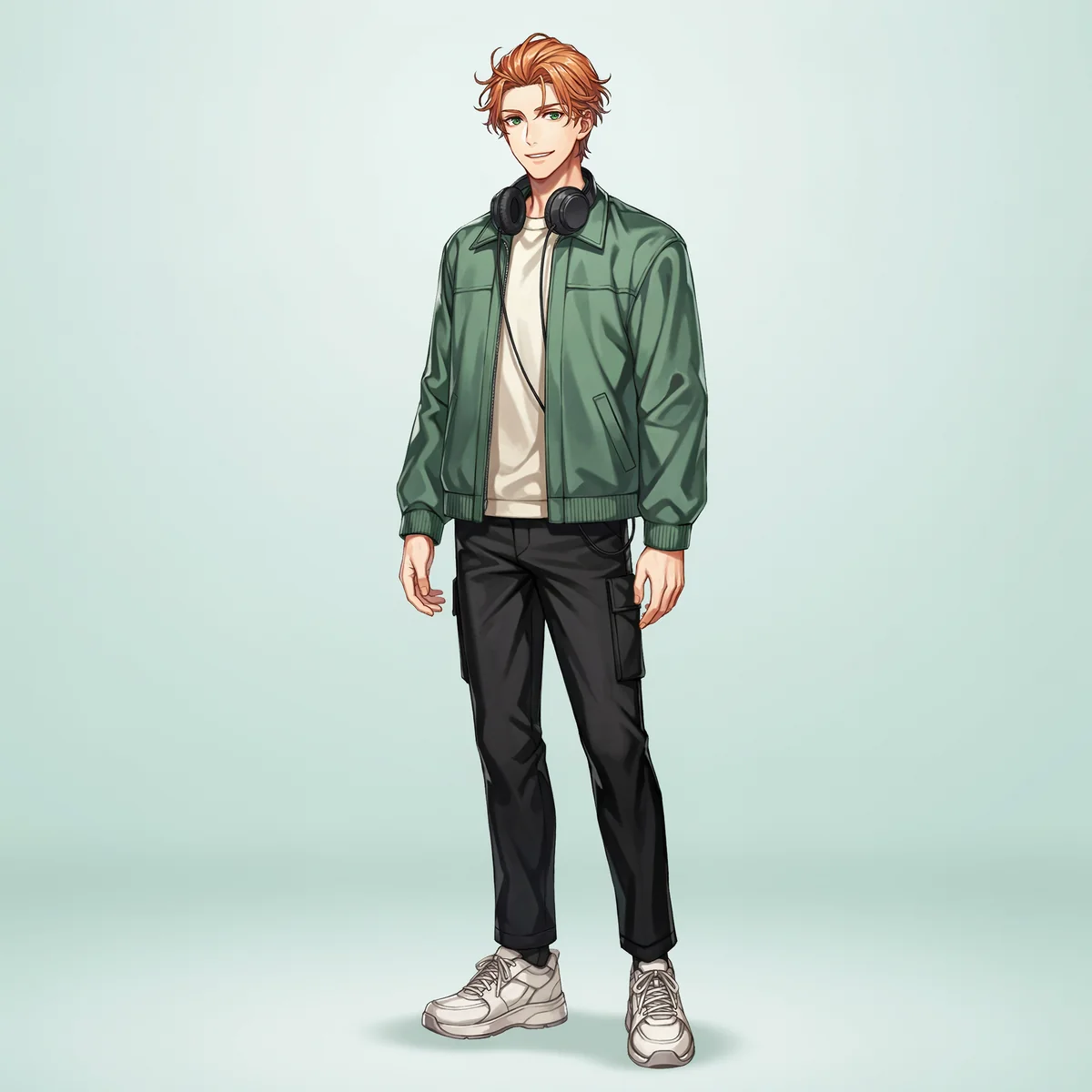
An independent character design pairs a casual outfit with a warm expression and a recognizable accessory.
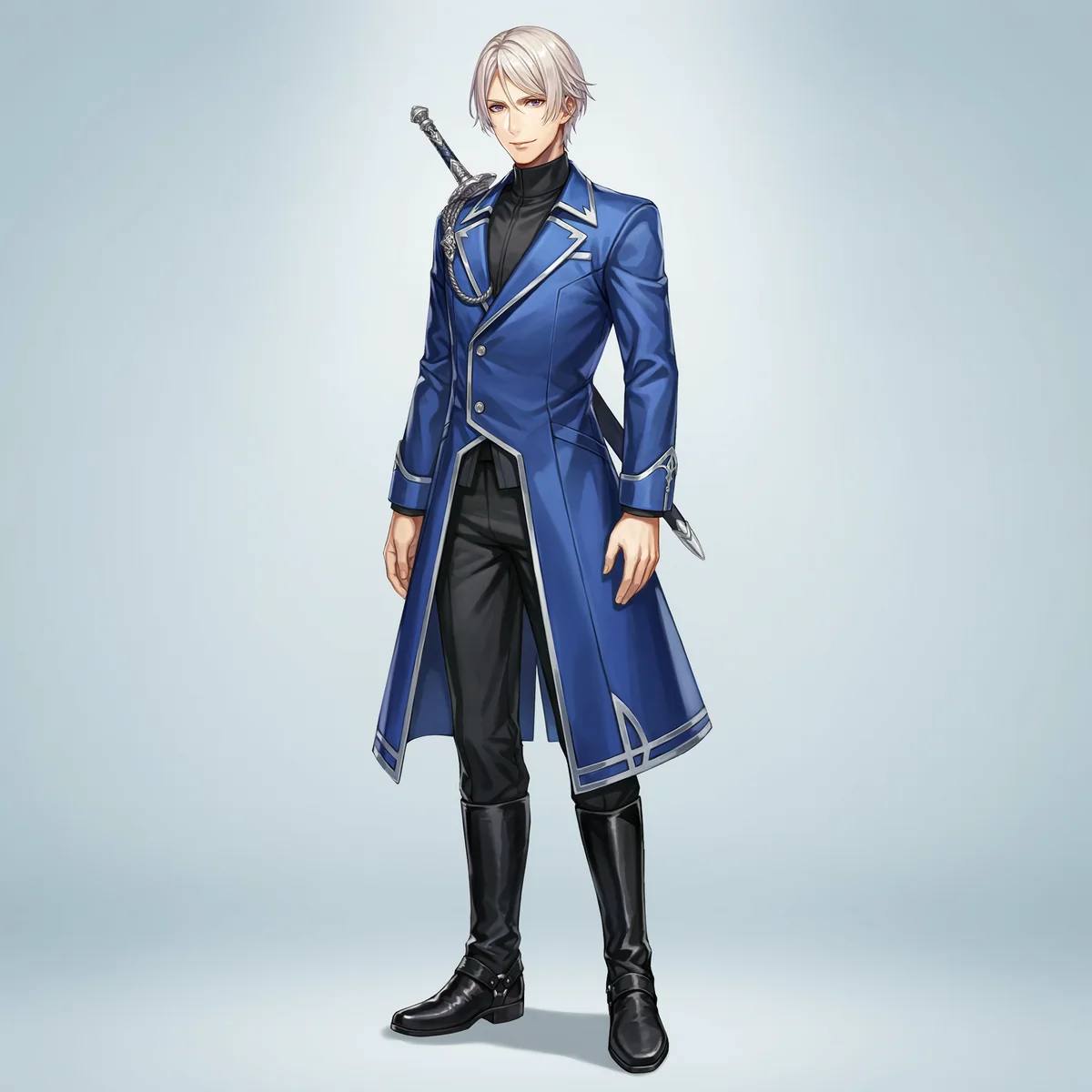
A separate fantasy character combines sharp tailoring, cool colors, and a composed pose.
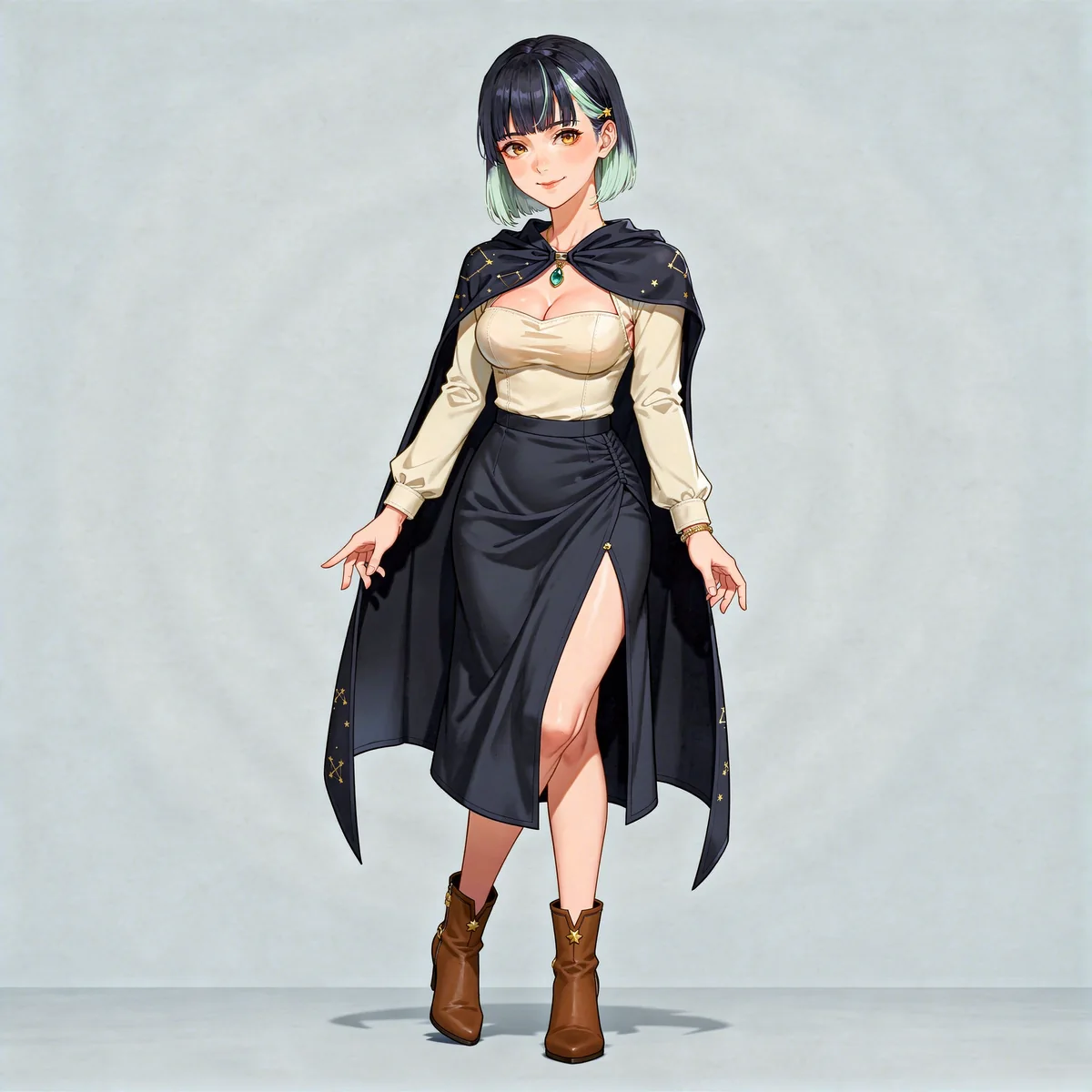
An alternate reference-based look gives the astronomer a more glamorous outfit while keeping her hair, star clip, and pendant.
From idea to image
Write the appearance, outfit, style, and framing above. Add a PNG, JPG, or WebP reference up to 20 MB if you have one.
Continue and sign in if needed. Review the prompt and reference in the workspace. Continuing from this page does not spend credits.
Generate with App credits. Review the finished image, make a focused edit if needed, and download your result. Reuse an approved image as your next reference.
Make a better first request
Describe what matters most, then give yourself room to refine.
Describe the finish: crisp cel shading, soft painted color, bold manga-inspired lines, or a simpler chibi design. State whether you want a portrait or a full-body image.
Add a recognizable silhouette, neckline, accessory, and two or three main colors. A short character role, such as astronomer or musician, helps connect those choices.
Attach the portrait you like and ask to change only the expression. Keep the framing and outfit fixed. Review eyes, mouth, and hair accessories before treating images as a set.
Create an original adult anime astronomer with long midnight-blue hair, mint tips, expressive eyes and a gold star clip. Fitted ivory sweetheart top, short navy miniskirt, navy constellation cape and turquoise pendant. Full-body character design with clean linework and soft cel shading.
Create an original adult anime musician with short copper hair, green eyes, an oversized forest-green jacket and round headphones. Full-body design, relaxed pose, clean cel shading, pale neutral background.
Keep the exact anime character in my reference: the same hair, eye color, outfit and framing. Change only the expression to a delighted laugh with gently closed eyes.
What you take away
Create individual anime portraits, full-body outfit concepts, and expression illustrations. Download the finished images in the workspace. Expression images are separate artwork, not an animated or rigged avatar.
Use references you have permission to use. Review the terms before publishing or selling your work.
DreamLayer App subscription
Renews monthly. Monthly credits expire each billing month and do not roll over. Credit use varies by task; a pack is not a fixed number of images.
Prefer a one-off pack? 30 credits cost $10.50 USD and never expire.
Sign in if needed, then review your subscription in Stripe.
Compare App packs →Before you create
Describe an original character, including appearance, clothing, expression, and art style. Continue to your draft, sign in if needed, and generate in the workspace. Use a result you like as the reference for the next image.
Yes. Put those choices in the prompt. For an existing design, attach your reference and say what to change and what to keep. Complex changes may need another edit and careful review.
Yes. Ask for the entire figure from head to toe, specify footwear, and request space around the character. Check the result for cropped limbs, hands, and outfit details.
You can use the same portrait as a reference for separate expression edits. Results may vary in framing or small details, so compare and align them before using them together.
It creates artwork. A working VTuber model needs a separate model-building and rigging workflow. See the VTuber reference artwork page for preparing visual references and understanding the delivered files.
These tools are for non-explicit character artwork. Explicit sexual content is not supported. Keep your prompts and reference images non-explicit.
Start with your idea