DreamLayer AI Agent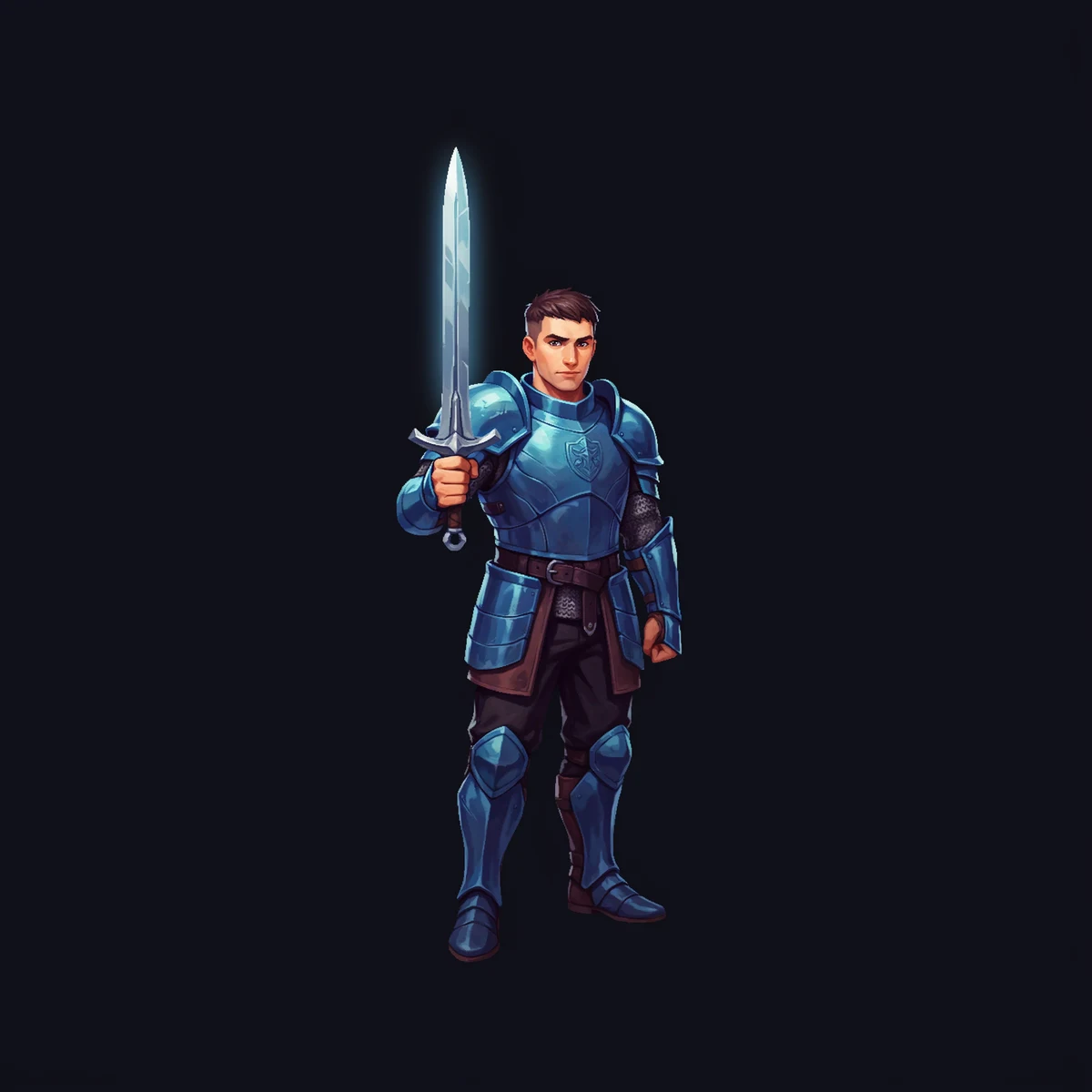
01 / Characters
Start with a readable identity.
Generate an isolated character with a clear silhouette, then use that result as the reference for later changes.
Game asset creation
DreamLayer helps with game asset creation across characters, environments, props, UI, and sprite frames. Start with one focused brief, generate the asset, then keep the same visual direction as you refine the rest of the game.
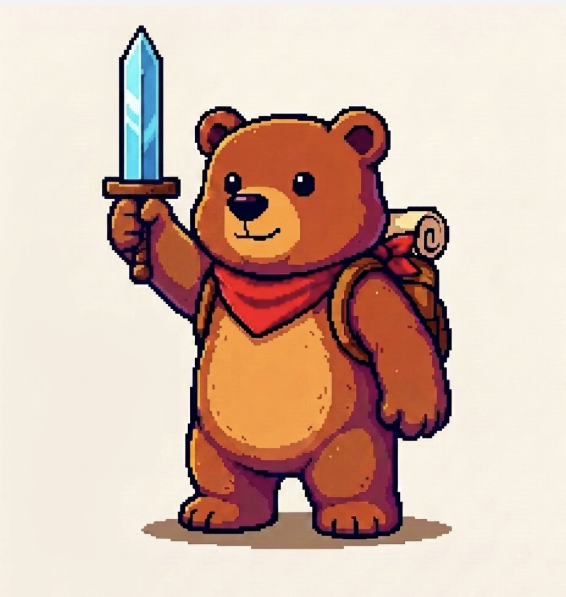
Create a pixel-art bear adventurer with a red bandana and a sword
One bear adventurer, saved to your canvas as a reusable reference.
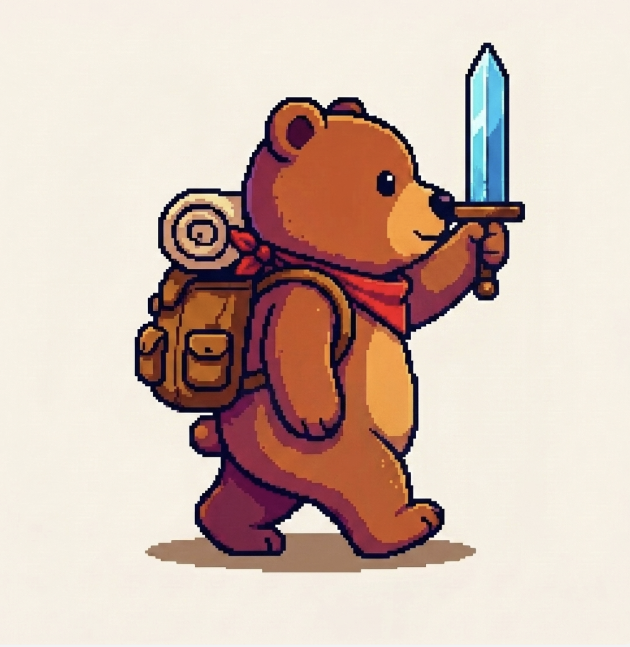
Keep the same bear and make it walk
Same identity, new pose. Ready for the next animation frame.
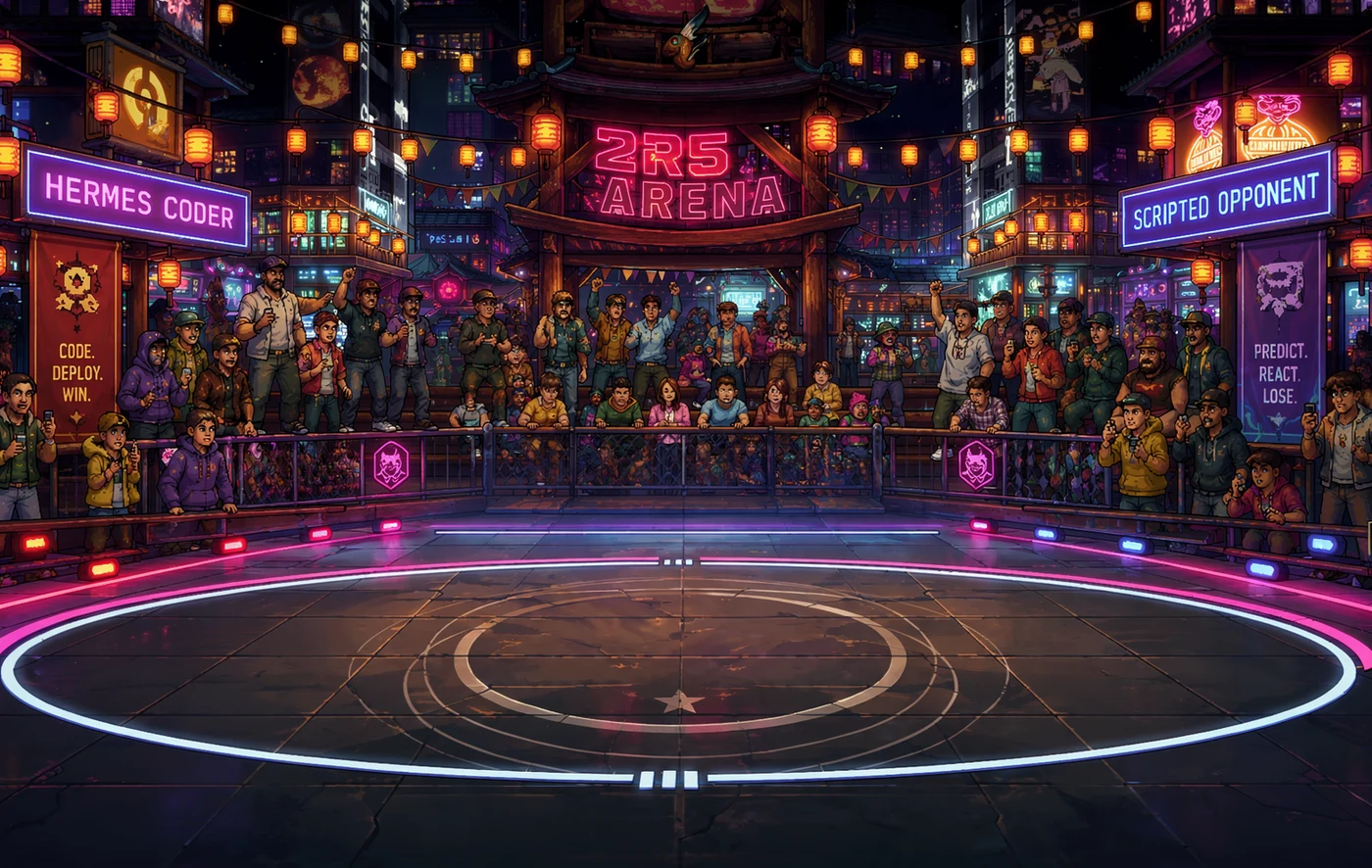
For a different project now: build a neon arena for a Street Fighter style fighting game
A neon stage for the new fighting game, ready to drop behind the action.
Now add a fighter character that belongs in this arena
One isolated fighter, framed to drop straight into the arena.
Compatible with
 Claude
 OpenClaw
 Hermes Agent
 Codex
Codex Cursor
 Grok Bot
Start with the asset
Describe the asset you need. DreamLayer creates it. Ask for a character, environment, prop, or interface element, one at a time. The first version opens in the DreamLayer canvas, where you can review it, refine it, and use it as the reference for the next asset.
Real output examples
Use DreamLayer for the assets your prototype needs now. Keep each request specific enough to review, approve, and reuse as you build the rest of the visual world.
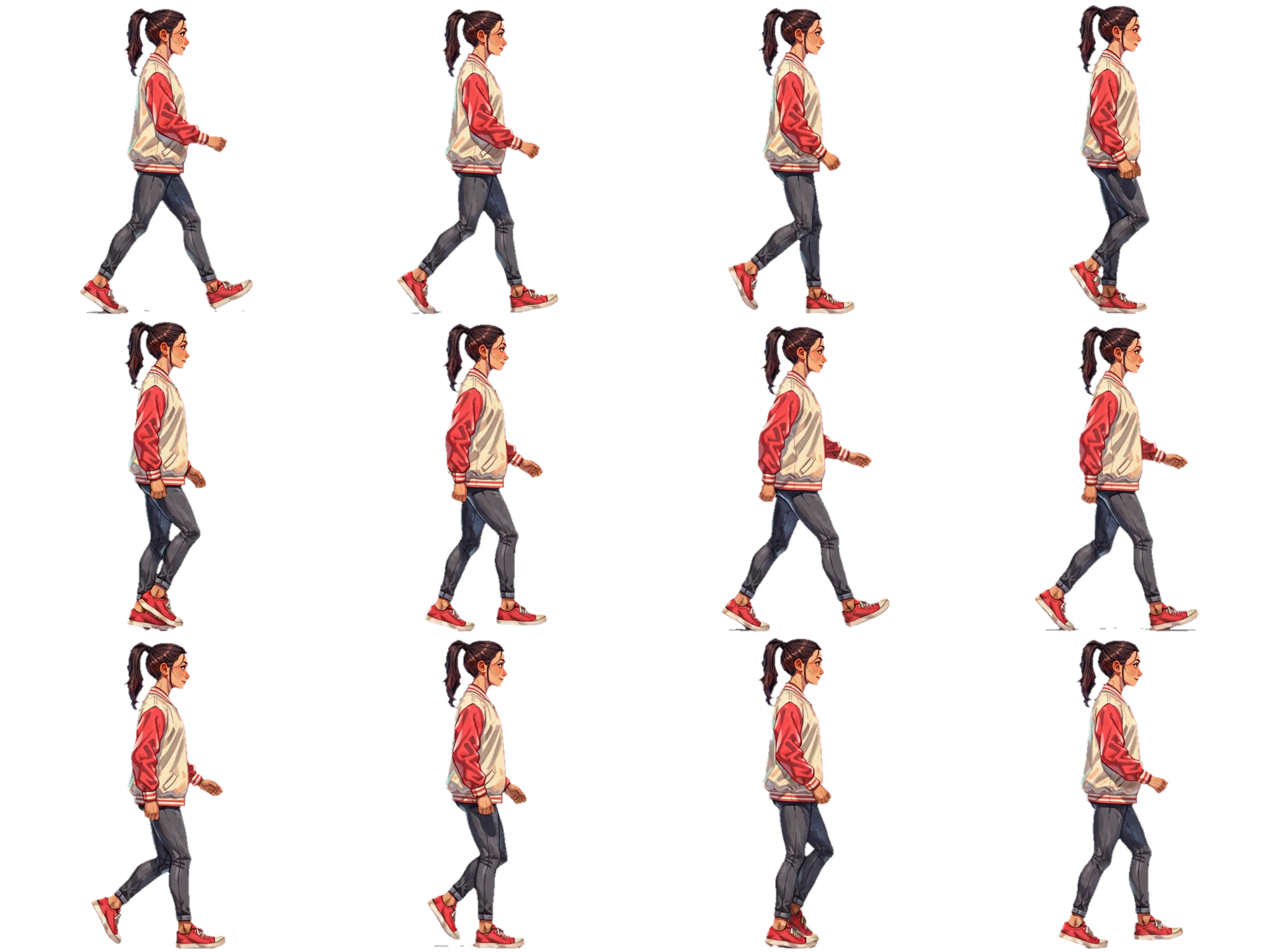
Generate an isolated character with a clear silhouette, then use that result as the reference for later changes.
Create arenas, maps, backgrounds, props, and environmental concepts with room for the game action.
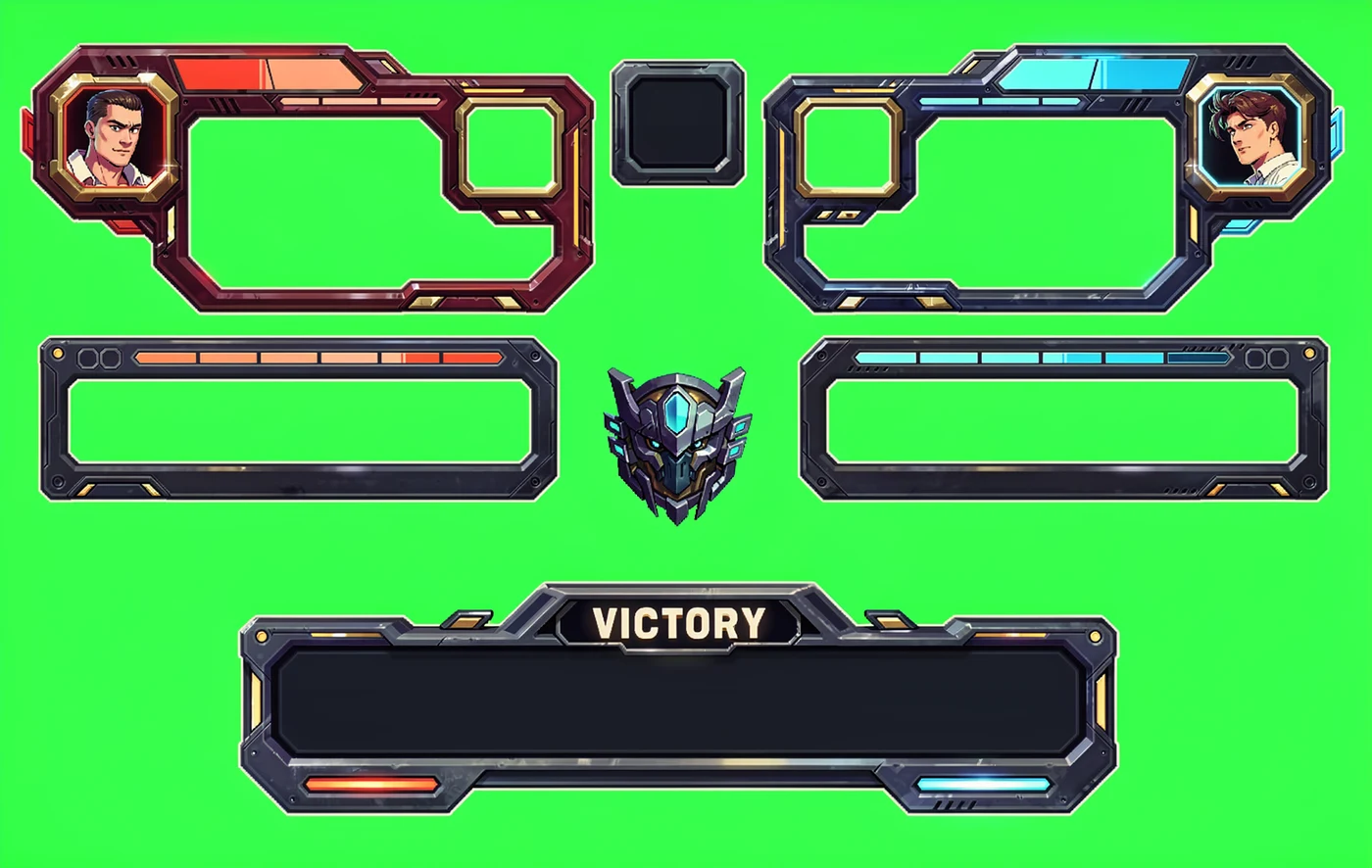
Generate HUD frames, health bars, icons, player panels, and other components as separate design inputs.
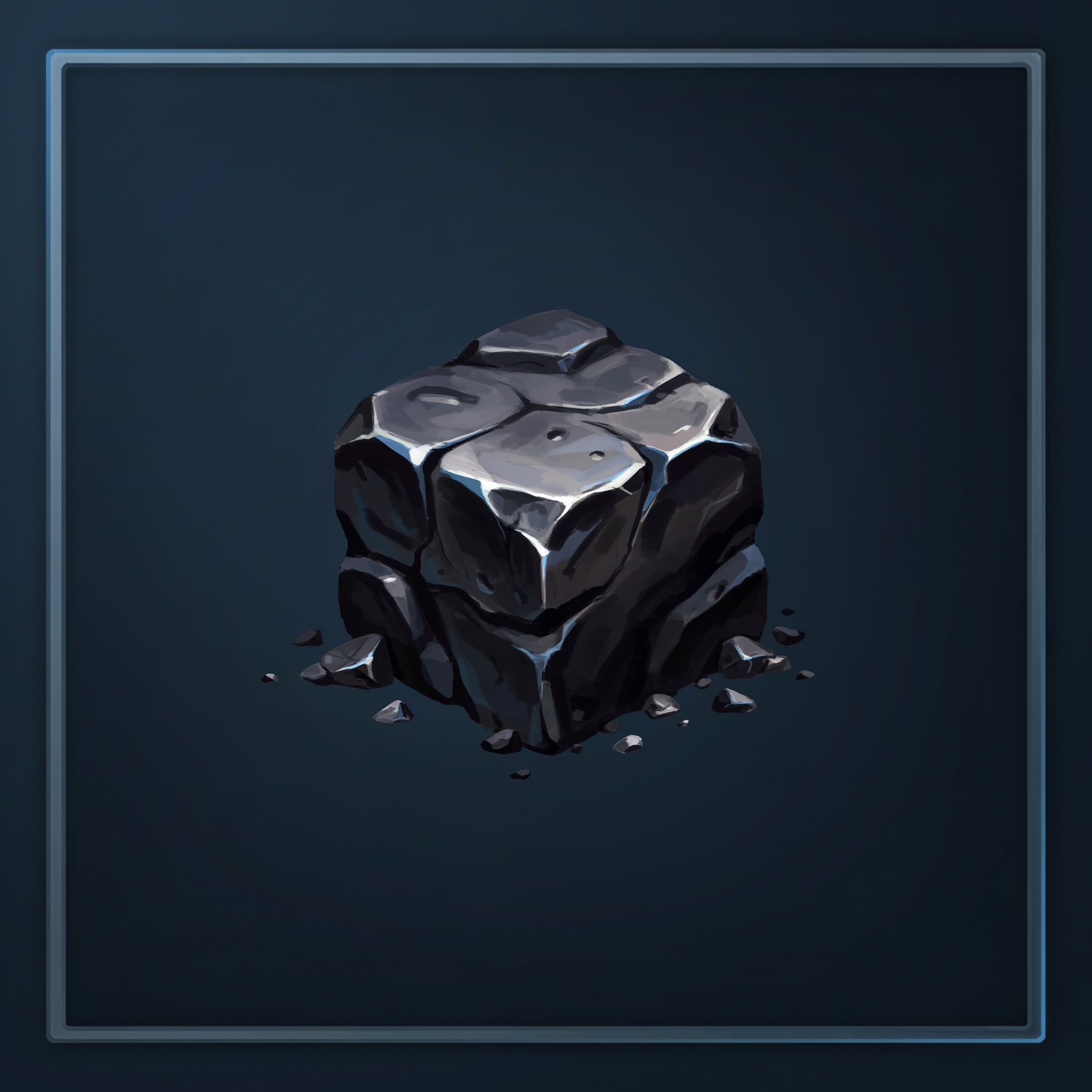
Explore pickups, resources, weapons, and environmental props in the same visual direction.
Open shared output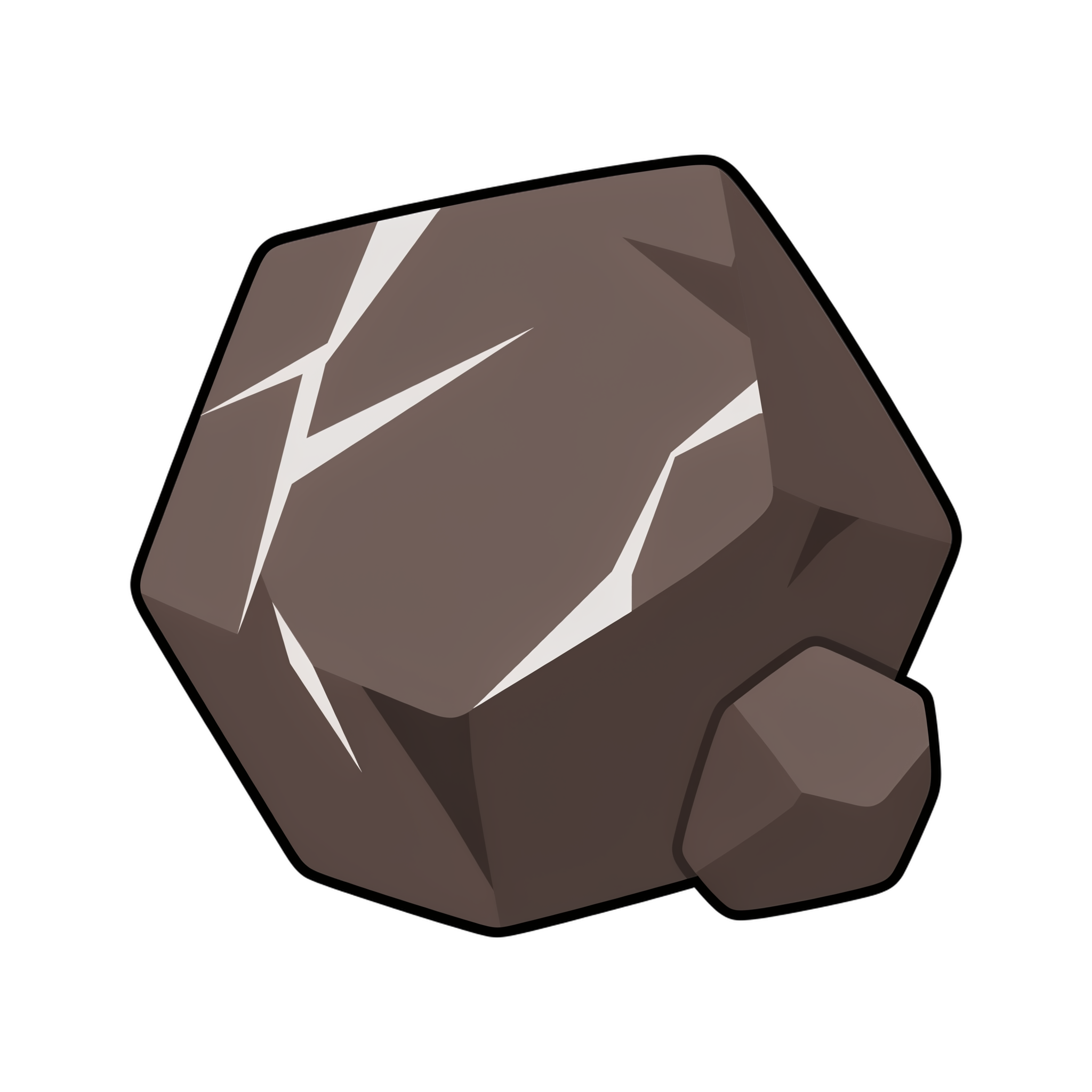
Use references and focused prompts to explore a related object without rebuilding the direction from scratch.
Open shared outputOne integration
Everything DreamLayer can do in the app is available through the same key. Generate images, edit them, upscale them, and remove backgrounds from your application, terminal, or MCP client.
curl https://api.dreamlayer.io/v1/execute -H "Authorization: Bearer $DREAMLAYER_API_KEY" -d '{"prompt":"A glass greenhouse at dusk"}'Character continuity
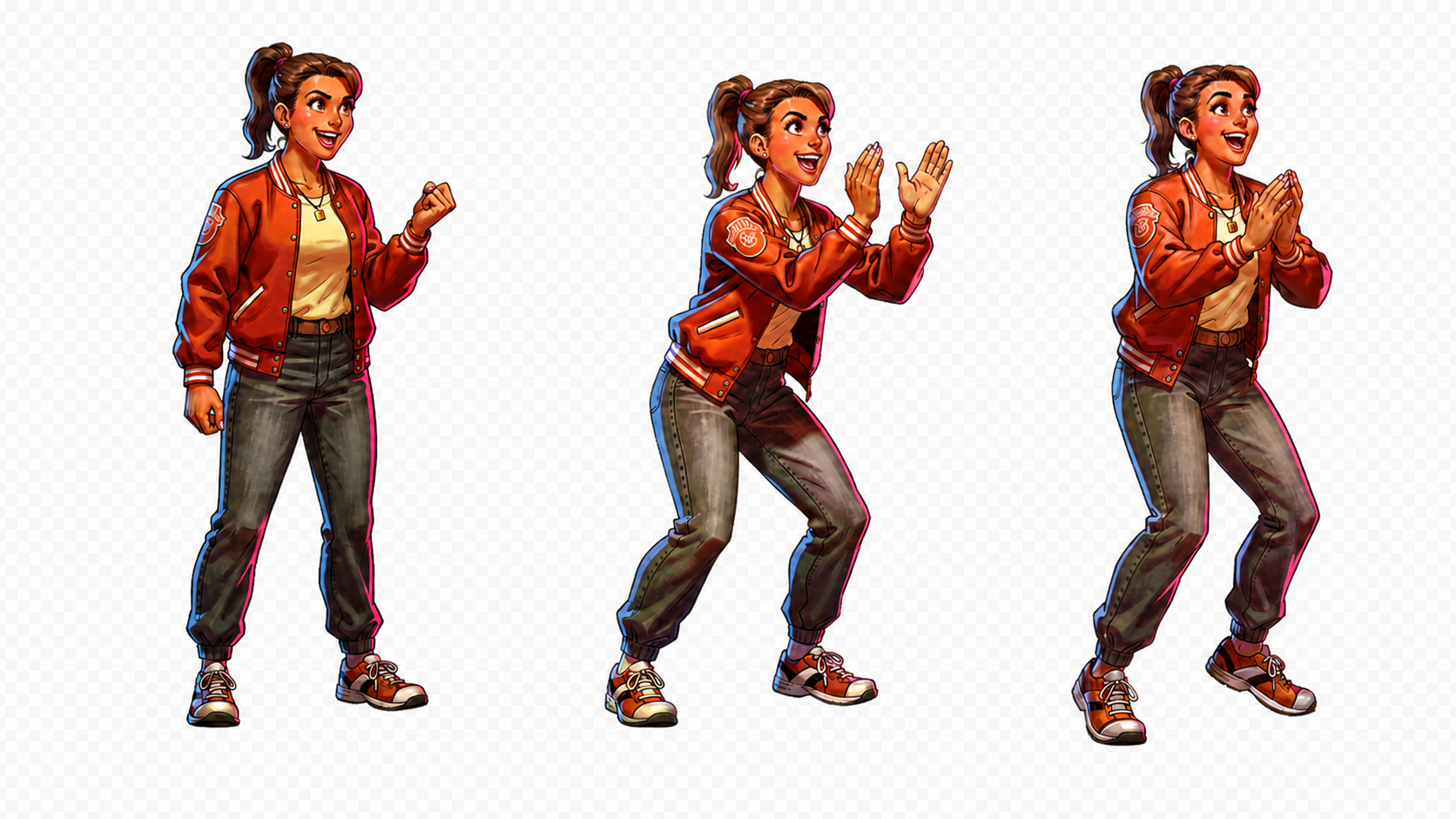
Identity comes first, for a painted hero or a pixel art character. Pick the character direction, define the required states, then create the smallest sequence that proves the workflow.
Preserve clothing, face, palette, silhouette, and scale.
Name the poses and their exact order before generating.
Check framing and consistency before engine integration.
AI sprite sheet generator
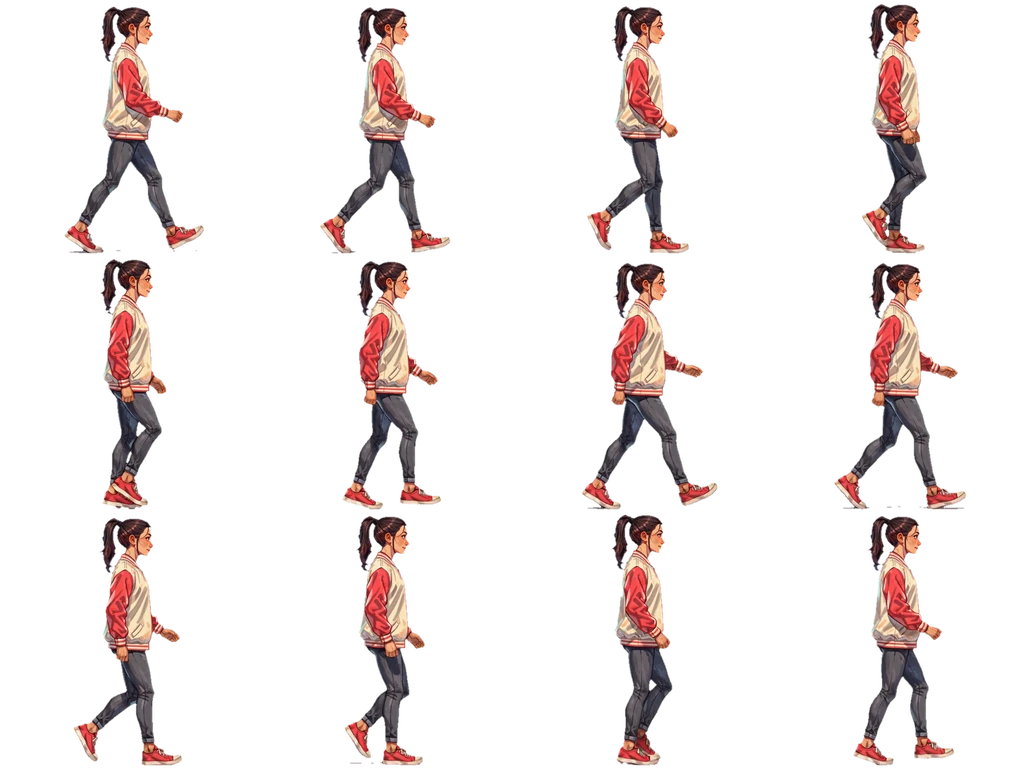
Start with a reference and describe the motion. Get the animation, sprite sheet, and transparent frames together.
FAQ
DreamLayer is currently in beta. Email mackenzie@dreamlayer.io if you run into a problem or need a workflow that is not covered yet.
DreamLayer can create and refine characters, arenas, maps, backgrounds, props, interface components, icons, and concept art for game prototypes. A finished asset can also be upscaled for delivery.
Yes. Start with an approved character image, keep it as a reference, and ask for focused pose or equipment changes. Review each result before expanding the sequence.
Yes. Upload a reference image in the browser, describe its motion, and choose a loop or a single action. The result includes transparent PNG frames, a sprite sheet, atlas JSON, and an animated preview. You can try real examples and start your own on the AI sprite sheet generator page.
Use the sprite API guide to upload a character reference, submit one supported action, and retrieve the result. The download already includes the sheet and atlas. Your agent can help import the files and configure animation timing in your game.
Yes. Keep the image on the DreamLayer canvas or upload it as a reference, then describe the exact change you want to make.
Yes. References help carry forward identity, palette, silhouette, composition, and other approved visual decisions.
Yes. Keep each request focused, specify the game view and framing, and generate separate assets that can be reviewed and reused.
Yes. DreamLayer is available through the web app, API, CLI, and MCP, including compatible agent workflows in Claude Code and Codex.
Yes, as a set of views rather than one automatic sheet. Approve the character once, then request the front, side, and back views with the same reference so the identity carries forward. Review proportions and details across the views before you assemble the sheet or hand it to a modeler.
Name the subject, game view, silhouette, visual language, framing, dimensions, and background treatment. Add a reference when identity or style should carry forward.
Build the first asset
Start with one useful asset. Approve the visual direction, then use it as the reference for what comes next.
Pricing is on the pricing page, and the same account works through the API, CLI, and MCP server. Need front, side, and back views of one character? See character turnaround sheets. Making portraits for a tabletop campaign? See D&D character art. Comparing tools? Read DreamLayer vs. PixelLab.
Start creating