DreamLayer / Creator artwork
Roblox Thumbnail Maker
Give your next experience a first impression.
Create Roblox thumbnail art from a prompt or reference. Shape the scene, refine your avatar, and continue editing in DreamLayer before publishing.
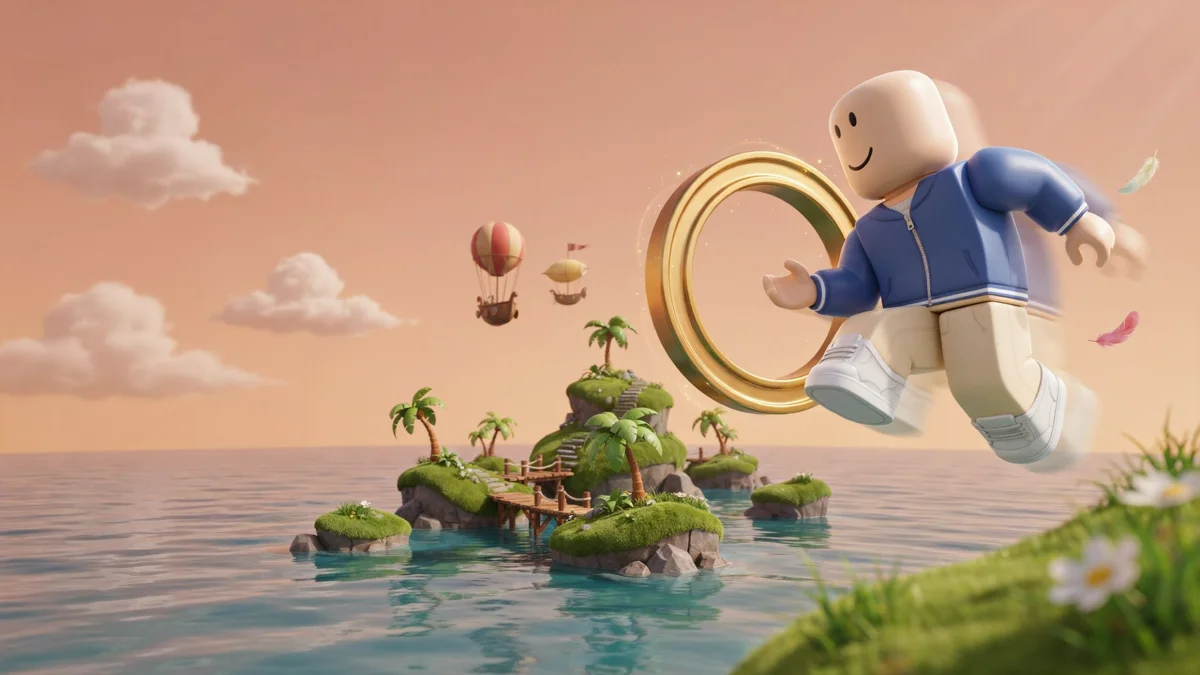
Start with your idea
Your scene, ready to develop.
Describe the scene or choose a starter. Add your own screenshot or character reference to guide the artwork.
Made with DreamLayer
Different stories. Different thumbnail styles.
Explore four original concepts with generated headlines, lighting and composition. Use your own scene and title to make the next one yours. Keep headlines short, and check spelling, crop and readability at mobile size before publishing.
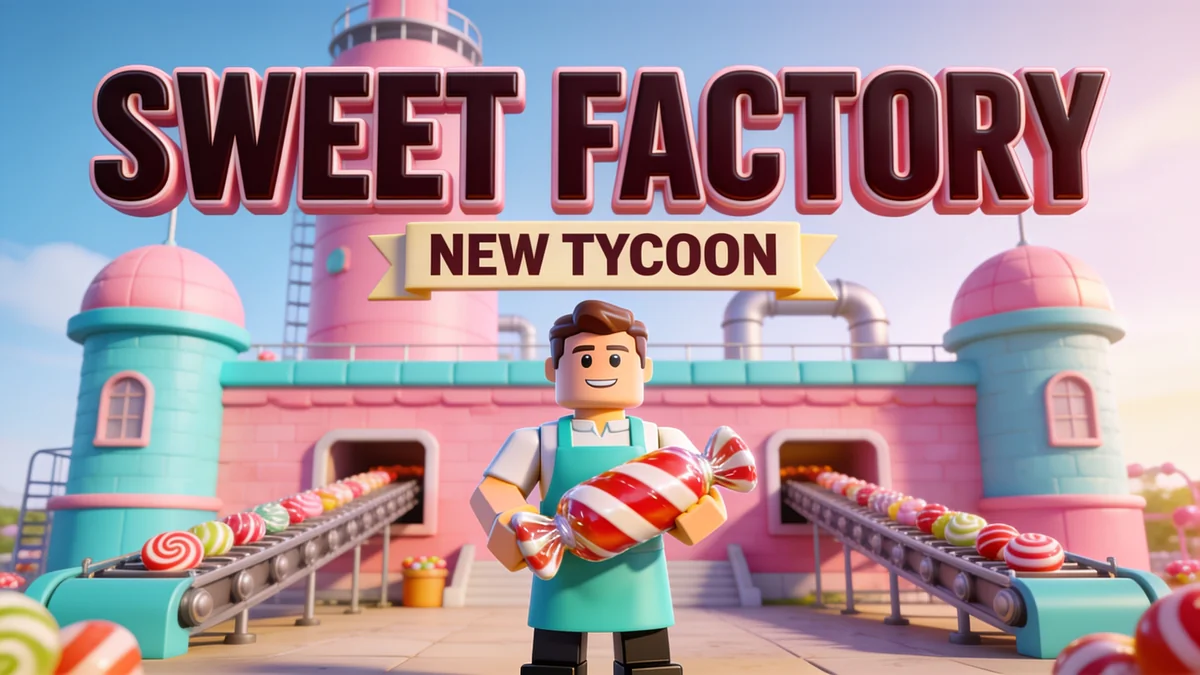
Tycoon launch
A factory landmark and a clear foreground avatar.
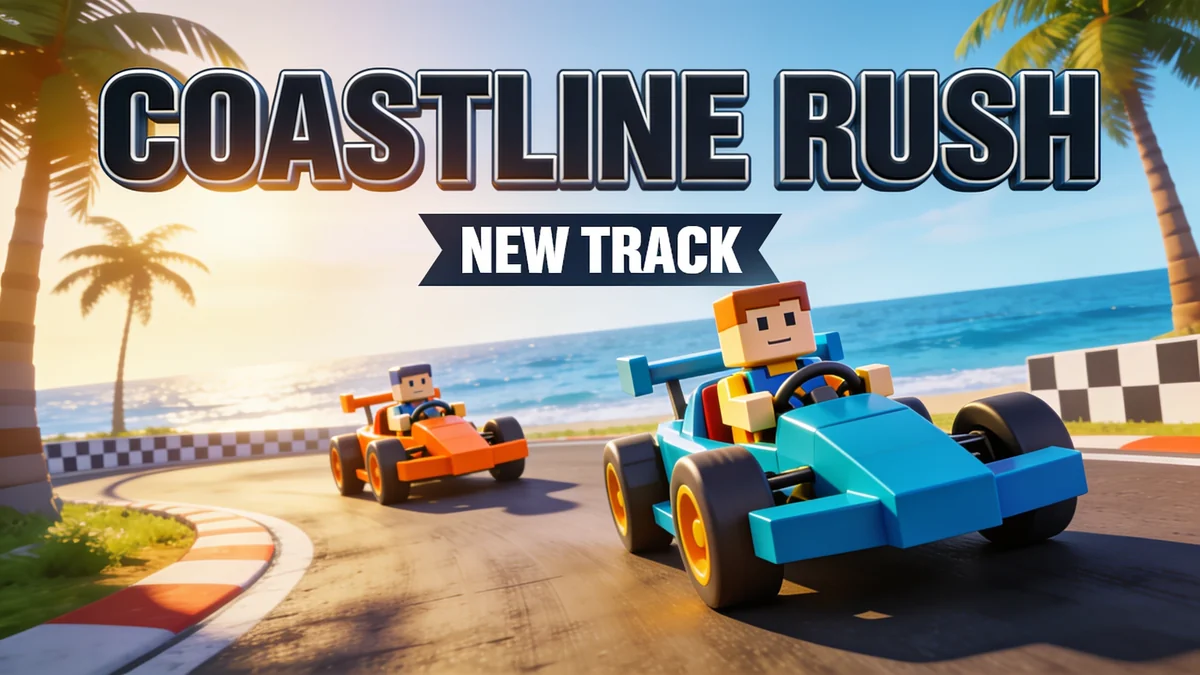
Racing update
A low camera angle brings the action forward.
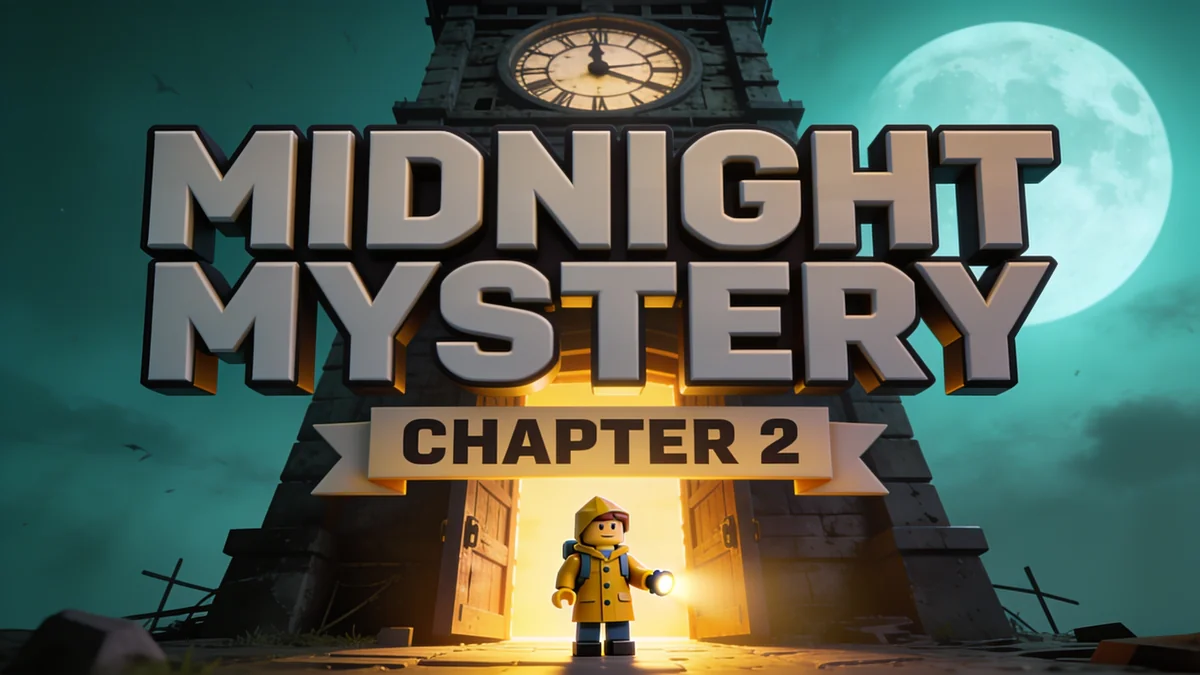
Mystery adventure
Lighting makes a darker scene readable at a glance.
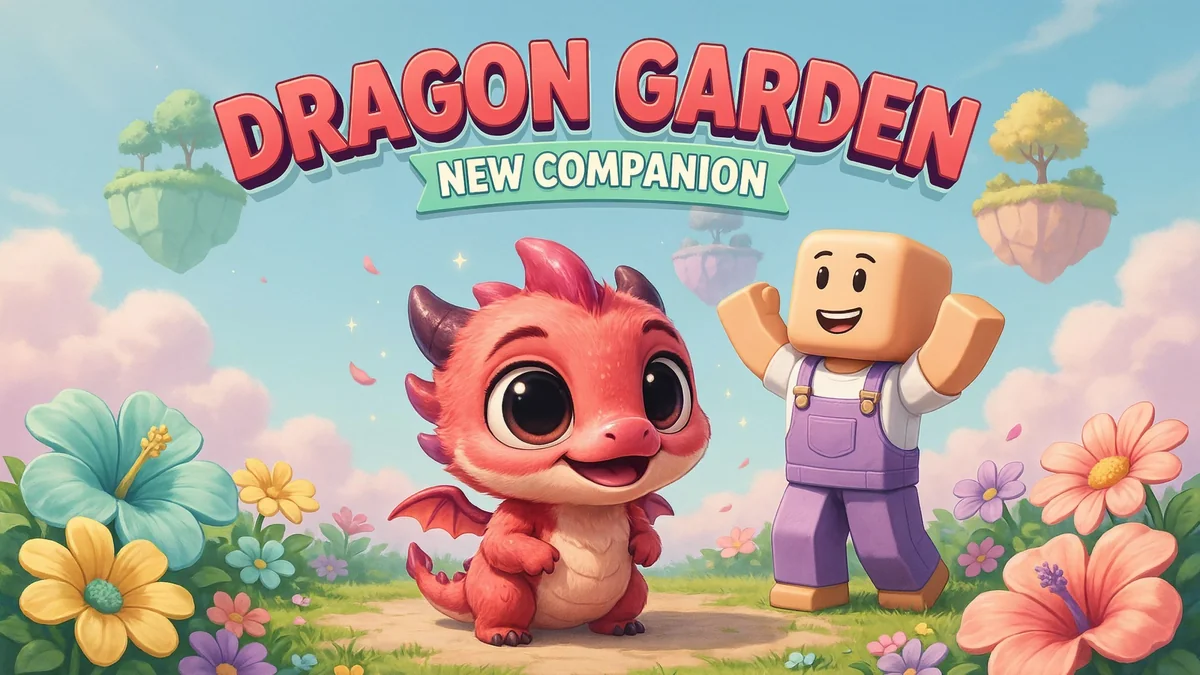
Companion reveal
A close subject works for a friendly update.
Know the output
Artwork first. Your final edit next.
Original concept art generated with DreamLayer. Use your own game as the reference for a published thumbnail. DreamLayer is an independent tool and is not affiliated with Roblox.
- Starting format
- 16:9 artwork
- Reference
- Optional PNG, JPG or WebP
- Publishing target
- 1920 × 1080, under 3 MB
- Finish
- Review, resize and upload yourself
From idea to usable artwork
How to create Roblox thumbnail art
Describe the reason to play
Name the obstacle, new area, or update that makes your experience interesting. One clear idea reads better at thumbnail size.
Bring your own reference
Attach your avatar or a scene from your experience. Keep the composition and setting grounded in what players can actually find.
Review at a small size
Continue in the App, refine the artwork, then finish any title and export sizing in your editor before uploading.
Before you create
Questions, answered.
Can I use my Roblox avatar or a screenshot?
Yes. Attach a reference you have permission to use. Describe which avatar details, colors and parts of the scene should remain. Review the output because small features can change.
What size should a Roblox thumbnail be?
Roblox recommends 16:9 images, ideally 1920 × 1080 pixels and under 3 MB. DreamLayer prepares wide artwork; check the downloaded dimensions and resize or compress the final file before upload.
Does this upload directly to Roblox?
No. Generate and edit the artwork in DreamLayer, then upload your final thumbnail through Roblox Creator Hub.
Can I add text and make a game icon?
Yes. Include the exact short headline in your prompt and describe its placement, outline and style. Check generated spelling before publishing. A game icon uses a separate square composition; request one in the App.
How do I make a Roblox thumbnail with AI?
Describe your game scene, choose a focal character and add a short headline if needed. Attach a screenshot or avatar reference, then continue into the DreamLayer App to generate and refine the image. Download the reviewed artwork and upload it through Roblox Creator Hub.
How do I create bold 3D text for a Roblox thumbnail?
Put the exact headline in quotation marks in your prompt. Describe chunky dimensional lettering, a thick outline and contrasting colors. Place it near the top or center so the main subject stays visible, and check the spelling in the generated result.
Can I make different thumbnails for the same Roblox game?
Yes. Reuse your game screenshot or avatar reference and request a different camera angle, lighting or headline. Generate each variation separately and compare them at a small viewing size. Keep every version faithful to the actual game.
Is it free to use?
You can write a prompt and prepare your draft here without spending credits. Sign in to generate in the DreamLayer App. Generation and edits use App credits; check the current options on the pricing page. API credits are a separate balance.