DreamLayer / Character references
Roblox Character Poses
One avatar. A new way to show it.
Create Roblox-style character pose references from your avatar image. Explore standing, waving and action poses for thumbnails, storyboards and animation planning.
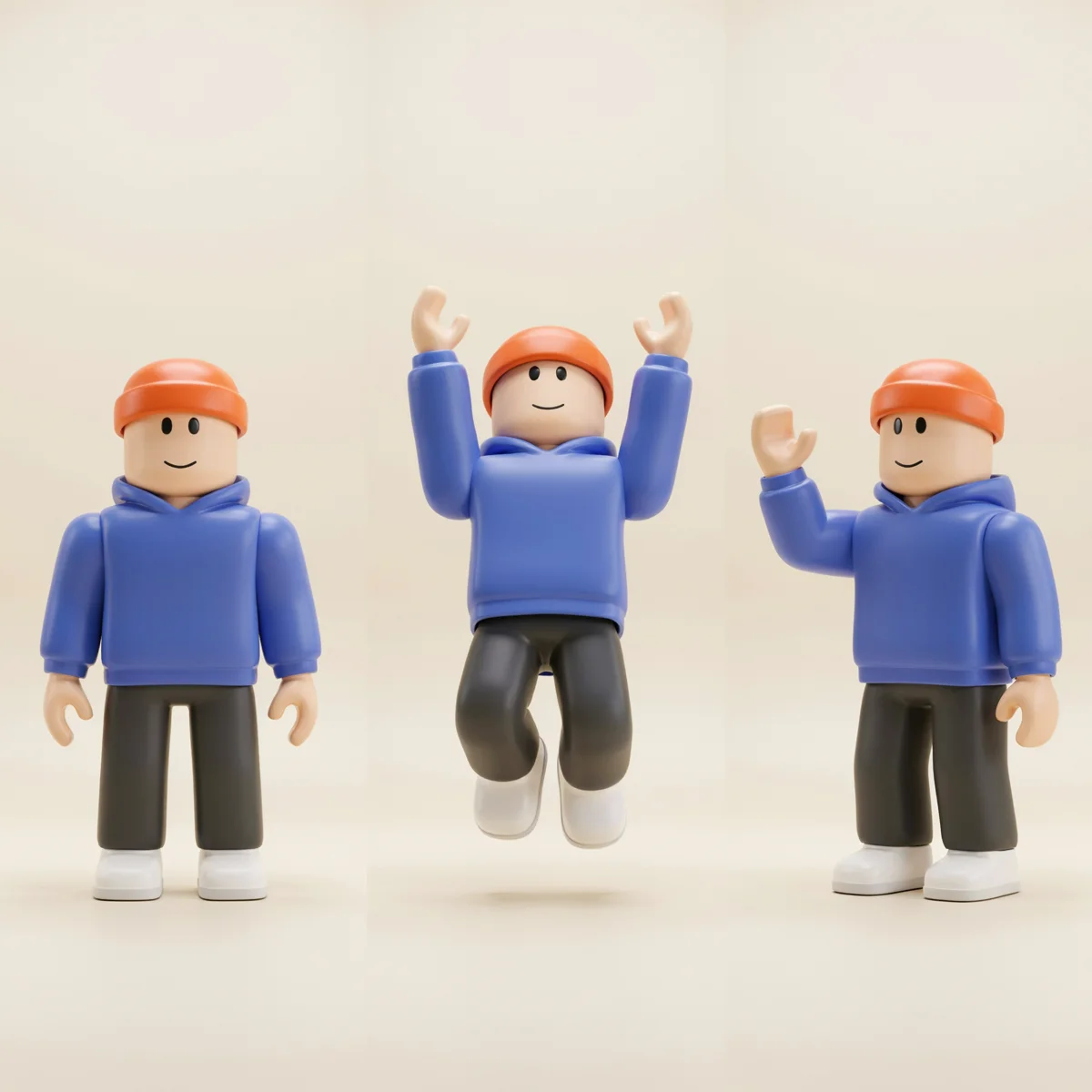
Start with your idea
Bring your avatar. Choose a pose.
Describe a pose or choose a starting point. Add your avatar as a reference to guide the result.
Made with DreamLayer
Find the pose that tells your story.
Explore movement, props and personality. These are individual 2D references for thumbnails and storyboards. To keep the same outfit across several poses, attach your avatar as a reference for each request.
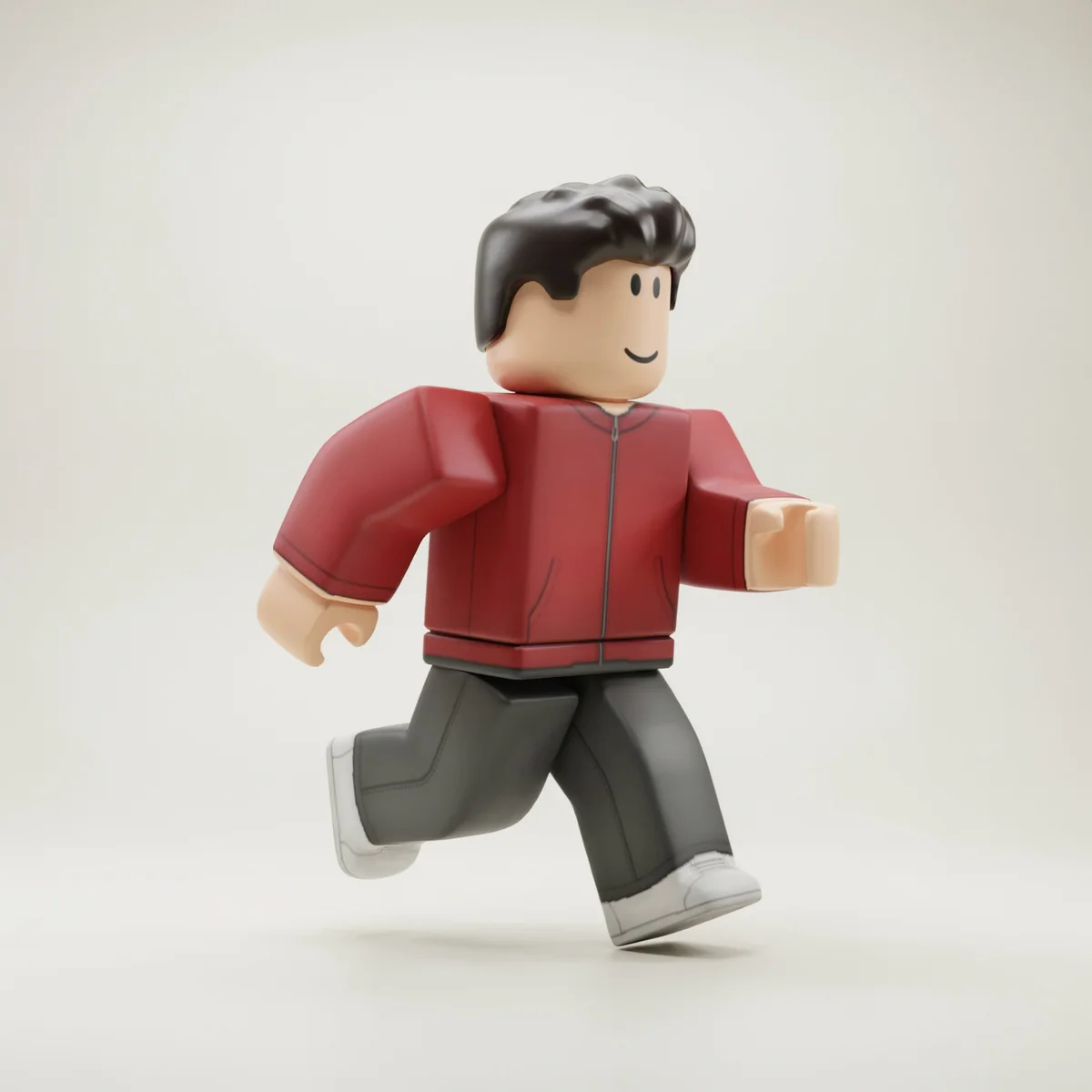
Running pose
A readable stride for an action storyboard.
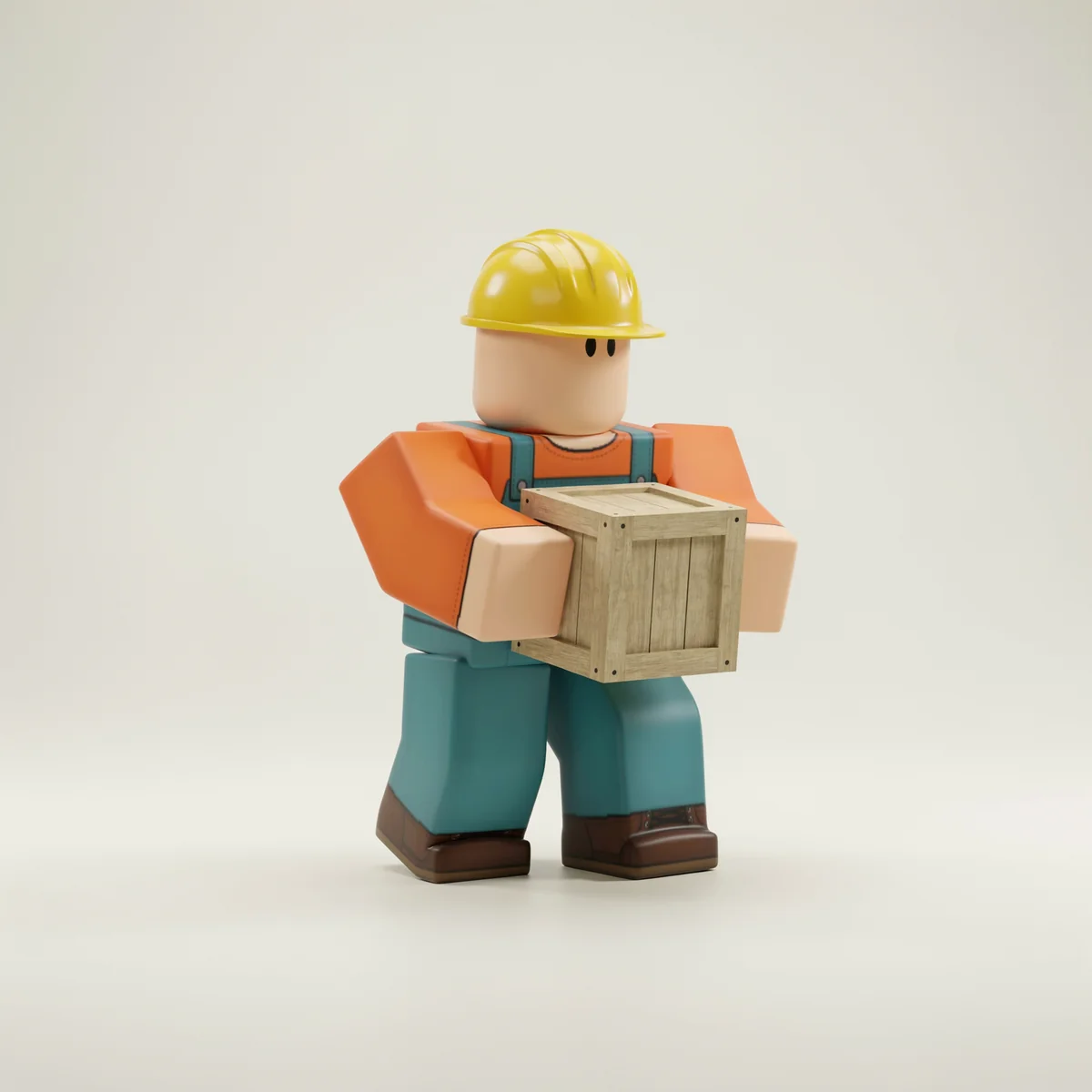
Builder at work
A prop helps explain what the character is doing.
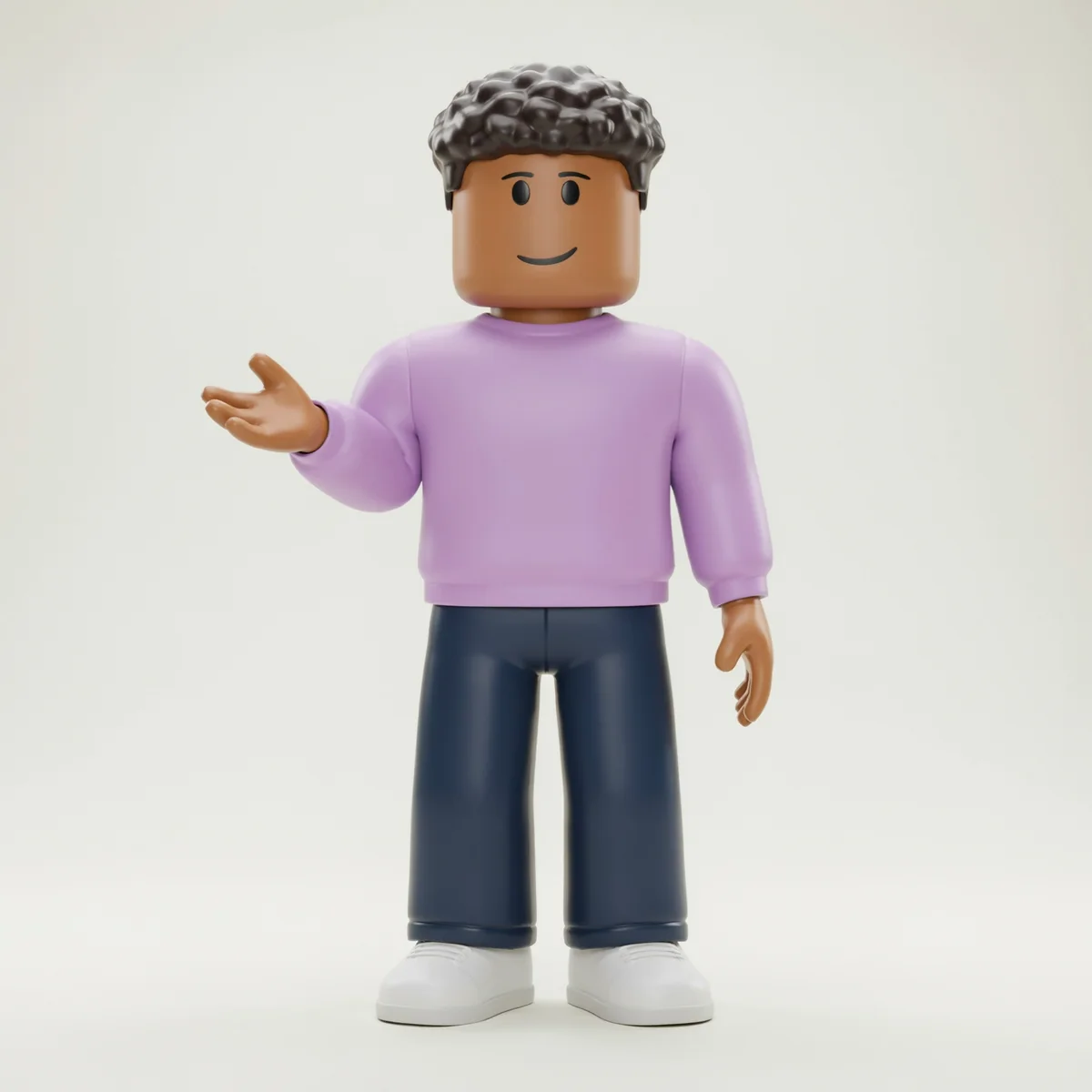
Presenting pose
An open gesture leaves room for a message.
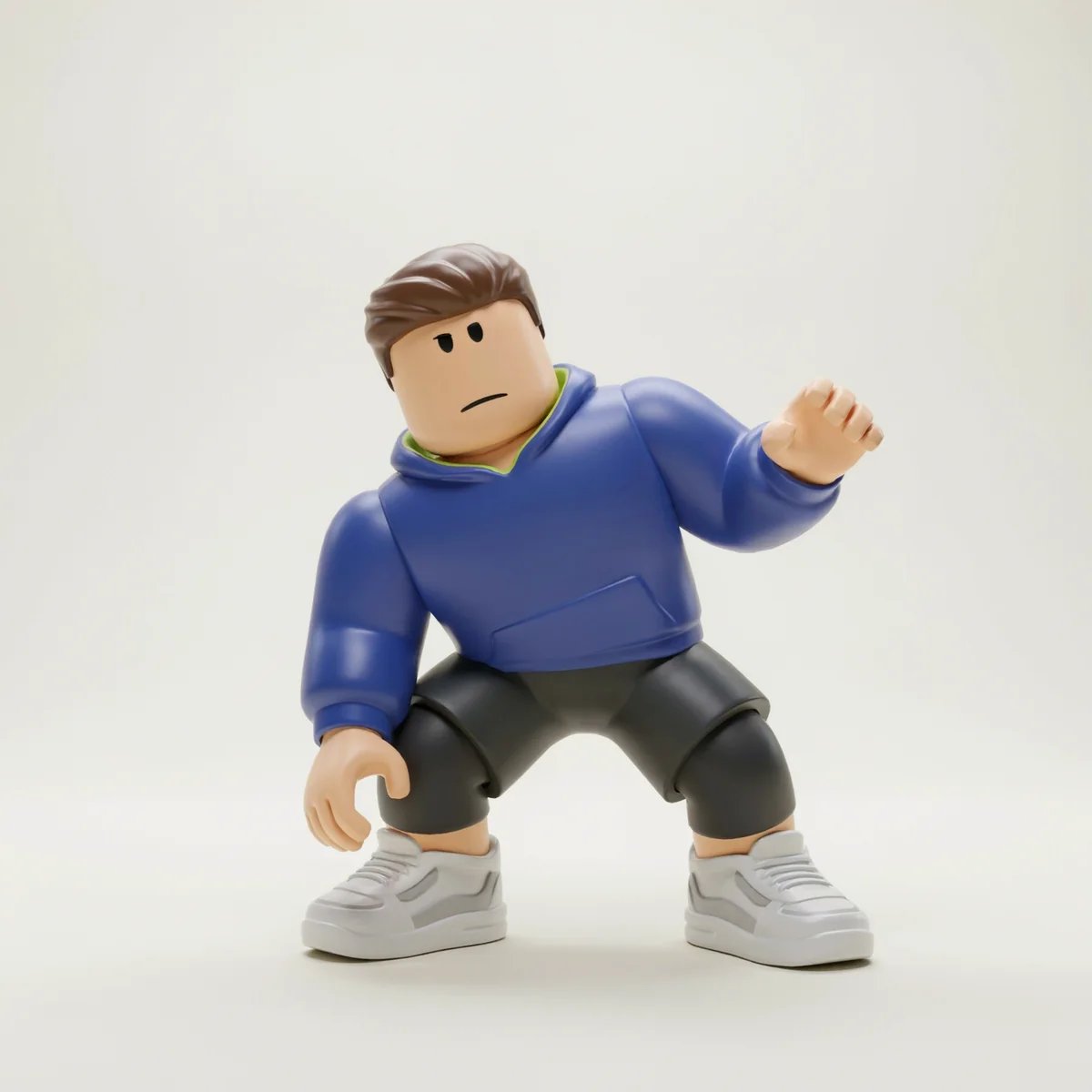
Landing pose
A lower stance gives an action sequence contrast.
Know the output
A visual reference you can build from.
Pose-reference example generated with DreamLayer. It is 2D artwork, not a rig or Roblox animation. DreamLayer is not affiliated with Roblox.
- Starting format
- Square reference image
- Inputs
- Description plus optional avatar image
- Output
- 2D pose artwork
- Best for
- Storyboards, thumbnails and reference
From idea to usable artwork
How to create a Roblox pose reference
Bring the avatar
Attach a clear image of your character. Keep the whole body visible when the pose needs legs, shoes or accessories.
Choose one pose
Describe the stance, hands and camera angle. Generate one pose at a time and reuse the approved reference.
Use it as a visual guide
Download the reviewed image for a thumbnail, storyboard or animator brief. Build the actual rig and keyframes in your animation tool.
Before you create
Questions, answered.
Are these downloadable Roblox animations?
No. These are 2D pose-reference images, not animation IDs, keyframes, rigs, FBX files or a Roblox Studio plugin.
Can I keep my avatar outfit consistent?
Attach the same approved avatar image to each request and name the details that matter. Review faces, hands, accessories and proportions because generation can change them.
Can I make front, side and back references?
Yes. The character turnaround tool is designed for fixed views. For this pose tool, describe the exact viewpoint and request one image at a time.
Can I use the pose in a thumbnail?
Yes. Use an approved pose image as a reference for your thumbnail composition. Review the final character and scene before publishing.
How do I make a Roblox avatar pose reference with AI?
Upload a clear full-body avatar image, describe the stance and camera angle, then continue into the DreamLayer App. Generate one pose at a time and review the outfit, hands and proportions against your reference.
What should I include in a Roblox pose prompt?
Describe the action, arm and leg positions, facial expression and camera angle. Name any prop and the hand holding it. For example, request a full-body jumping pose with both feet visible and a plain background, while keeping the reference outfit.
Do I need Blender or Roblox Studio to generate a pose image?
No. You can prepare the prompt and avatar reference here and generate the 2D image in the DreamLayer App. Creating an actual rig or playable animation is a separate step in a 3D or animation tool.
Is it free to use?
You can write a prompt and prepare your draft here without spending credits. Sign in to generate in the DreamLayer App. Generation and edits use App credits; check the current options on the pricing page. API credits are a separate balance.