DreamLayer / Creator artwork
Minecraft Thumbnail Maker
Make the build the headline.
Create Minecraft thumbnail art for build videos, survival episodes and server updates. Start with your scene, then refine the composition in DreamLayer.
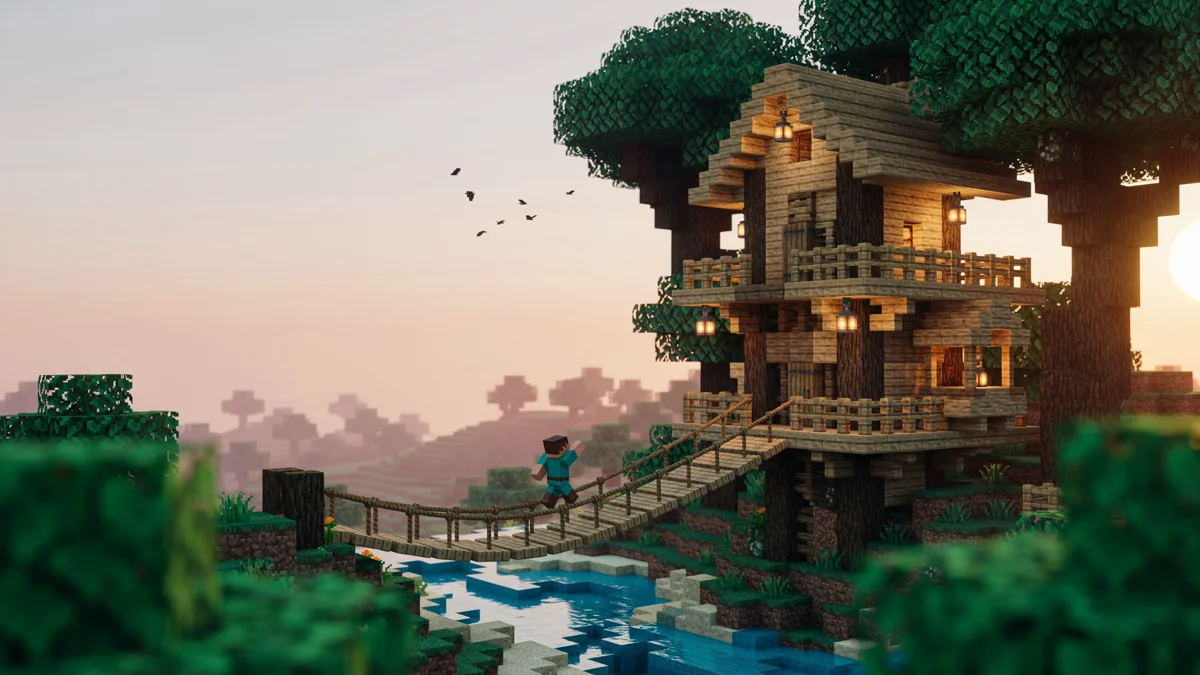
Start with your idea
Your scene, ready to develop.
Describe the scene or choose a starter. Add your own screenshot or character reference to guide the artwork.
Made with DreamLayer
Different stories. Different thumbnail styles.
Explore four original concepts with generated headlines, lighting and composition. Use your own scene and title to make the next one yours. Keep headlines short, and check spelling, crop and readability at mobile size before publishing.
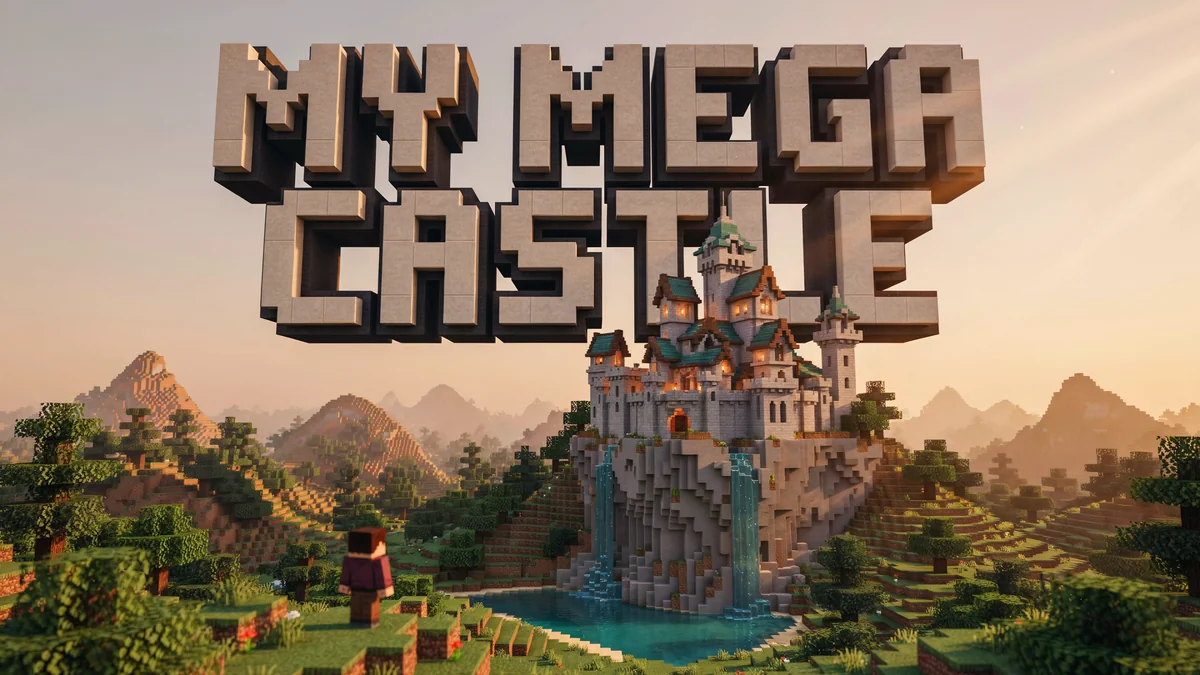
Build showcase
Let a single large build carry the composition.
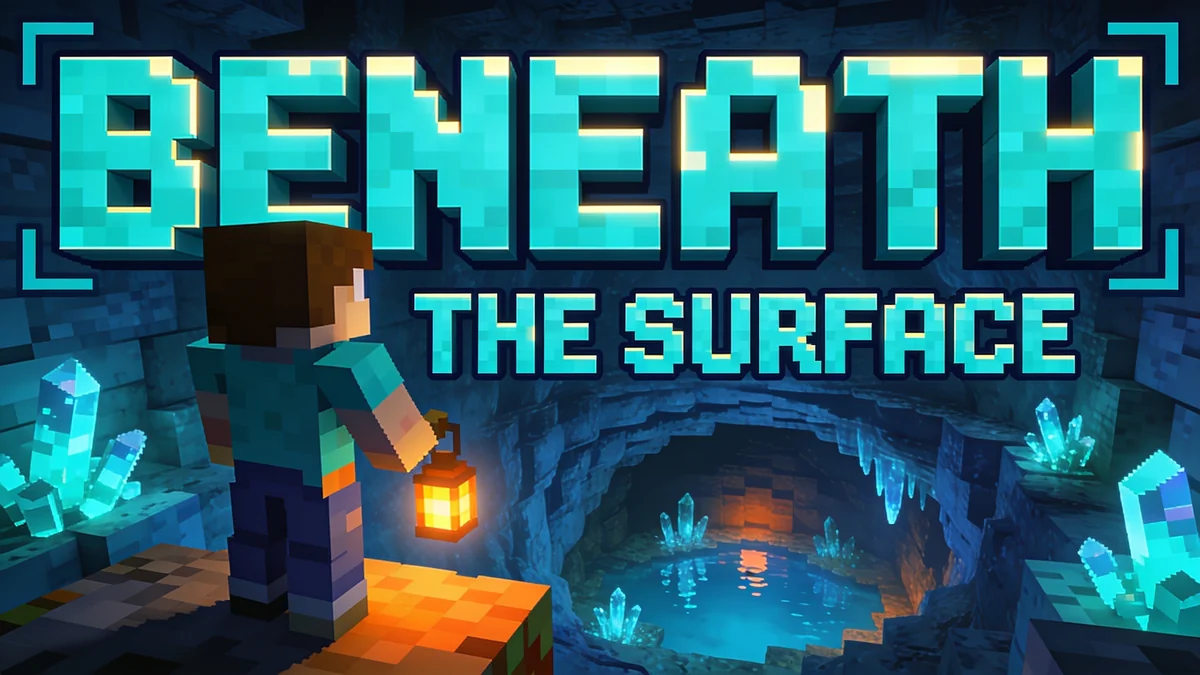
Survival episode
A discovery gives the viewer a clear story.
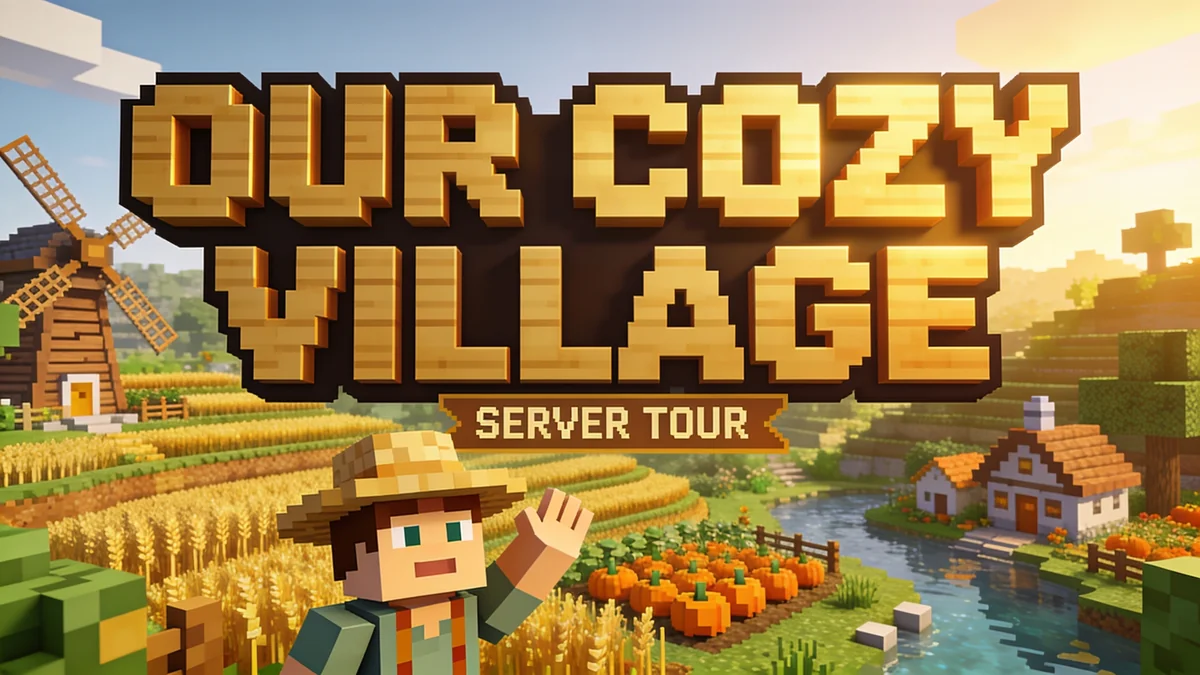
Cozy server update
A calmer palette highlights a shared world.
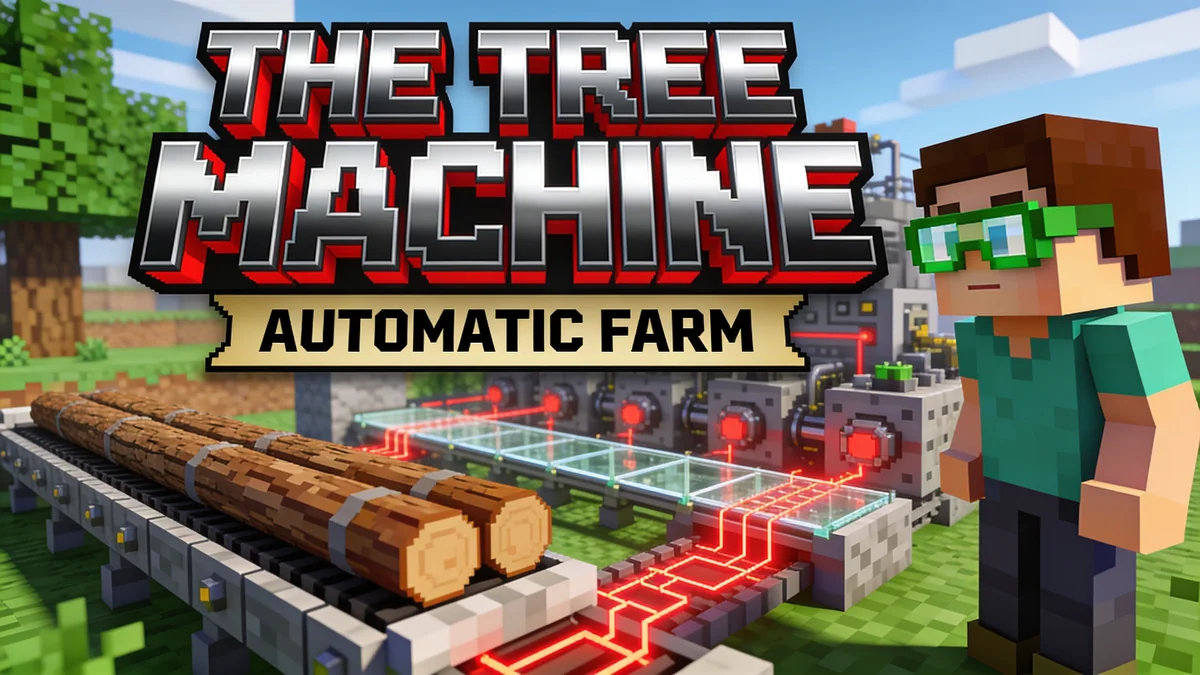
Technical build
Show the mechanism as the main subject.
Know the output
Artwork first. Your final edit next.
Original illustrative concept generated with DreamLayer, not a gameplay screenshot. DreamLayer is not an official Minecraft product and is not approved by or associated with Mojang or Microsoft.
- Starting format
- 16:9 artwork
- Best input
- Your build or character screenshot
- Use cases
- Videos, server updates and build reveals
- Output
- An image to edit and download
From idea to usable artwork
How to create a Minecraft thumbnail
Pick the story
Lead with one build, challenge, or server update. Tell viewers what this particular video or announcement is about.
Use the actual scene
Attach a screenshot of your build or character to guide the result. Name any blocks, silhouettes and structures that should stay recognizable.
Finish for your channel
Refine in the App. Check the title spelling and crop at small sizes, then finish your channel branding and export.
Before you create
Questions, answered.
Is this a Minecraft skin or world generator?
No. This page makes 2D thumbnail artwork. It does not export a Minecraft world, schematic, skin template or texture pack.
Can I use a screenshot of my own build?
Yes. Upload your screenshot and describe the lighting or composition you want to change. AI edits can alter block placement, so compare the output with the actual build.
Can I use this for YouTube thumbnails?
Yes. Prepare a wide image, keep the subject easy to recognize at small size, and finish your title and final export settings for your channel.
Will text and logos be exact?
You can ask for a short headline with blocky 3D lettering, texture, shadows and outlines. Generated spelling and letter shapes can vary. Check the result at mobile size and use an editor when you need exact typography or a logo.
How do I make a Minecraft thumbnail with AI?
Describe the build, challenge or episode you want to feature. Add a screenshot to guide the scene, choose a short title and continue into the DreamLayer App. Review the generated image, refine the composition and download it for your channel.
How can I add Minecraft-style 3D text?
Put your exact short title in quotation marks and request chunky extruded lettering. Describe a material such as stone, wood or gold, with directional lighting, a dark outline and shadows. Keep the build visible and check the spelling before publishing.
Can I keep my character consistent across a Minecraft series?
Use the same approved character reference for each thumbnail and name the outfit, colors and accessories that should stay the same. Change the episode scene and headline in your prompt. Review each result because AI can alter character details.
Is it free to use?
You can write a prompt and prepare your draft here without spending credits. Sign in to generate in the DreamLayer App. Generation and edits use App credits; check the current options on the pricing page. API credits are a separate balance.