Room transformations and character outfits
Forgery & Co.
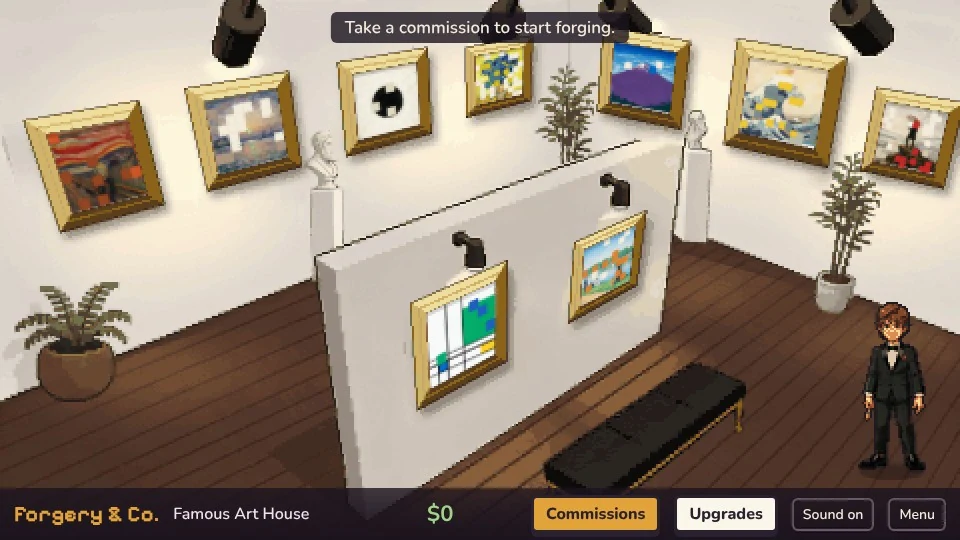
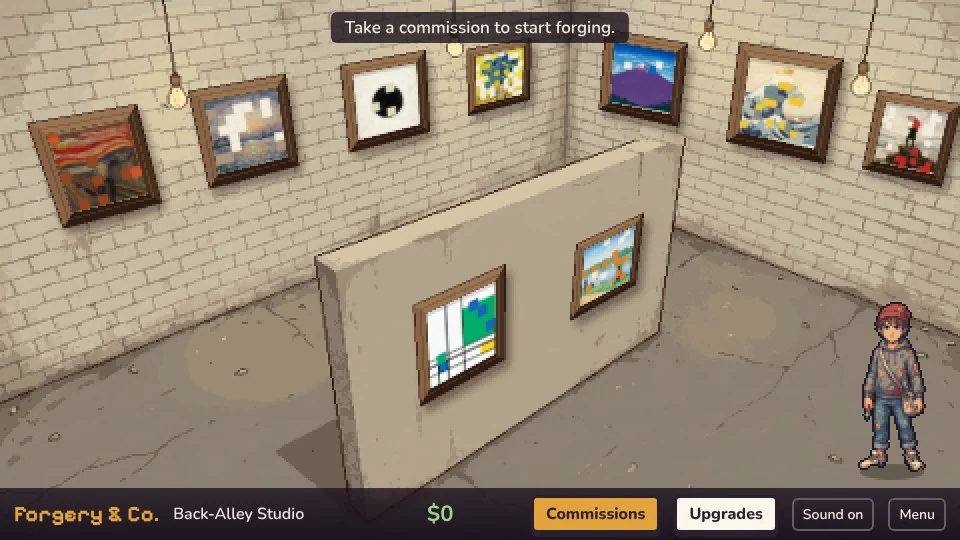
Start with a small art gallery, copy paintings, and earn your next renovation. DreamLayer helped create the paintings, room variations, decorations, and the forger’s changing wardrobe.
Behind the artwork
A little studio with room to grow.
Paintings, gallery renovations, decorations, and four character outfits.
Same room, a new chapter
Watch the gallery grow.
A Blender layout established the room. DreamLayer helped turn it into artwork, then edits changed the finishes and decorations as the player progressed.
A wardrobe, not a new character
Dress for the next commission.
One character generation became the reference for three outfit edits. The developer removed the backgrounds and prepared the images for the game.
Artwork becomes the game
A painting you can play.
The creator reimagined famous paintings with deliberate changes. The game turns each image into a grid that players recreate, one square at a time.
More worlds to explore
All games

Your next game starts with an idea
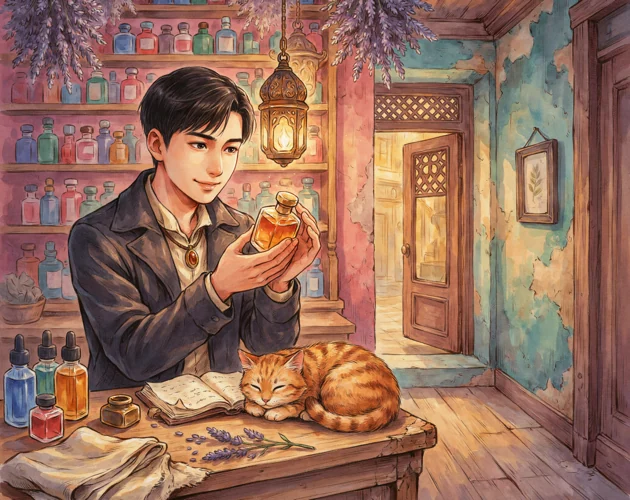
Give it a world of its own.
Create characters, explore new environments, and turn a reference into your next game asset.