


Skip to content
Official UnoPIM partner

Edit your UnoPIM
product images
through chat.

Select an image from your catalog and tell DreamLayer what to change. Refine details with follow-up messages, edit multiple products in one request, and review each result before applying it in UnoPIM.

UnoPIM / ProductsWorkflow illustration
UnoPIM CatalogEnabled

2021 Ford Mustang

ABLO-029

Original red Mustang in the illustrated catalog✓ Selected for editing
Product imageimage
IMAGE VERSIONS
Blue version of the Mustang
Blue
Parking
Cutout
Review before applying✓ Image saved to product
DreamLayerImage chat
@2021 Ford MustangGive it a plain blue background.

Here it is on a plain blue background.

Mustang on a blue studio background
Blue background
Apply to product
Official UnoPIM partnerChat-based editingImage generation with leading AI modelsBackground removal
REFINE THROUGH CONVERSATION

Image editing,
as simple as a chat.

Describe the change and refine it with a follow-up. Swap backgrounds, try a new setting, or create a cutout, all without leaving UnoPIM.

45 seconds · Edited demoOpen full video

One car, four versions.

The original image and the actual results from this conversation.

  1. Original red Ford Mustang product image
    00

    Original image

    The starting point in the catalog.

  2. Red Ford Mustang against a plain blue studio background
    01

    A plain blue background

    Start with a simple change.

  3. The same red Ford Mustang in a sunny outdoor parking lot
    02

    A new setting

    Continue with a sunny parking lot.

  4. Red Ford Mustang with its background removed
    03

    Background removed

    Refine that result into a cutout.
EDIT MULTIPLE PRODUCTS

Bulk edit
your catalog.

Select the images you want to work on and describe the change once. Give both cars a showroom setting, then review each preview in the chat. You choose what gets applied to each product.

25 seconds · Edited demoOpen full video
THE PLATFORM + THE POSSIBILITIES

Your tools.
Working together.

UnoPIM brings your product information together. DreamLayer adds a focused image workflow, so your team can work on the visual alongside the product it belongs to.

Explore UnoPIM
CREATE IN CONTEXT

The product stays in view.
The image gets better.

01

Start with the right image

Select an existing product photograph or reference a product image in chat. Keep its SKU and destination in context.

02

Refine in a conversation

Remove a background, describe a new setting, or make a follow-up edit using an earlier result.

03

Make the final call

Review and download the preview. Apply it to the product only when you choose, with permission and changed-image checks.

A CLOSER LOOK

From an image
to a conversation.

Explore the steps below. Your product stays in context as you review each version.

DreamLayer · UnoPIMExample workflow
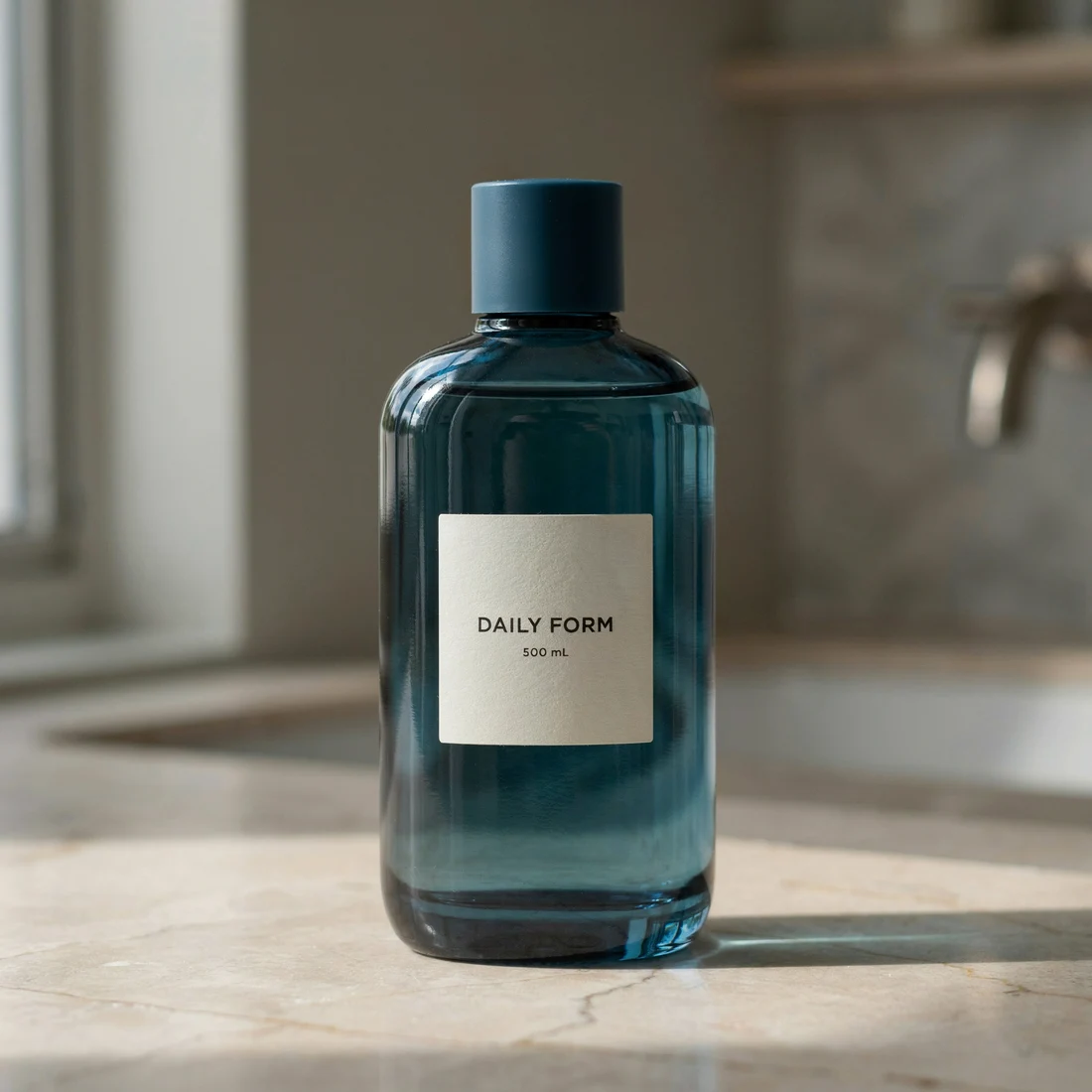
Daily Form bottleProduct image · DL-01

Let's work on this product image.

Your source image is selected. Describe the change you want.

Describe your next edit…
Selected imageDL-01
Original product photo of the blue Daily Form bottle
Start with a product image
Product imagery generated and edited with DreamLayer. This walkthrough makes no live request or catalog save.
BUILT AROUND THE WORK

Small tasks.
Useful possibilities.

Start with a concrete image task.
Make the workflow fit your team.

A cleaner catalog

Explore clean backgrounds for product listings, with a preview you can inspect before applying.

A different setting

Give an existing product image a new backdrop for a campaign or a seasonal collection.

A few images, one instruction

Process a small selection with the same direction when batch editing is supported by your account.

THE COLLABORATION

Built with the ecosystem.

We are collaborating with the UnoPIM team on an extension-led approach. DreamLayer-specific features live in the extension; generic improvements to UnoPIM can support other integrations too.

Separate DreamLayer extension
Generic core contributions
Review before applying

DreamLayer is provided as a separate UnoPIM extension. Production validation and marketplace review are separate from the availability of its source code.

GOOD QUESTIONS

A few things
to know.

Is DreamLayer built into UnoPIM?

DreamLayer-specific functionality lives in a separate extension. Your UnoPIM installation remains the home for your products and catalog permissions.

Does generating an image change my product?

No. The extension returns a preview. You decide whether to apply it, and the extension checks permissions and whether the target image has changed.

Can I edit the previous result?

Yes. You can use earlier results for follow-up edits, rather than starting again with the original image.

Is it already approved for the UnoPIM marketplace?

Marketplace submission and review follow production validation. This page does not claim that listing or review is complete.

What do I need to try it?

A compatible UnoPIM installation, the DreamLayer extension, and a DreamLayer account with the required API capabilities and credits. Contact us to check your setup.

LET'S MAKE IT USEFUL

Put your next product image
in the right place.

Tell us about your UnoPIM catalog. We will walk through the image workflow with you.

Request a UnoPIM demo Tell us your platform version and the image workflow you want to improve.