How to Make a Pixel Art Animation from One Character
Walk, attack and rear cycles, in private beta
By DreamLayer AI
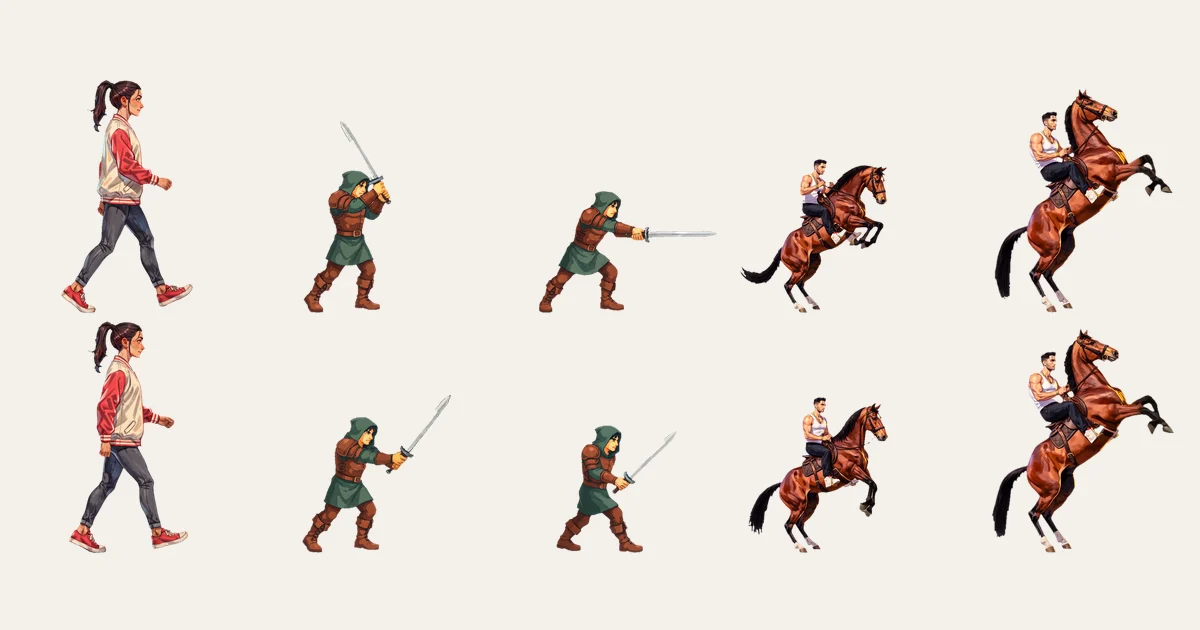
If you want to make a pixel art animation from one character, the hard part is not generating a single good frame. It is keeping the same character, style, proportions, and action across the full sprite sheet. That is true for a walk cycle, a sword swing, or any other sprite animation.
The frame-by-frame workflow starts with one reference: write a pose list, generate each frame, remove the backgrounds, and assemble the sheet. That works, but it has limits. Walk cycles can feel off because passing poses are hard to generate one frame at a time. Weapons can also change size between frames.
This post shows the private-beta workflow that fixes those problems. You give DreamLayer one character reference and name an action. It returns cleaned frames, a sprite sheet, and an atlas. The atlas is the metadata that tells a game engine where each frame sits inside the final sheet.
I use 3 examples: a walk cycle, a pixel art sword swing with a two-hit combo, and a horse rear. That makes it easy to see where the character stays consistent, where the pixel look softens, and what still needs a human check. Every image here is a real output, including the frames that failed.
Looking for the current sprite workflow? Explore the AI sprite sheet generator for walk, run, and idle examples, downloadable bundles, and API setup. This article records earlier experiments; its other actions and access instructions describe that earlier beta.
The sprite operation is in private beta on the API, CLI and MCP server. Prepare a character reference and email mackenzie@dreamlayer.io with "sprite beta" in the subject line to get in.
What changes
- You name the action instead of writing every pose by hand. DreamLayer's unreleased V2 autonomous agent assembles the frames in the background so the final sprite sheet reads as continuous movement.
- The action includes passing poses, arcs, and timing. You still receive separate frames. The motion comes from how those frames change over time.
- The agent keeps the character consistent from the first frame to the last instead of treating every frame as a new generation.
- The cost is about the same number of credits per sheet as the frame-by-frame workflow.
- You still review the face, clothes, final resting frame, and any ground shadow left by background removal.
Example 1: Walk Cycle
The reference
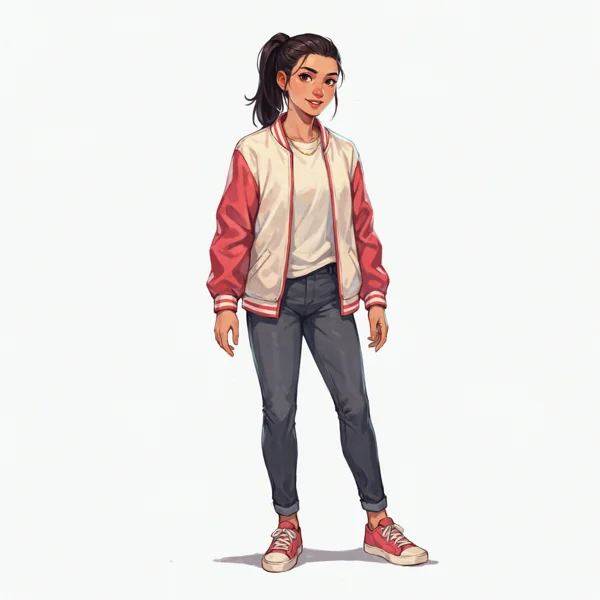
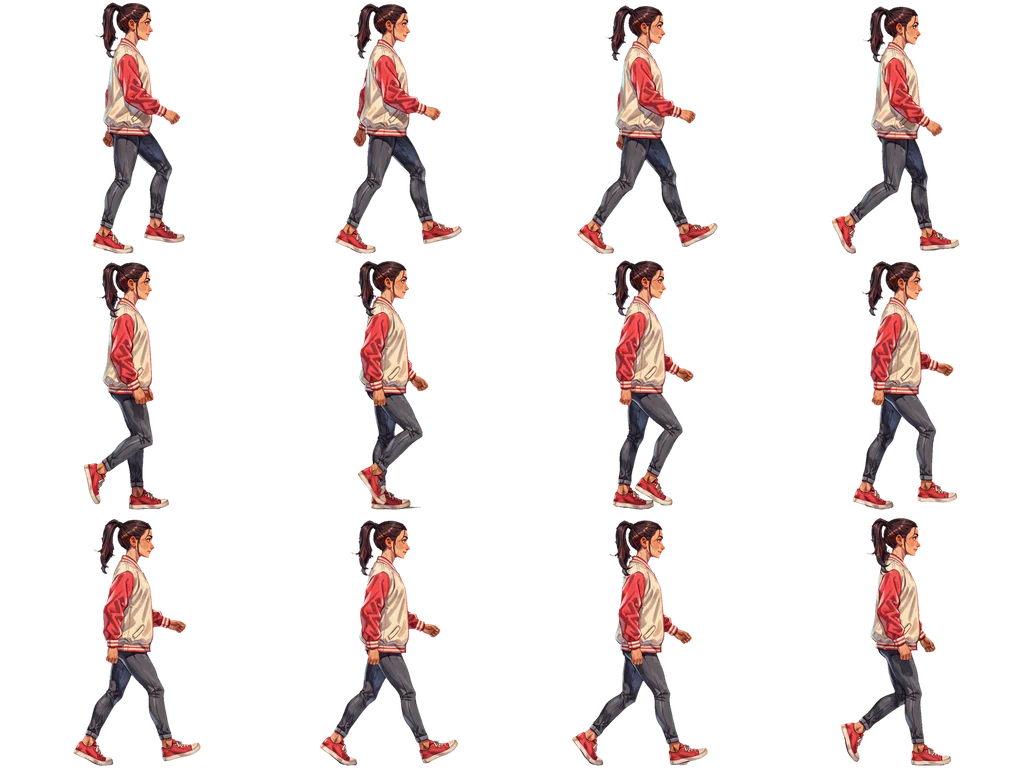
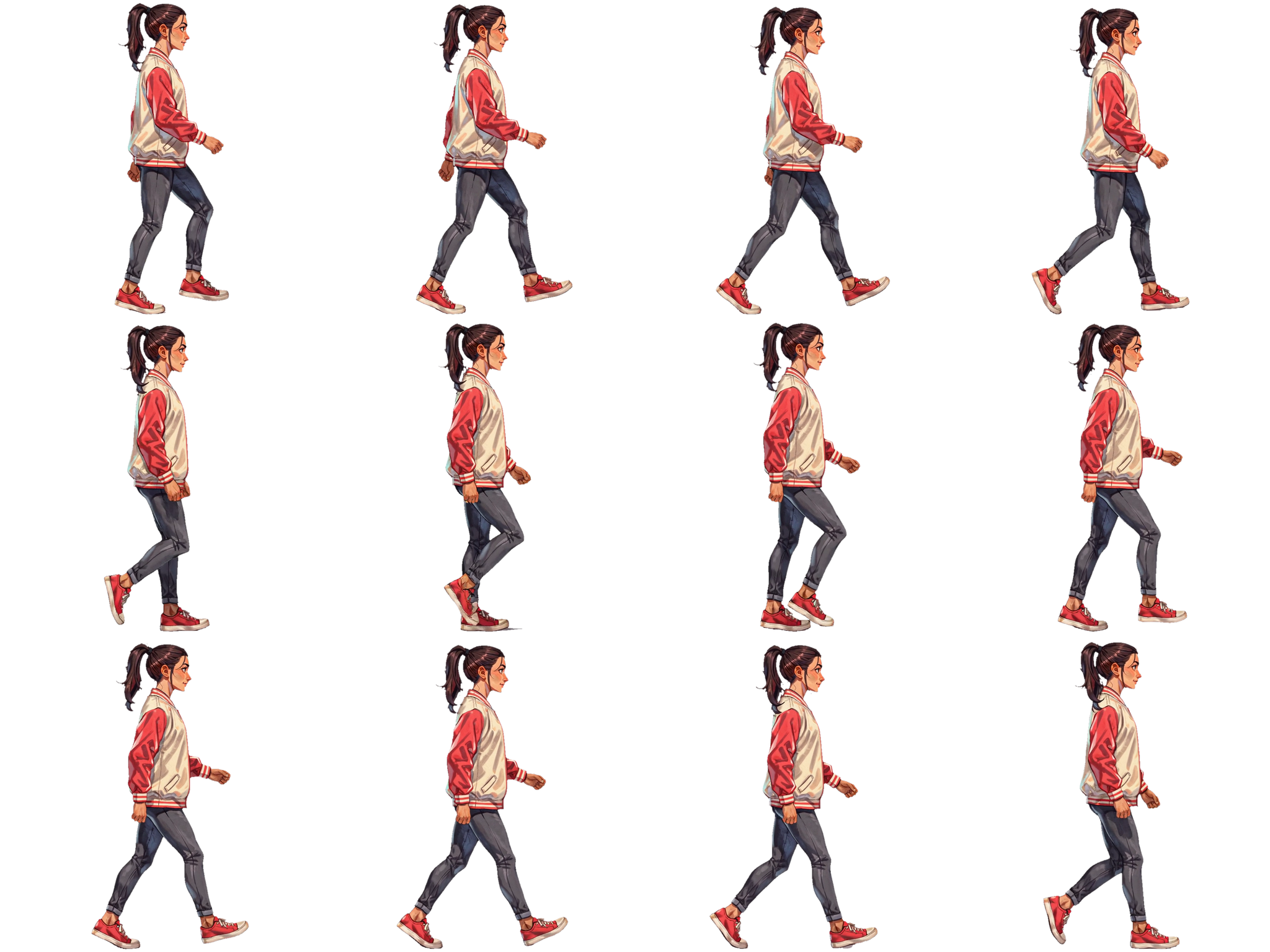
This walk cycle sprite sheet uses a varsity-jacket reference. The only action I gave it was "walk."
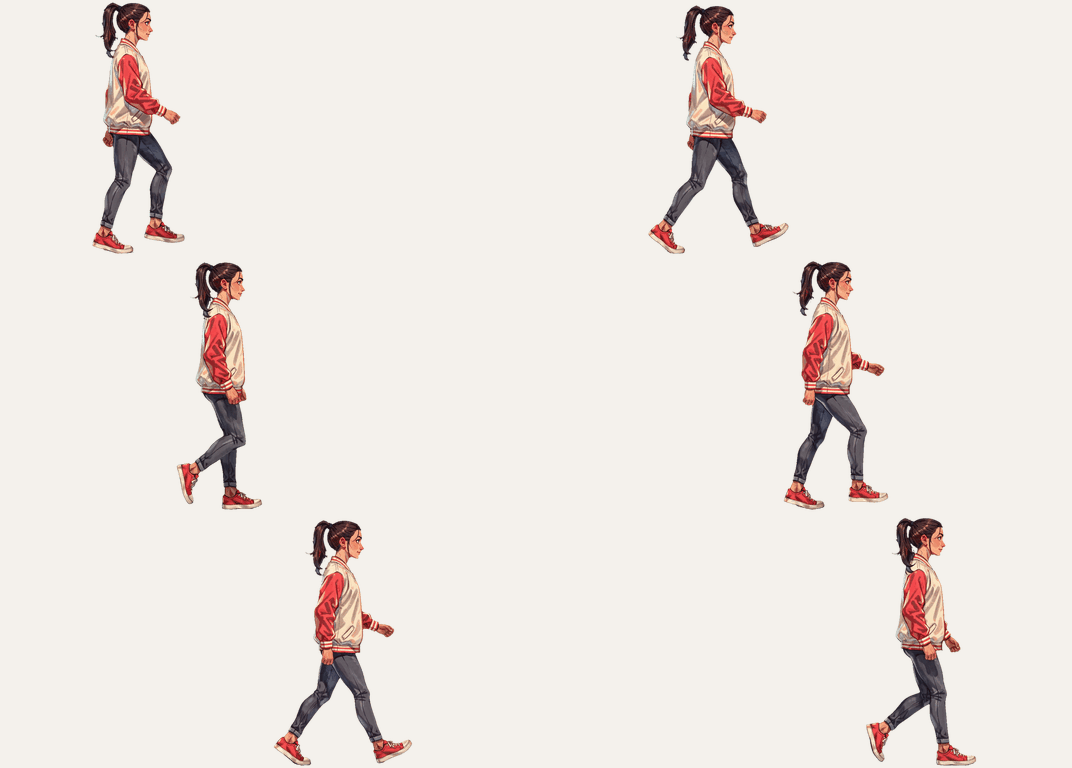
The result is 12 frames over one full stride, including real passing poses. I measured the change in foot spread between each frame. This cycle changes about a third less per frame than the 8-frame frame-by-frame walk, which is why it looks smoother at the same speed.
Example 2: Sword Swing and Two-Hit Combo
The reference
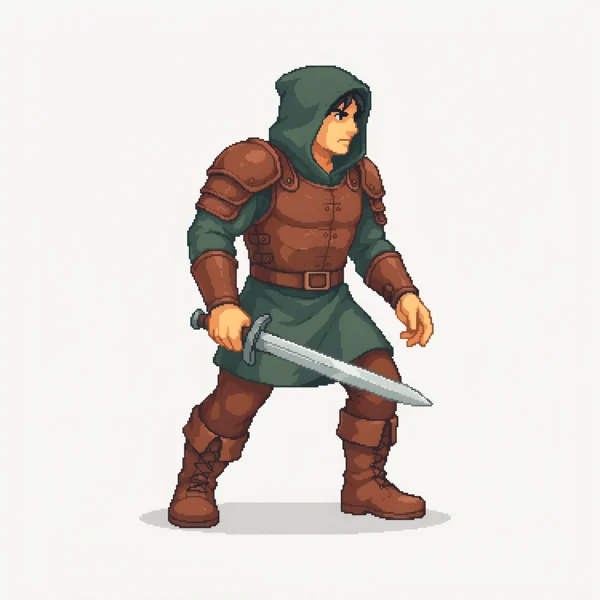
For the pixel art animation, I used a hooded swordfighter reference.
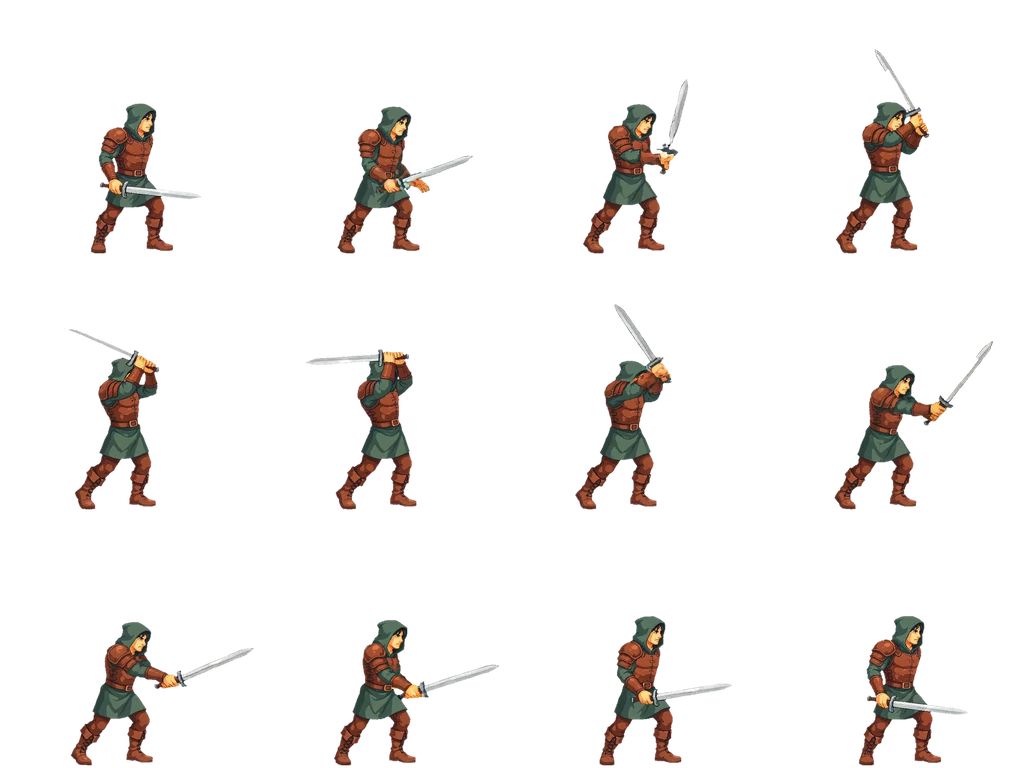
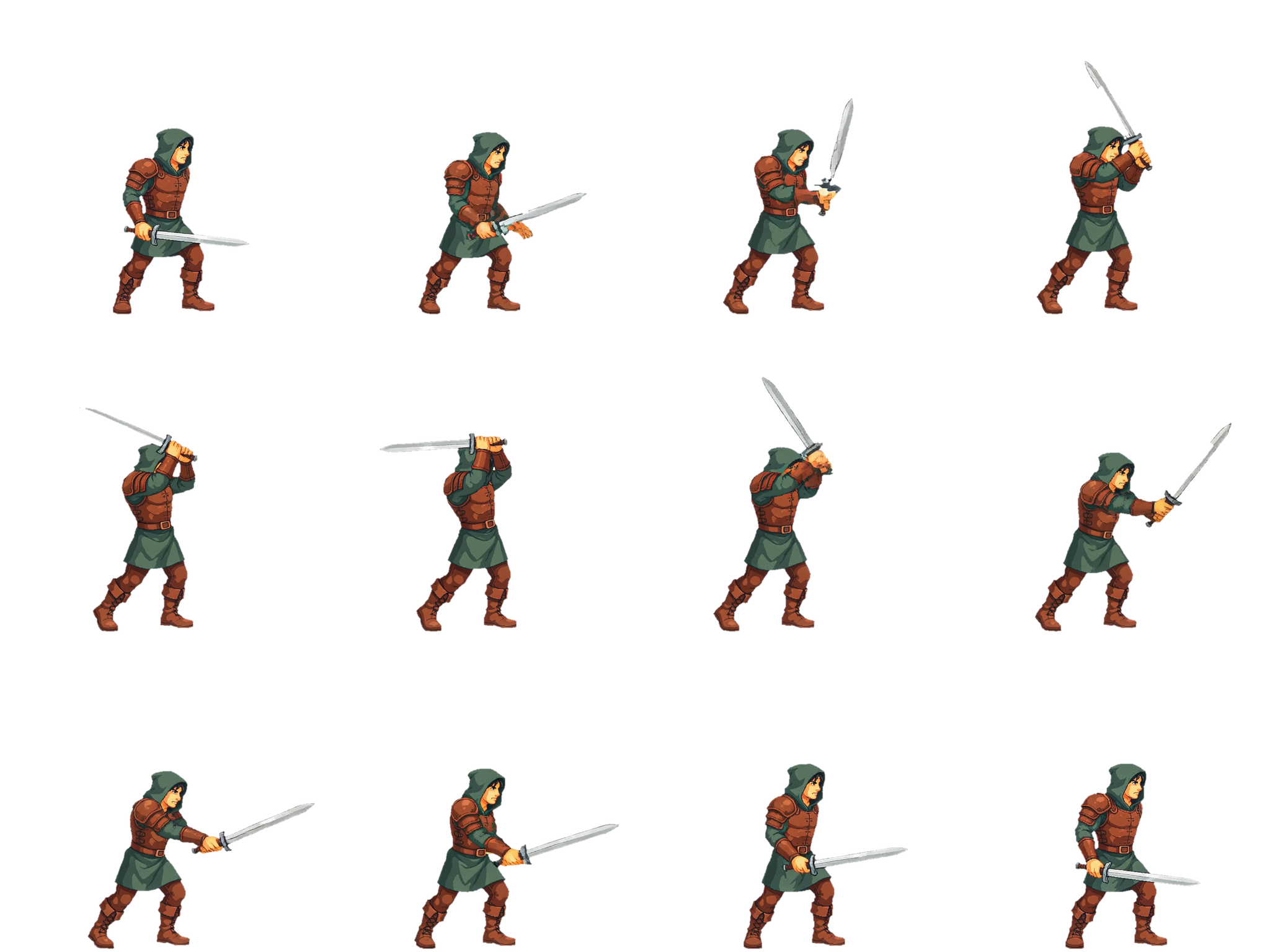
The first action was "one complete sword swing." DreamLayer returned 12 frames from the ready stance through the raise, swing, and follow-through. The faster part of the swing gets enough frames to keep the arc readable.
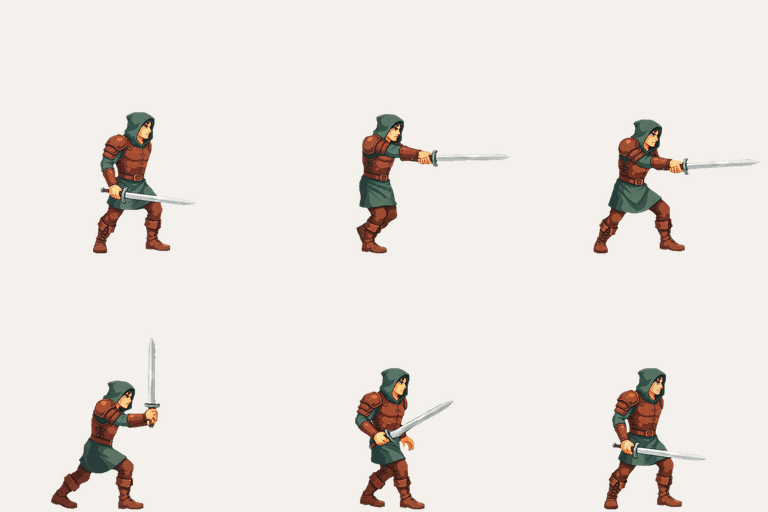
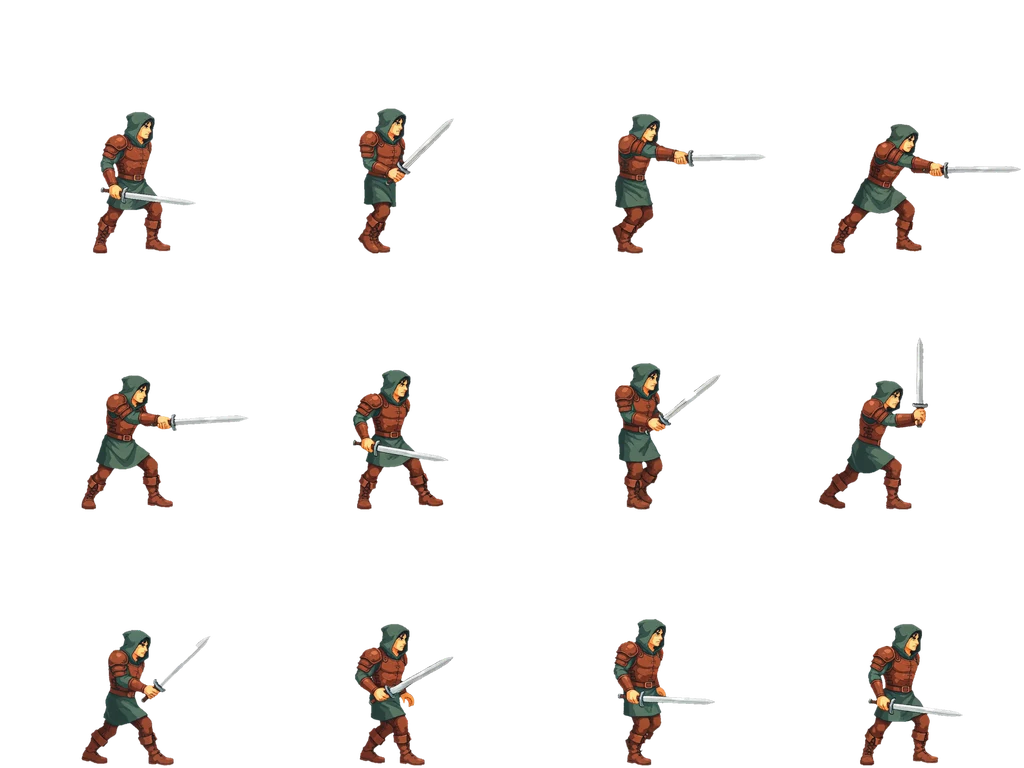
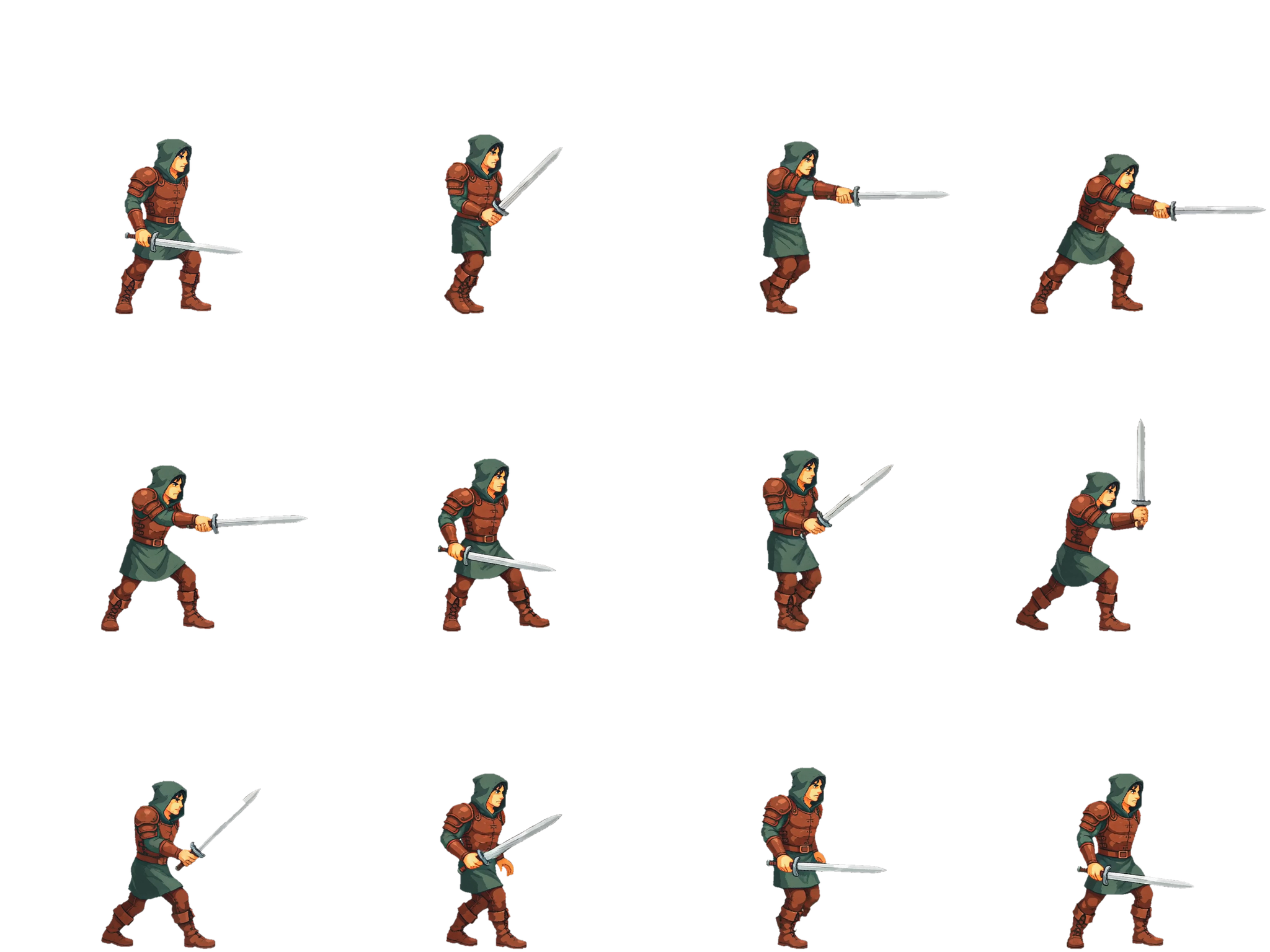
Then I ran a second action from the same reference: "two-hit combo: a forward thrust, then a rising cut." That produced a second sprite sheet without making a new reference image.
What held: the hood, armor, tunic, boots, and sword. The sword stays the same length through the action. In earlier frame-by-frame experiments, the sword changed length between frames and one pose turned away from the camera. Neither happened here.

What to know
- The character looks smaller inside the attack cells than in the walk cycle. That is because one shared scale has to fit the full reach of the thrust. For attack animations, size the cell around the longest pose.
- The fastest sword frames include a smear on the blade. If you want a crisp blade in every frame, use the frames just before and after the fastest point. If you like the motion effect, keep the smear as a built-in swoosh.
- The pixel look softens. The character and colors stay consistent, but the hard pixel edges become smoother. For a pixel-art game, you still need a pixelation pass or a hand pass. A filter can make the image look pixelated, but that is not the same as true pixel art.
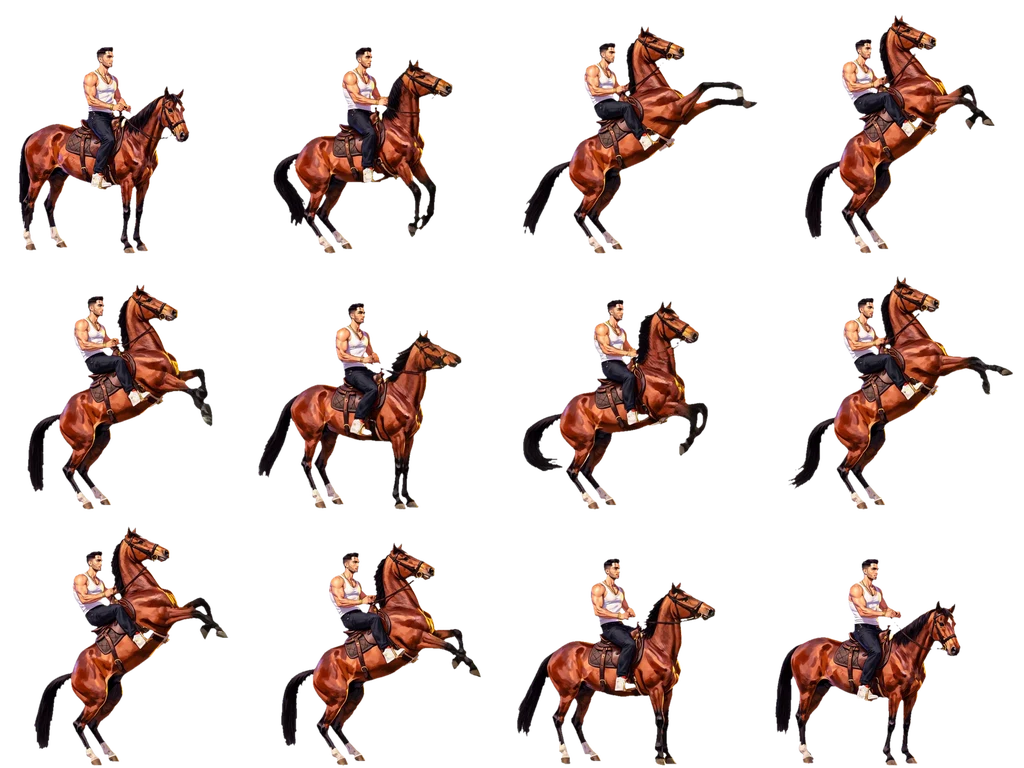
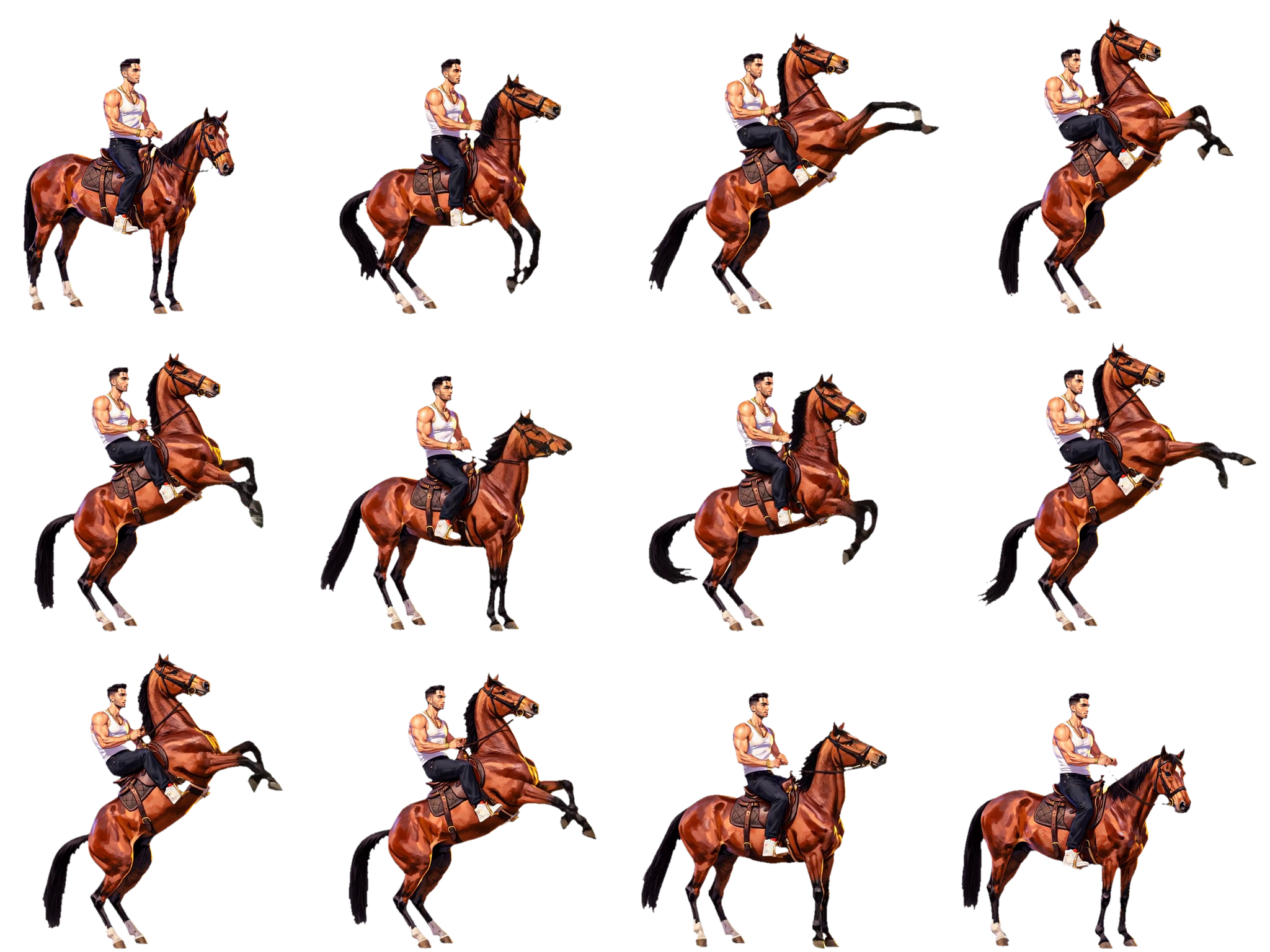
Example 3: Horse Rear, Plain and Pawing
The reference
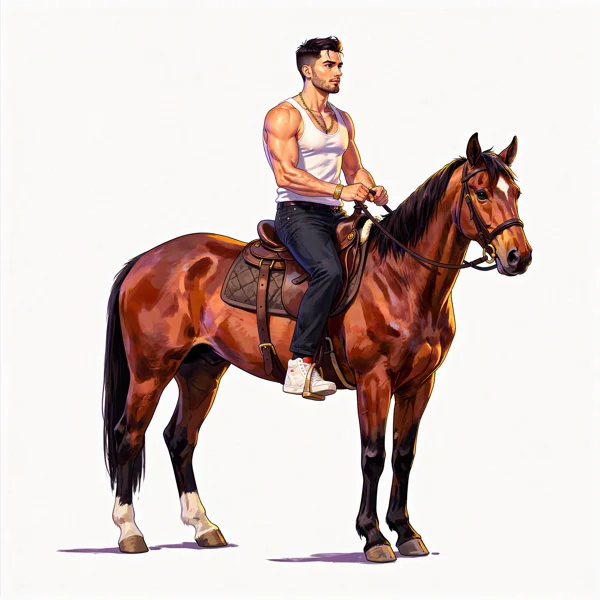
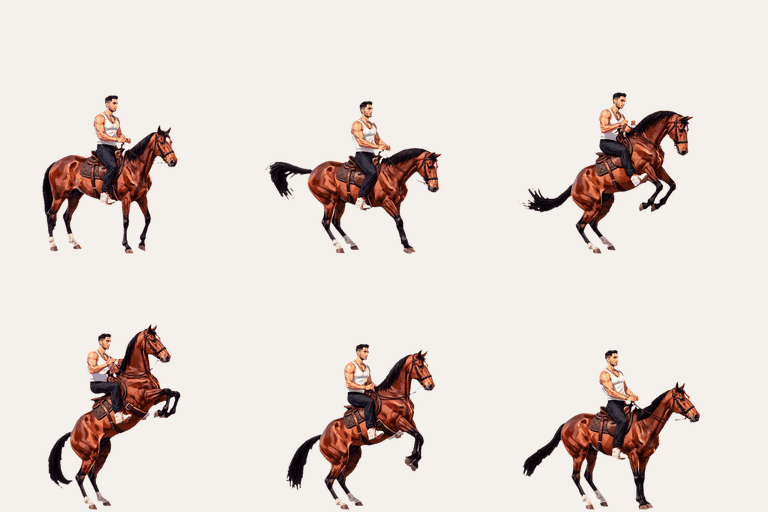
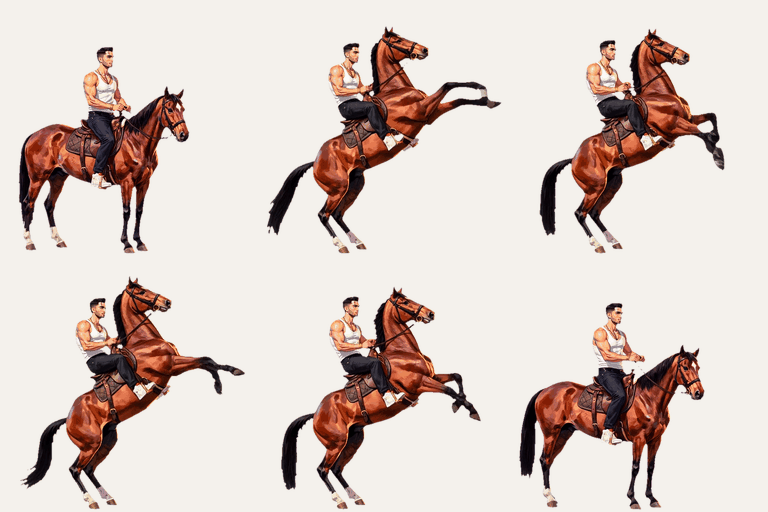
The third example uses a man on a chestnut horse as its reference.
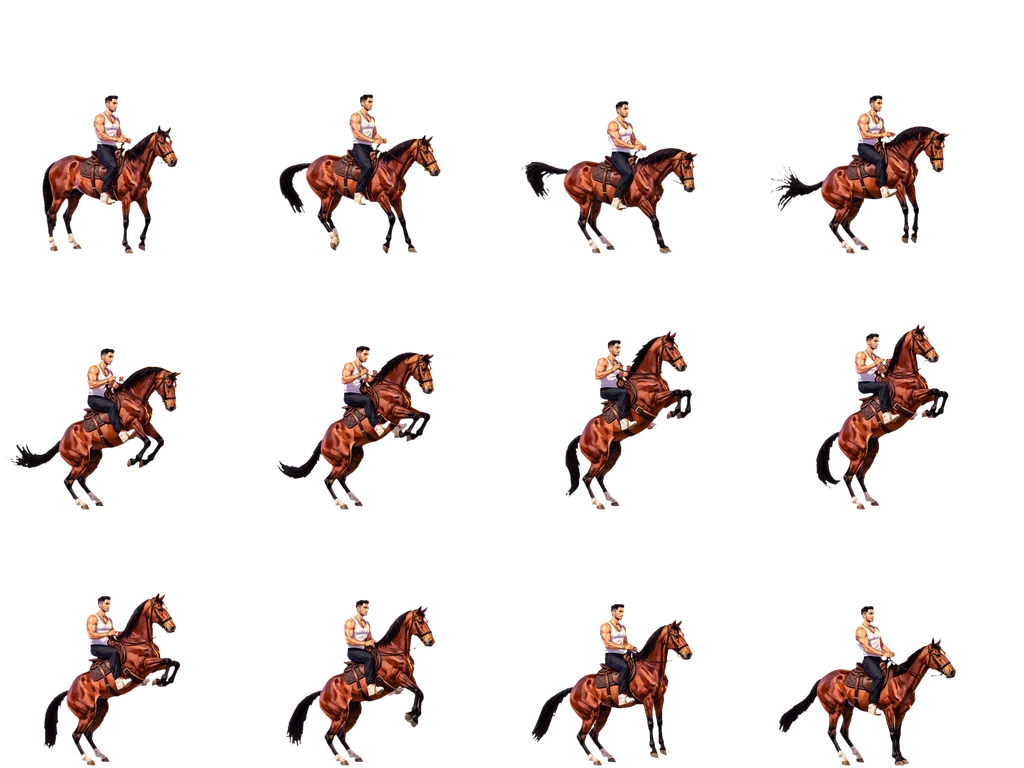
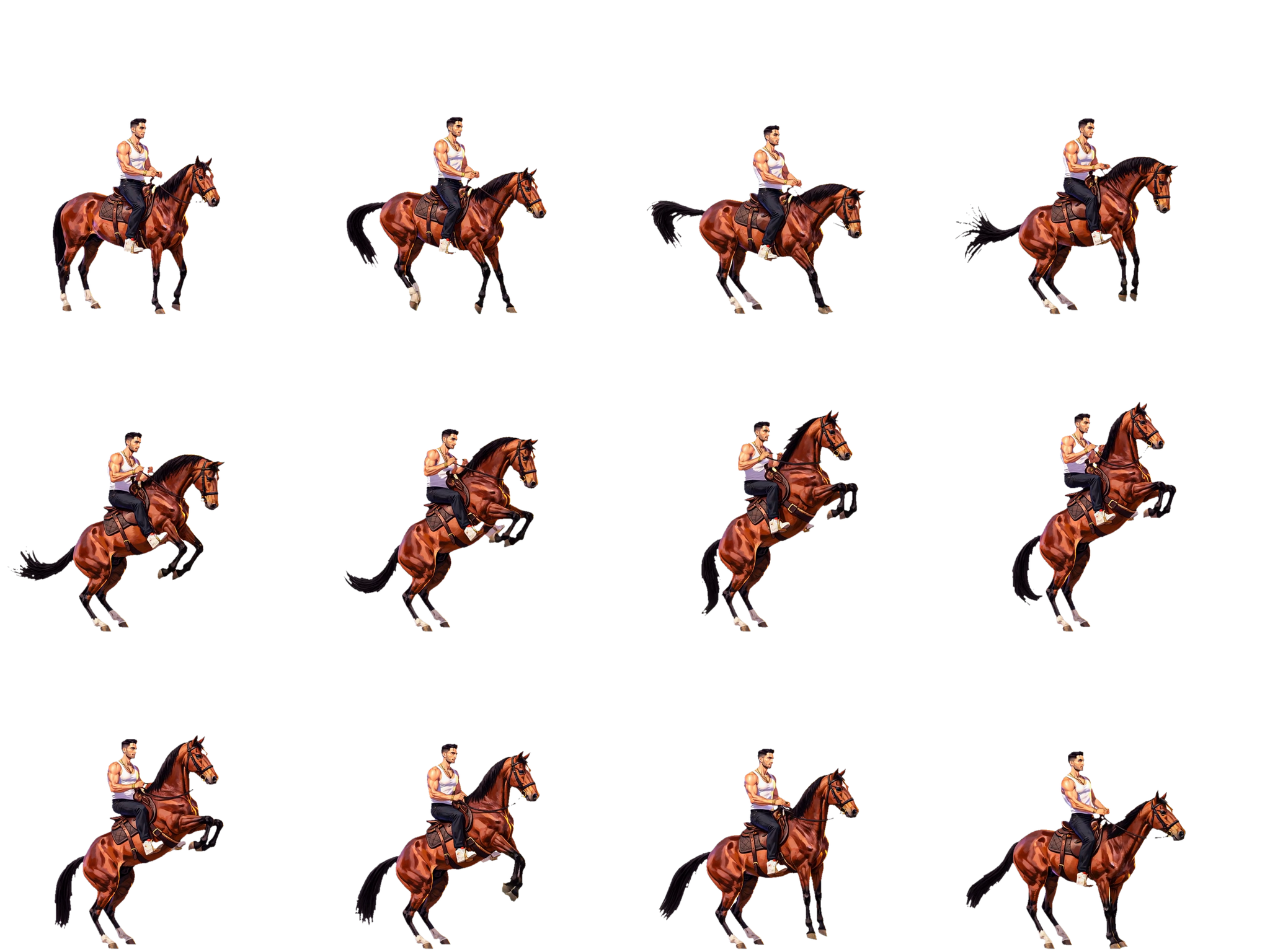
The first action was "rear up, paw the air, come back down." It produced 12 frames, with most of the frames on the rise and descent and only a few at the peak.
I then ran a more energetic version: "rear high and paw and kick the air with both front legs, then come down."
In earlier frame-by-frame experiments, the horse rear needed a workaround. The descending frames had to use the peak frame as a new reference because the standing reference kept turning the descent into a gallop.
Here, the descent follows the rise without that extra step.
Across both sprite sheets, the man's face and tank top stay consistent. The horse's coat, blaze, tack, and tail also hold, and the tail stays inside every frame of both sheets.
How it works, as you see it
- Start with one character reference and name the action: walk, run, idle, attack, jump, or use a custom pose list.
- Named actions go through the V2 agent. If you want exact frame-by-frame control, you can still use a custom pose list through the frame-by-frame workflow.
- Every frame has its background removed, then is cleaned, anchored around the head and chest, and assembled into a sprite sheet with an atlas.
- You get the individual frames, the sheet, the atlas, and a preview loop.
- You can keep the review step or skip it.
What it will not do
- True pixel art. The workflow smooths the edges, so the pixel look stays more like a texture than a strict pixel grid. Plan for a pixelation pass or a hand pass if you need true pixel art.
- Three-quarter views. The reference decides the view, and the frames keep that view through the action.
- Every reference. Some references can be rejected by safety filters if they appear to show a real person. In that case, try a different reference.
Get into the private beta
If you want to make a pixel art animation or a sprite animation from one character, start by generating the reference. Check App packs and API pricing before starting; App credit usage varies by task.
Then ask for access by email, using the address below. There is no form to fill in.
The sprite operation runs on the same key and balance as the rest of DreamLayer's API, CLI and MCP server. The frame-by-frame workflow still works when you want a custom pose list.
For practical questions about frame counts, cell sizes, game engines, sprite sheets, and pixel art, see the game asset page.